
Azure AKS Platform Architecture
Slides + PowerPoint5 slides
Free9 templates
Slides + PowerPoint5 slides
Free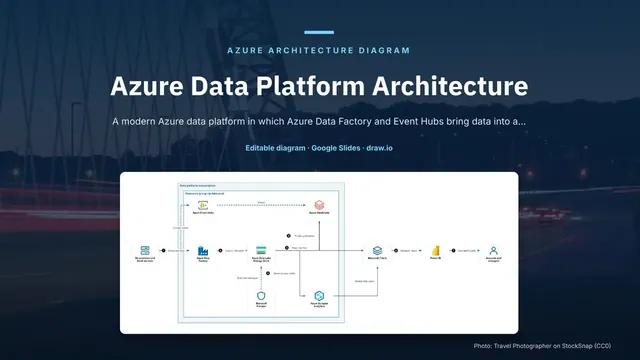
Slides + PowerPoint5 slides
Free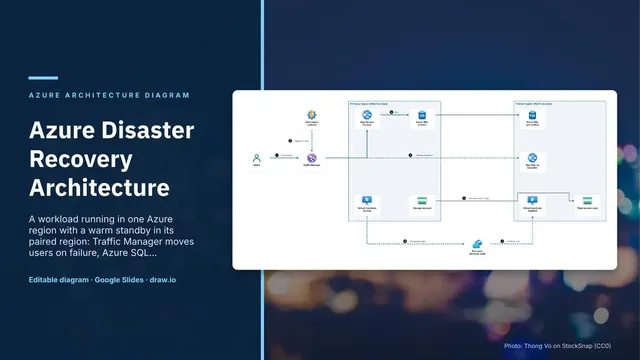
Slides + PowerPoint5 slides
Free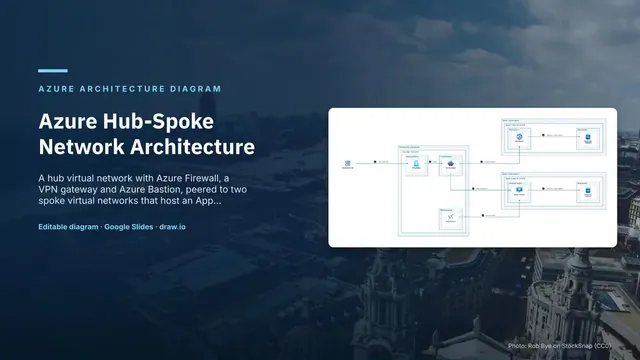
Slides + PowerPoint5 slides
Free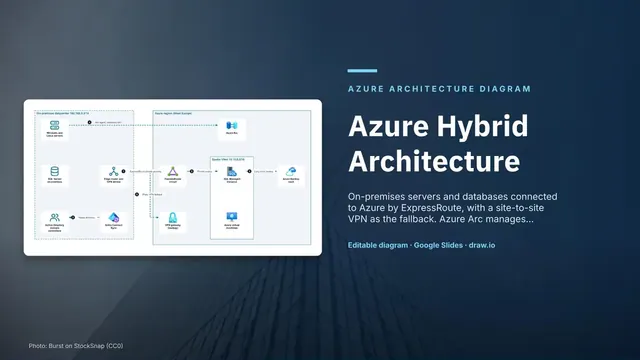
Slides + PowerPoint5 slides
Free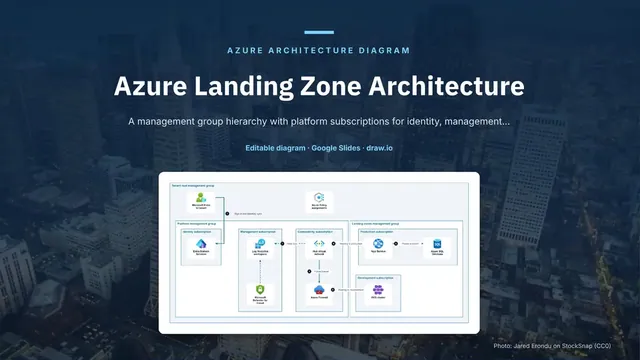
Slides + PowerPoint5 slides
Free
Slides + PowerPoint5 slides
Free
Slides + PowerPoint5 slides
Free
Slides + PowerPoint5 slides
Free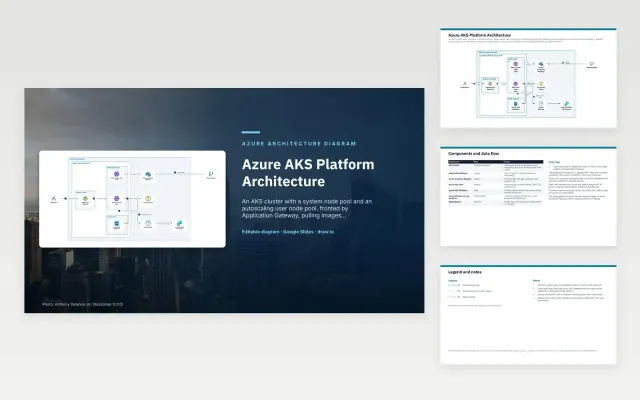 Azure AKS Platform Architecture | 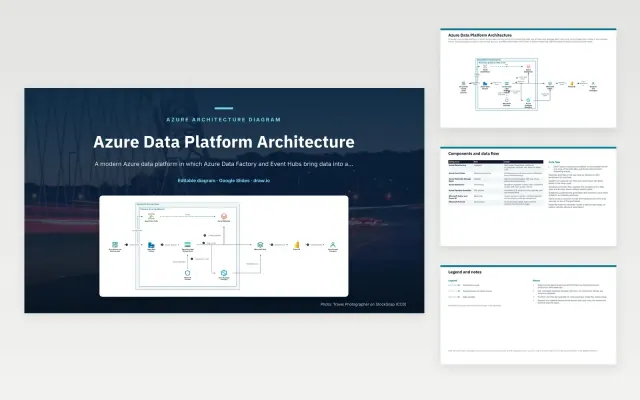 Azure Data Platform Architecture | 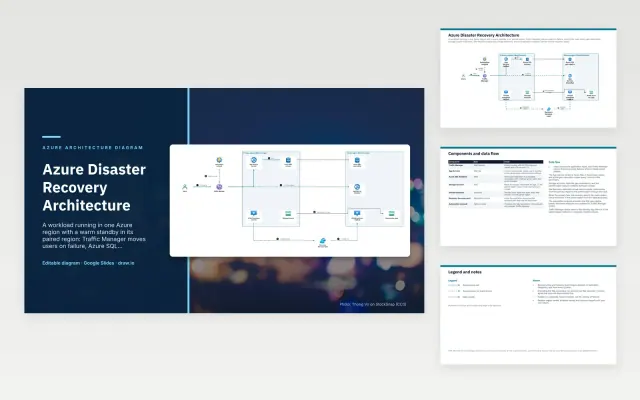 Azure Disaster Recovery Architecture | 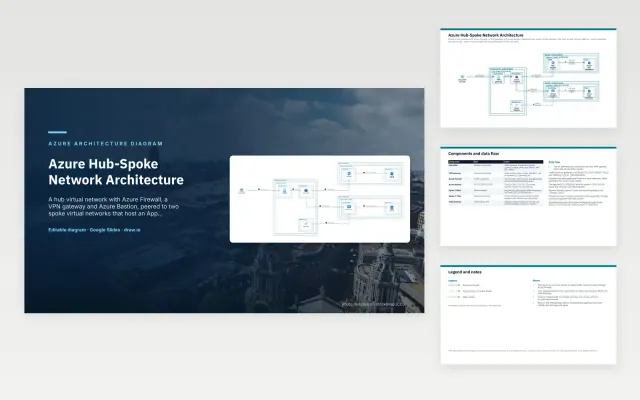 Azure Hub-Spoke Network Architecture | |
|---|---|---|---|---|
| Format | Presentation | Presentation | Presentation | Presentation |
| Works in | Google Slides and PowerPoint | Google Slides and PowerPoint | Google Slides and PowerPoint | Google Slides and PowerPoint |
| Length | 5 slides | 5 slides | 5 slides | 5 slides |
| Style | Not listed | Not listed | Not listed | Not listed |
An Azure architecture diagram shows how a workload is built on Microsoft Azure: subscriptions, virtual networks and subnets, the Azure services inside them and how traffic and data move. It supports design reviews, landing zone planning, security reviews and handover to operations.
Cover management groups or subscriptions as containers, virtual networks, subnets and peering, the Azure services, each with its official icon and name, identity with Microsoft Entra ID, the request and data flow as numbered arrows, and notes on regions, backup and recovery.
Show the hub network and the shared services separately from each workload spoke. It makes ownership clear and shows which teams change which parts.
Compare Azure AKS Platform Architecture, Azure Data Platform Architecture, and Azure Disaster Recovery Architecture, all 5 pages long, then pick the closest match and replace the sample text with your own.
An Azure architecture diagram shows how a workload is built on Microsoft Azure: subscriptions, virtual networks and subnets, the Azure services inside them and how traffic and data move. It supports design reviews, landing zone planning, security reviews and handover to operations.
Include management groups or subscriptions as containers, virtual networks, subnets and peering, the Azure services, each with its official icon and name, identity with Microsoft Entra ID, the request and data flow as numbered arrows, and notes on regions, backup and recovery. Show the hub network and the shared services separately from each workload spoke. It makes ownership clear and shows which teams change which parts.
Microsoft allows its Azure icons in architecture diagrams, training and documentation. Do not crop, flip, rotate or recolour them, and put the product name next to each icon. Azure is a trademark of Microsoft; these templates are not affiliated with Microsoft.
A central hub virtual network holds shared services such as the firewall, VPN gateway and Bastion, and each workload gets its own spoke network peered to the hub, so traffic and security rules are managed in one place.
Start with Azure AKS Platform Architecture: An AKS cluster behind Application Gateway with a WAF, pulling signed images from Container Registry, reading Key Vault secrets and reaching Azure SQL Database over a private endpoint. If that is not the right fit, compare it with Azure Data Platform Architecture.
The templates here are 5 pages long. Cut any section you do not need; each template explains what its sections are for.
Yes. These azure architecture diagram templates work in Google Slides and Microsoft PowerPoint. All 9 templates are free, with no account or email needed.