Architecture Story Talk
Slides + PowerPoint12 slides
Free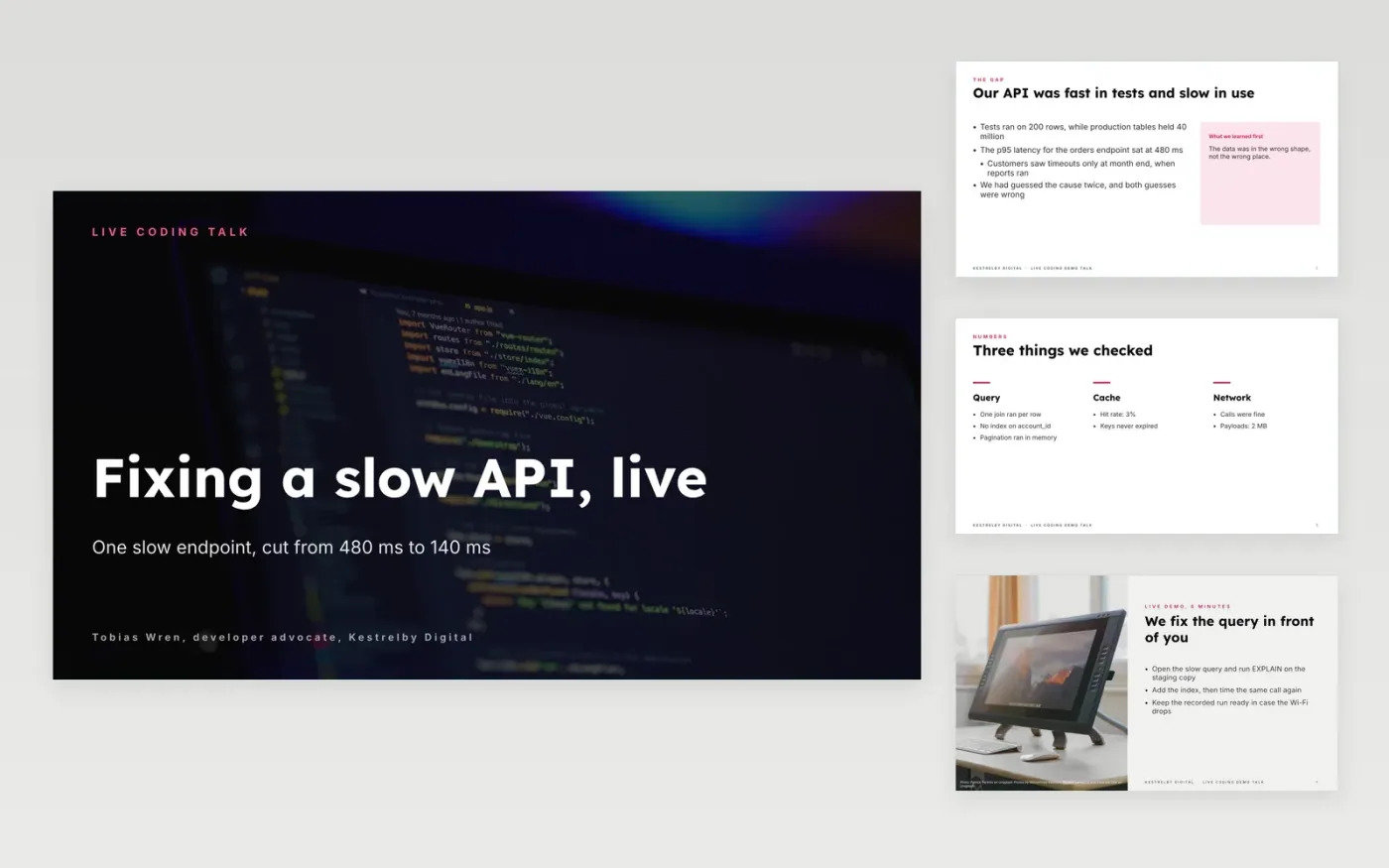
A technical talk lands when the audience can follow one problem from start to finish and leave with something they can reuse. This deck keeps the slides few and short, so the live coding segment carries the argument. It runs from the problem and the story of what we tried, through the key idea and the demo, to the lessons and the links.
The sample talk follows a slow orders endpoint at Kestrelby Digital, a fictional company, from 480 ms to 140 ms. It shows the failed guesses, a benchmark with its hardware and baseline, and a demo with a recorded fallback. Replace the hook, the code, the chart and the links with your own, and check the title against the abstract you submitted.
Click Make a copy in Google Slides, then confirm on the Google page. The copy is saved to your own Google Drive.
Write the talk title and a one-sentence promise on the cover, and check both match the abstract you submitted.
Replace the hook with the real incident, number or surprise that started your project.
Cut each code sample to the smallest fragment that makes your point, and replace the benchmark with your own numbers.
Delete the guide slide, then share the deck or present it, and keep the recorded fallback ready.
A 20 to 30 minute slot works well, at roughly one slide per minute. The sample has ten slides, most of them short, so the live demo gets six minutes and the questions get five.
No. Kestrelby Digital, Tobias Wren, the orders endpoint, the 480 ms and 140 ms timings and the 40 million rows are all fictional sample data. Every email address ends in .example, so swap in your own before sharing.
Switch to the recorded fallback and narrate what the screen would show, then carry on to the lessons. Rehearse that switch twice, because an audience forgives a failed demo far more readily than a long silence.
More Google Slides templatesMore developer workflows templates
Slides + PowerPoint12 slides
Free
Slides + PowerPoint12 slides
Free
Slides + PowerPoint10 slides
Free
Slides + PowerPoint12 slides
Free
Slides + PowerPoint12 slides
Free
Slides + PowerPoint10 slides
Free
Slides + PowerPoint12 slides
Free
Slides + PowerPoint12 slides
Free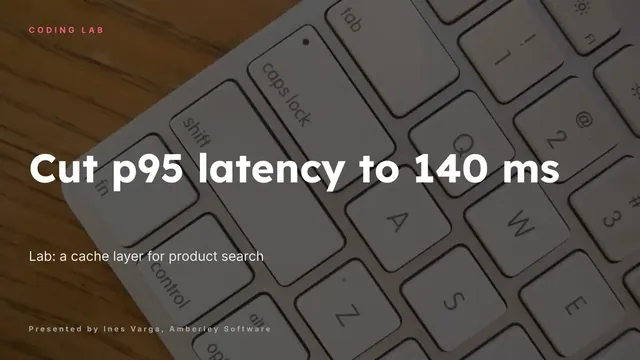
Slides + PowerPoint12 slides
Free
Slides + PowerPoint10 slides
Free










