
Tech Talk Slides
Slides + PowerPoint10 slides
Free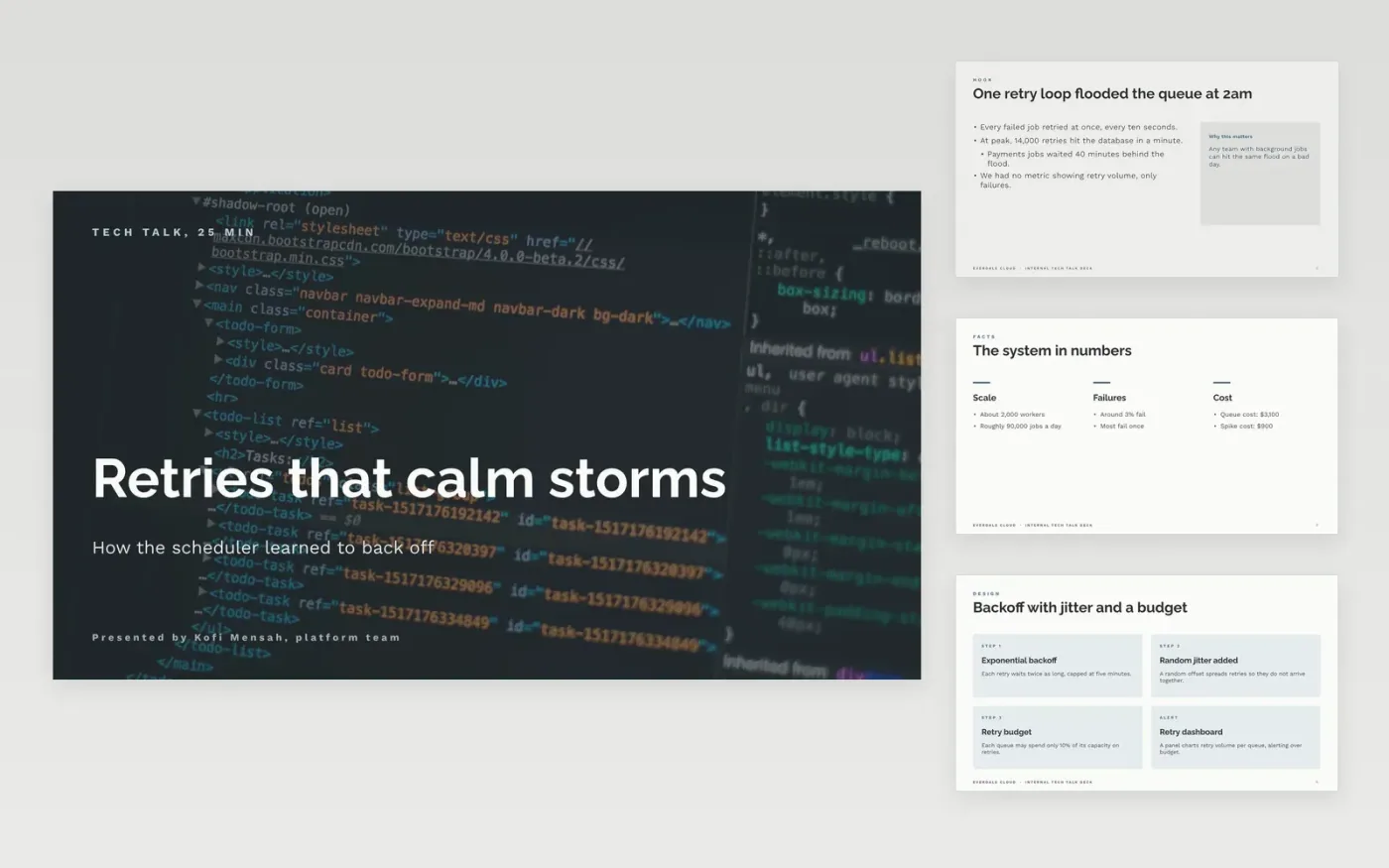
Technical talks often fail in one of two ways: they read the code aloud, or they show only the path that worked. This structure gives a speaker one problem and one story. It moves from the context and the hook to how the system works, the gotchas that broke it along the way, and links to code and notes, then closes with three things to remember. Each section is short enough to present in a few minutes, so the talk fits a meetup slot and leaves room for questions.
The sample is a fictional talk from Everdale Cloud about a retry backoff change in a job scheduler, built around a 2am incident, a retry budget and a dashboard. Replace the hook, numbers, code fragments and links with your own, label every benchmark with its hardware and baseline, and fill the closing slide with your three takeaways.
Click Make a copy in Google Slides, then confirm on the Google page. The copy is saved to your own Google Drive.
Write the talk title and one-sentence promise on the cover, matching your abstract.
Cut each code sample to eight to twelve lines and enlarge it to 24 pt or more.
Replace the benchmark numbers with your own and note the hardware and baseline.
Delete the guide slide, then share the deck or present it from Google Slides.
Twenty to thirty minutes at roughly one slide a minute, then five minutes for questions. For a lightning slot, keep the context and the takeaways, and cut the gotchas to a single slide.
No. Everdale Cloud, Kofi Mensah, the scheduler numbers, the cost figures and the internal links are fictional sample data. Replace them with your own system's facts before you give the talk.
Yes, but always have a recorded fallback ready in case the network or the environment fails. Keep the demo to one scenario you have rehearsed, and link the code it uses on the final slide.
More Google Slides templatesMore developer workflows templates
Slides + PowerPoint10 slides
Free
Slides + PowerPoint10 slides
Free
Slides + PowerPoint12 slides
Free
Slides + PowerPoint12 slides
Free
Slides + PowerPoint12 slides
Free
Slides + PowerPoint10 slides
Free
Slides + PowerPoint12 slides
Free
Slides + PowerPoint12 slides
Free
Slides + PowerPoint12 slides
Free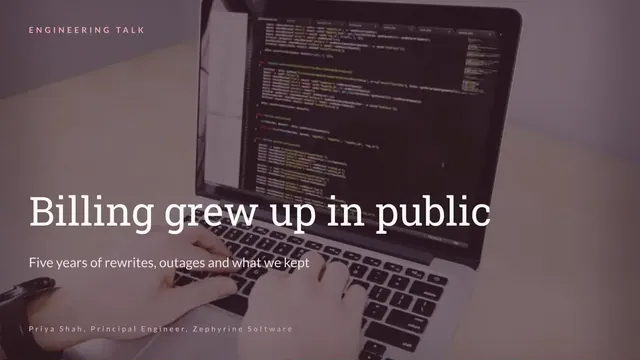
Slides + PowerPoint12 slides
Free










