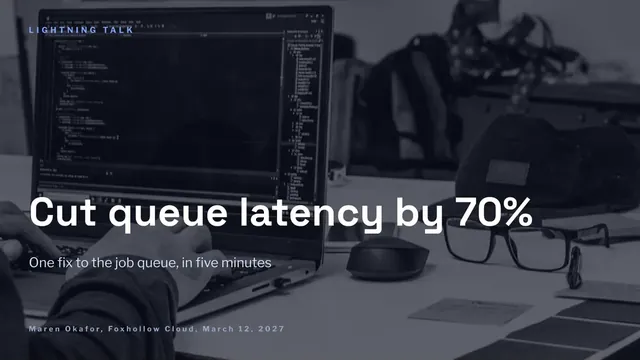
Five-Minute Lightning Talk Deck
Slides + PowerPoint12 slides
Free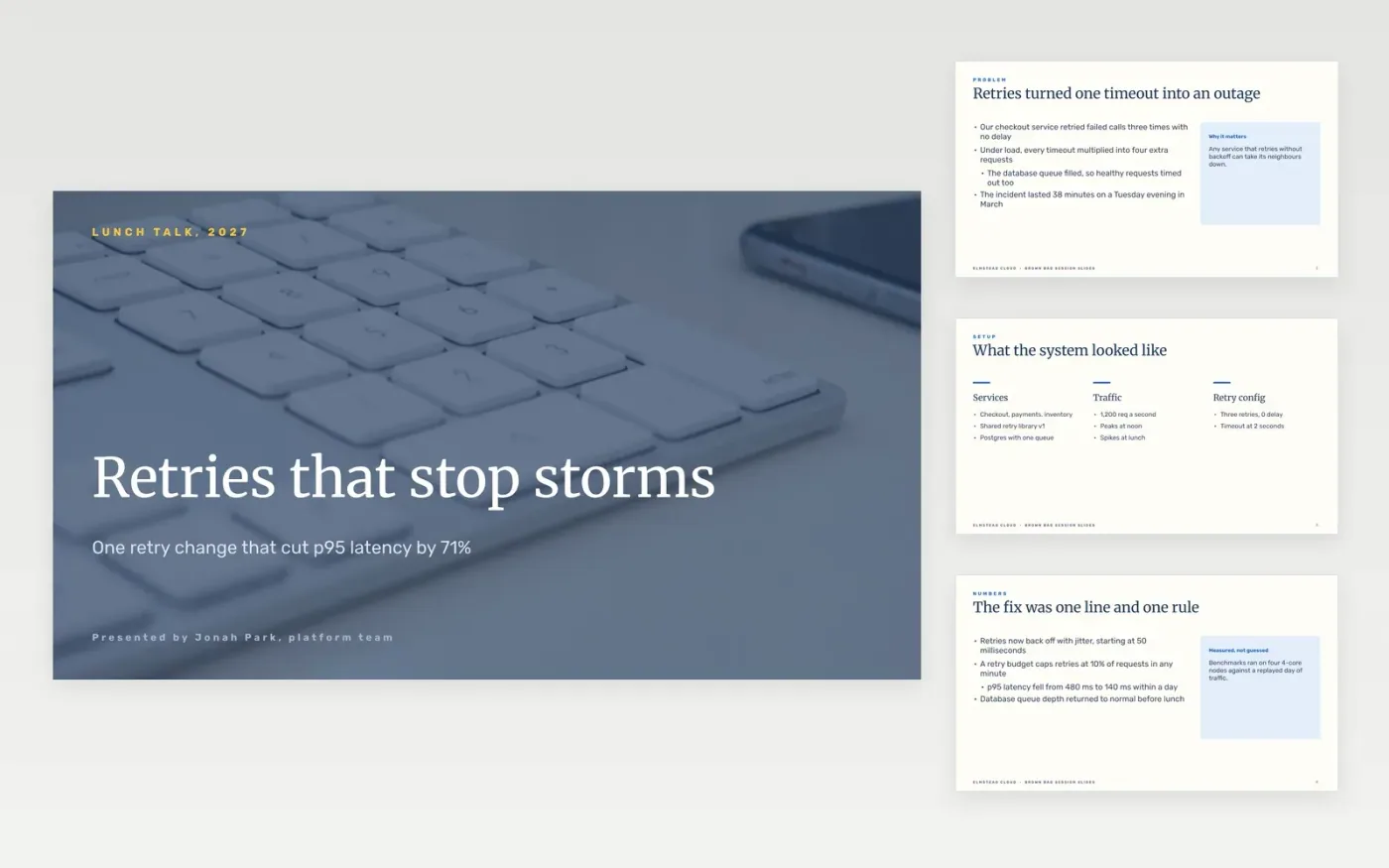
Technical talks lose people when the slides turn into a script, the code is too small to read or the audience never learns what to do differently. This Google Slides deck gives a speaker one problem, one story with its dead ends, a live demo with a recording as backup, and a closing slide of takeaways and links. It is sized for a 20 to 30 minute slot.
The sample follows Elmstead Cloud, a fictional platform team whose retry storm cut checkout latency from 480 ms to 140 ms at p95. The incident, benchmark numbers and repository name are invented sample data. Replace them with your own story and measurements, note the hardware you used, and cut every code sample down to what fits on the screen.
Click Make a copy in Google Slides, then confirm on the Google page. The copy is saved to your own Google Drive.
Write the talk title and a one-sentence promise, then check both match your abstract.
Replace the hook and the benchmark with your own incident and measurements.
Cut each code sample to the smallest fragment that makes your point, and enlarge it.
Delete the guide slide, then present the talk or share the deck with attendees.
Twenty to thirty minutes, at about one slide a minute, leaves time for five minutes of questions. Cut slides before you cut the demo, because the demo is what people remember.
No. Elmstead Cloud, the platform team, the incident, the latency figures and the repository name are fictional sample data. Replace them with your own before you give the talk.
Yes. Record the demo the day before, keep it open in a second tab, and play it if the network or the staging system fails. A short recording is better than an empty slot.
More Google Slides templatesMore developer workflows templates
Slides + PowerPoint12 slides
Free
Slides + PowerPoint12 slides
Free
Slides + PowerPoint10 slides
Free
Slides + PowerPoint12 slides
Free
Slides + PowerPoint10 slides
Free
Slides + PowerPoint10 slides
Free
Slides + PowerPoint12 slides
Free
Slides + PowerPoint12 slides
Free
Slides + PowerPoint12 slides
Free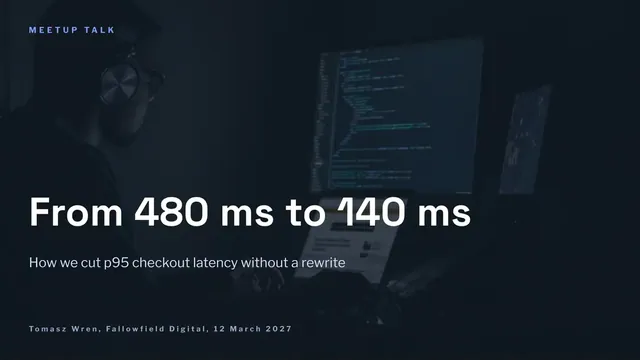
Slides + PowerPoint10 slides
Free










