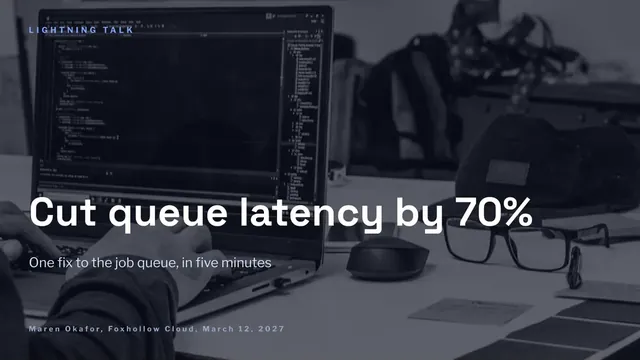
Five-Minute Lightning Talk Deck
Slides + PowerPoint12 slides
Free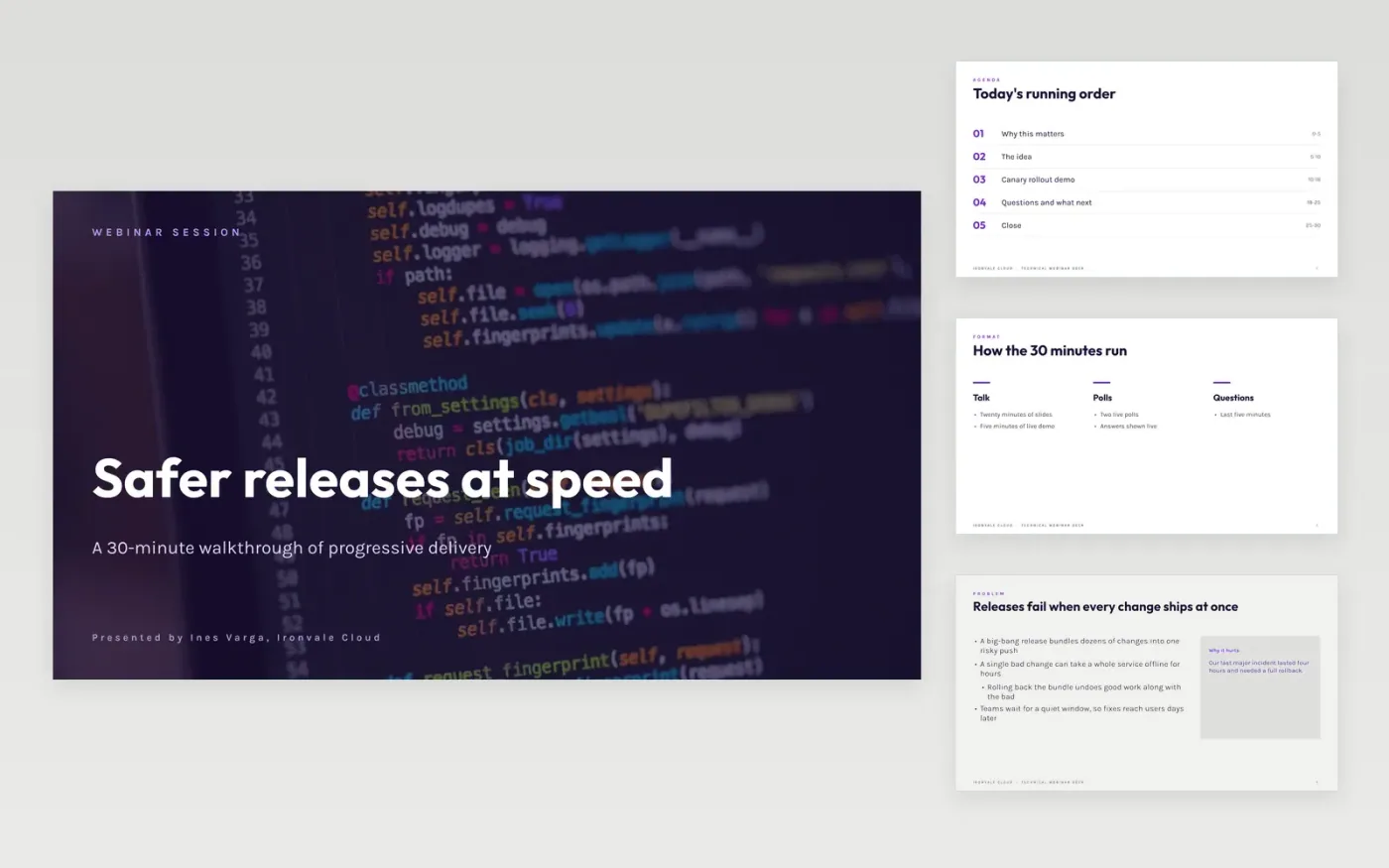
Developer webinars lose people when the talk turns into a list of features, or when a demo fails with no plan B. This template runs a 30-minute session in a set order: the problem, the idea, a live canary demo, a poll, the resources and the questions. Each segment has a time slot on the agenda, so the presenter can keep to time and the audience always knows what comes next.
The sample is for Ironvale Cloud, a fictional company presenting progressive delivery. Its poll numbers, demo steps, costs and links are invented sample data, and the presenter is fictional. Replace the opening hook with your own story, cut each code sample to the fragment that carries the point, and swap the poll and benchmark figures for your own results, with the setup noted beside them.
Click Make a copy in Google Slides, then confirm on the Google page. The copy is saved to your own Google Drive.
Write the talk title and a one-sentence promise on the cover, matching your abstract.
Cut each code sample to the smallest fragment that makes your point, and enlarge it.
Replace the poll and benchmark figures with your own results, and note the setup used.
Delete the guide slide, then present the deck or share it with attendees.
Yes. Click Make a copy and the deck saves to your own Google Drive, where you can change every slide. Ironvale Cloud, the presenter, the poll results and the demo figures are fictional and are included as sample content.
Plan about five minutes of live demo in a 30-minute session, with a recorded fallback ready in case the network or the environment fails. Show one clear change from start to finish rather than a tour of the whole system.
Put your three takeaways and your repository or resource links on the closing slide, and leave it on screen during questions. Attendees who remember three things are more likely to try the idea than those who saw a long list of features.
More Google Slides templatesMore developer workflows templates
Slides + PowerPoint12 slides
Free
Slides + PowerPoint12 slides
Free
Slides + PowerPoint10 slides
Free
Slides + PowerPoint12 slides
Free
Slides + PowerPoint12 slides
Free
Slides + PowerPoint10 slides
Free
Slides + PowerPoint10 slides
Free
Slides + PowerPoint12 slides
Free
Slides + PowerPoint12 slides
Free
Slides + PowerPoint10 slides
Free










