
Google Cloud BigQuery Analytics Architecture
Slides + PowerPoint5 slides
Free4 templates
Slides + PowerPoint5 slides
Free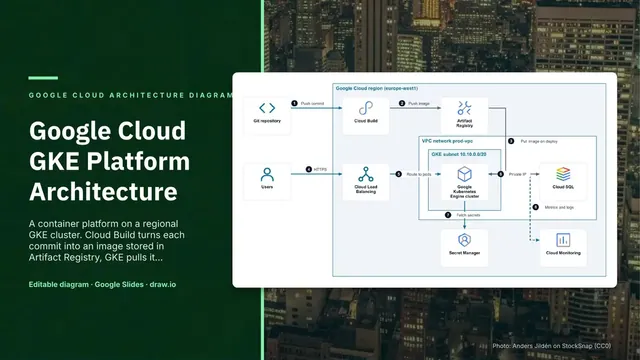
Slides + PowerPoint5 slides
Free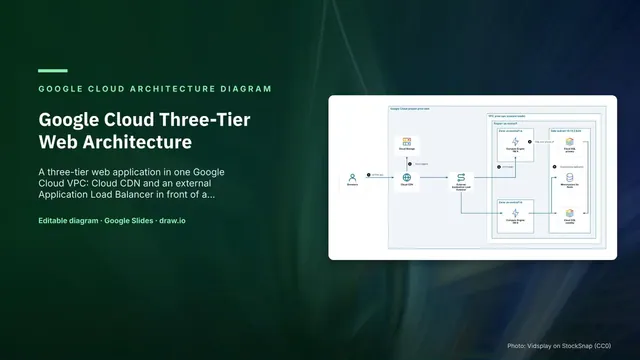
Slides + PowerPoint5 slides
Free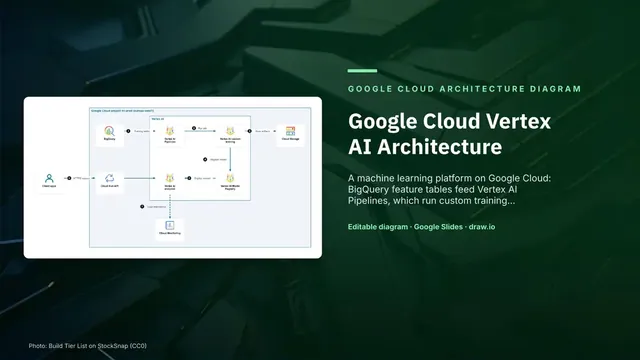
Slides + PowerPoint5 slides
Free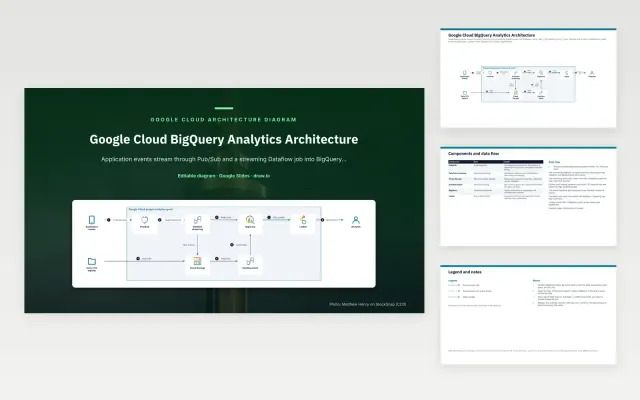 Google Cloud BigQuery Analytics Architecture | 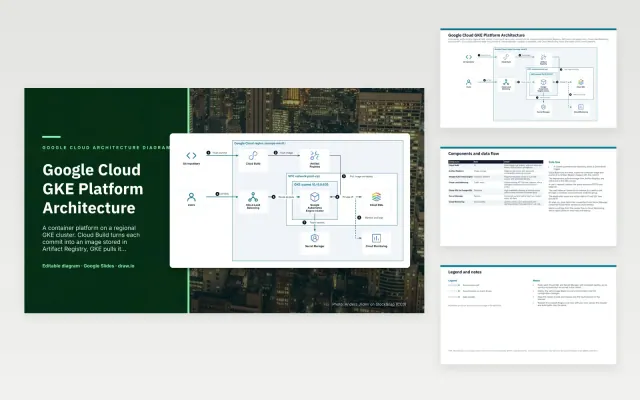 Google Cloud GKE Platform Architecture | 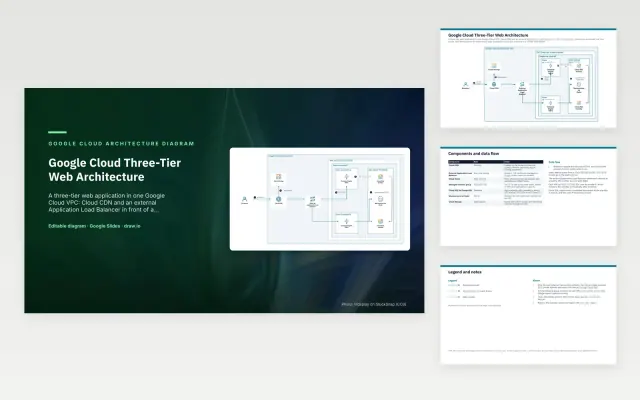 Google Cloud Three-Tier Web Architecture | 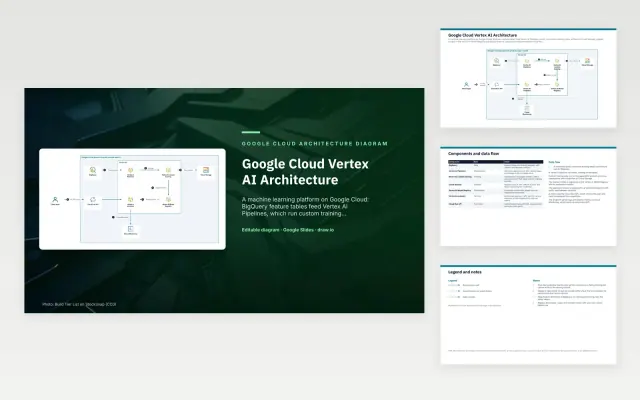 Google Cloud Vertex AI Architecture | |
|---|---|---|---|---|
| Format | Presentation | Presentation | Presentation | Presentation |
| Works in | Google Slides and PowerPoint | Google Slides and PowerPoint | Google Slides and PowerPoint | Google Slides and PowerPoint |
| Length | 5 slides | 5 slides | 5 slides | 5 slides |
| Style | Not listed | Not listed | Not listed | Not listed |
A Google Cloud architecture diagram shows how a workload runs on Google Cloud: the project, region and VPC network, the services such as GKE, Cloud Run, BigQuery or Vertex AI, and how requests and data flow between them. It is used for design reviews, migrations and onboarding.
Cover the project, region and VPC network as containers, zones and subnets where they matter, the Google Cloud services with their icons and names, users, data sources and external systems, the request and data flow as numbered arrows, and notes on scaling, security and cost.
Group services by project as well as by network. On Google Cloud, permissions and billing follow the project, so the reader needs to see which project each service belongs to.
Compare Google Cloud BigQuery Analytics Architecture, Google Cloud GKE Platform Architecture, and Google Cloud Three-Tier Web Architecture, all 5 pages long, then pick the closest match and replace the sample text with your own.
A Google Cloud architecture diagram shows how a workload runs on Google Cloud: the project, region and VPC network, the services such as GKE, Cloud Run, BigQuery or Vertex AI, and how requests and data flow between them. It is used for design reviews, migrations and onboarding.
Include the project, region and VPC network as containers, zones and subnets where they matter, the Google Cloud services with their icons and names, users, data sources and external systems, the request and data flow as numbered arrows, and notes on scaling, security and cost. Group services by project as well as by network. On Google Cloud, permissions and billing follow the project, so the reader needs to see which project each service belongs to.
Google provides its Google Cloud icons for referring to its products, for example in architecture diagrams. Keep them unchanged and label each one. Google Cloud is a trademark of Google LLC; these templates are not affiliated with Google.
Start with Google Cloud BigQuery Analytics Architecture: Application events stream through Pub/Sub into BigQuery, while daily CSV exports land in Cloud Storage and load through a batch job. Looker reads BigQuery for analyst dashboards. If that is not the right fit, compare it with Google Cloud GKE Platform Architecture.
The templates here are 5 pages long. Cut any section you do not need; each template explains what its sections are for.
Yes. These gcp architecture diagram templates work in Google Slides and Microsoft PowerPoint. All 4 templates are free, with no account or email needed.