
API Changelog
Docs + Word6 pages
Free5 templates
Docs + Word6 pages
Free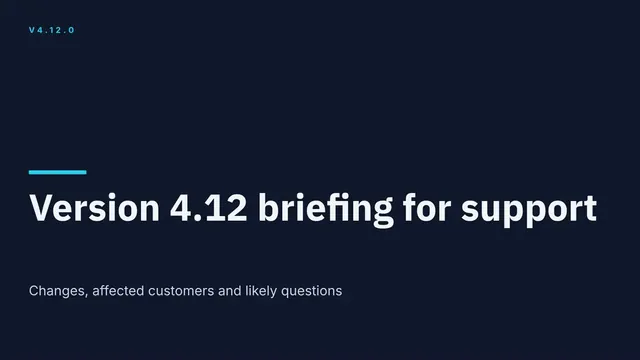
Slides + PowerPoint12 slides
Free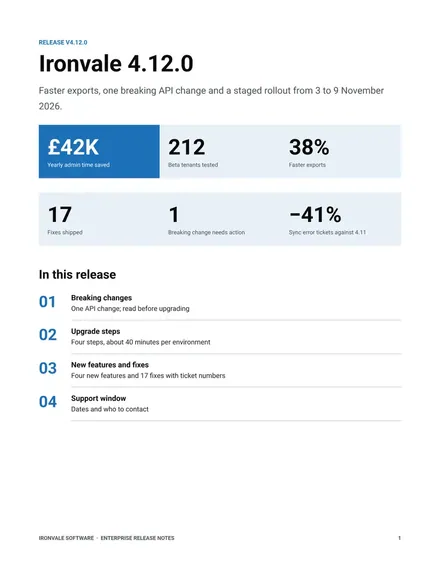
Docs + Word8 pages
Free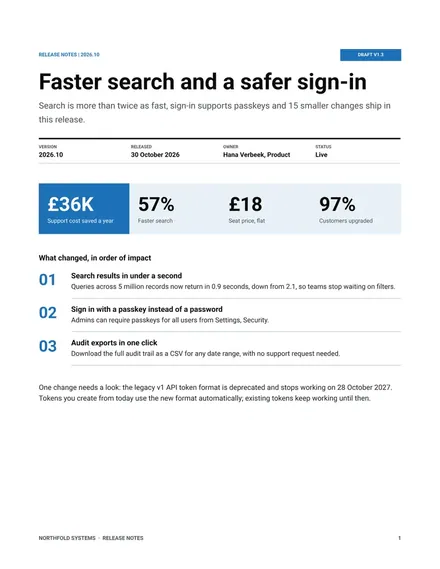
Docs + Word7 pages
Free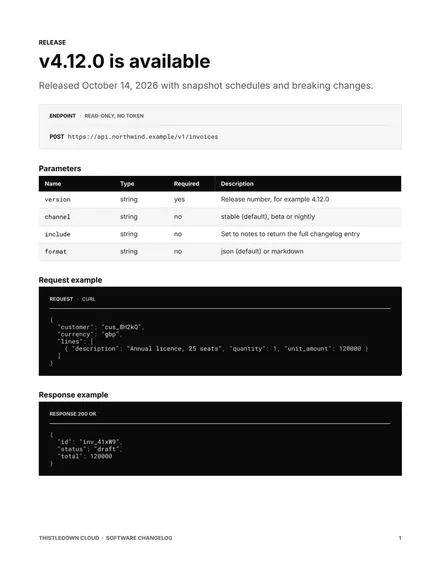
Docs + Word9 pages
Free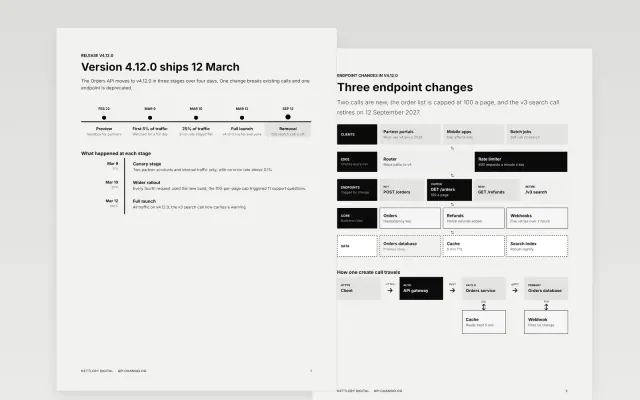 API Changelog | 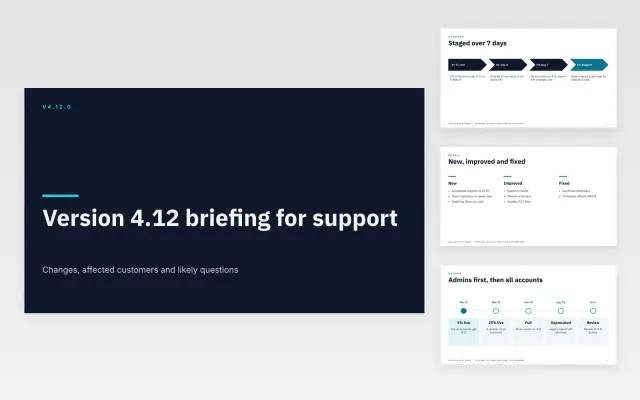 Internal Release Briefing for Support | 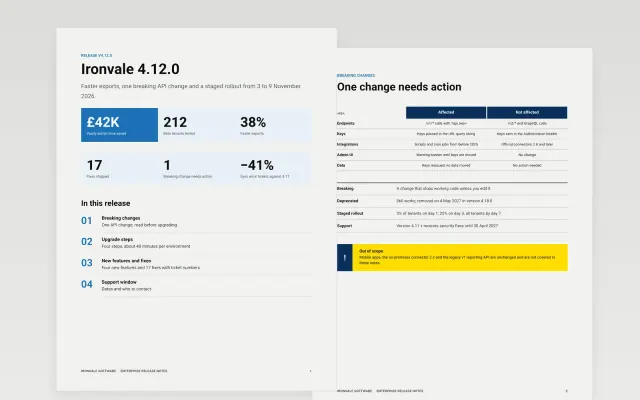 Enterprise Release Notes | 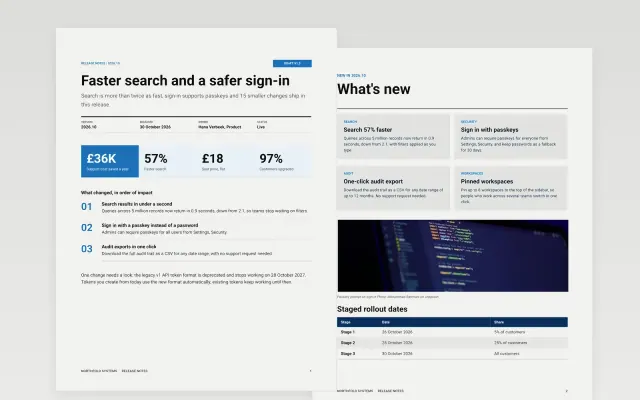 Release Notes | |
|---|---|---|---|---|
| Format | Document | Presentation | Document | Document |
| Works in | Google Docs and Word | Google Slides and PowerPoint | Google Docs and Word | Google Docs and Word |
| Length | 6 pages | 12 slides | 8 pages | 7 pages |
| Style | Minimal | Modern | Corporate | Corporate |
Release notes tell users and teams what changed in a new version of a product, including new features, fixes and anything they need to do.
Cover the version and date, new features, improvements, bug fixes, breaking changes, and any action users must take.
Describe what changed for the user, not the internal work behind it, and put breaking changes first.
Compare API Changelog, Internal Release Briefing for Support, and Enterprise Release Notes, all 6 to 12 pages long, then pick the closest match and replace the sample text with your own.
Release notes tell users and teams what changed in a new version of a product, including new features, fixes and anything they need to do.
Include the version and date, new features, improvements, bug fixes, breaking changes, and any action users must take. Describe what changed for the user, not the internal work behind it, and put breaking changes first.
Start with API Changelog: Tell integrators what changed in your API, what breaks and when, and how to move, in a six-page release note. If that is not the right fit, compare it with Internal Release Briefing for Support.
The templates here are 6 to 12 pages long. Cut any section you do not need; each template explains what its sections are for.
Yes. These release notes templates work in Google Docs, Microsoft Word, Google Slides, and Microsoft PowerPoint. All 5 templates are free, with no account or email needed.