
Threat Model Diagram
Slides + PowerPoint5 slides
Free2 templates
Slides + PowerPoint5 slides
Free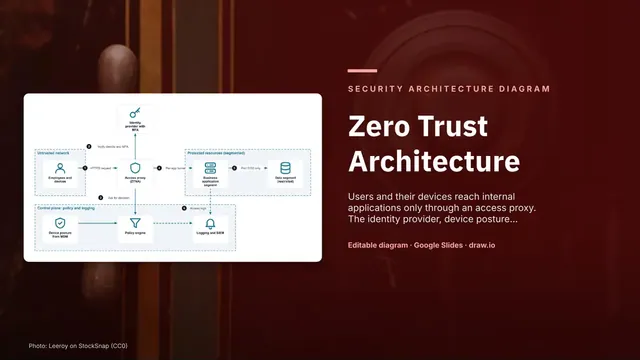
Slides + PowerPoint5 slides
Free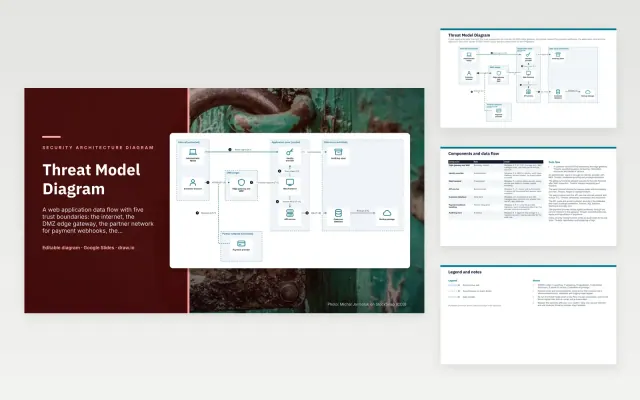 Threat Model Diagram | 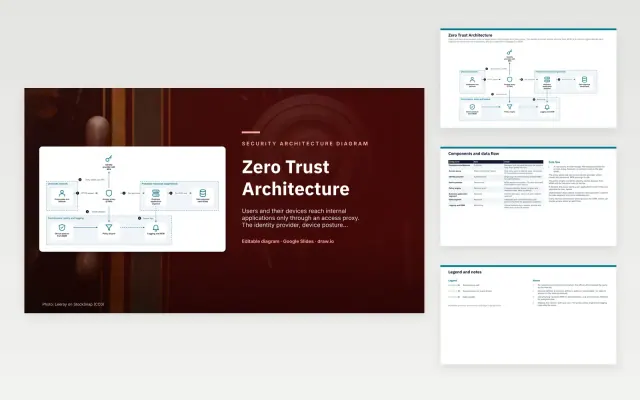 Zero Trust Architecture | |
|---|---|---|
| Format | Presentation | Presentation |
| Works in | Google Slides and PowerPoint | Google Slides and PowerPoint |
| Length | 5 slides | 5 slides |
| Style | Not listed | Not listed |
A security architecture diagram shows how a system is protected: trust boundaries, identity checks, where data is encrypted and where threats are controlled. Threat model and zero trust diagrams are used in security reviews, audits and risk assessments.
Cover trust boundaries between networks and zones, users, devices and how they are verified, the policy decision and enforcement points, sensitive data stores and how they are protected, threats marked on the flows they affect, and logging and monitoring of access.
Mark every place data crosses a trust boundary. Those crossings are where most threats live, and reviewers will ask how each one is authenticated and encrypted.
Compare Threat Model Diagram and Zero Trust Architecture, all 5 pages long, then pick the closest match and replace the sample text with your own.
A security architecture diagram shows how a system is protected: trust boundaries, identity checks, where data is encrypted and where threats are controlled. Threat model and zero trust diagrams are used in security reviews, audits and risk assessments.
Include trust boundaries between networks and zones, users, devices and how they are verified, the policy decision and enforcement points, sensitive data stores and how they are protected, threats marked on the flows they affect, and logging and monitoring of access. Mark every place data crosses a trust boundary. Those crossings are where most threats live, and reviewers will ask how each one is authenticated and encrypted.
STRIDE is a checklist of threat types: spoofing, tampering, repudiation, information disclosure, denial of service and elevation of privilege. You walk through each element of the diagram and note which apply and how they are mitigated.
It shows that no request is trusted by default: every user and device is verified by an identity provider and device checks, a policy engine decides each request, and an access proxy lets through only what is allowed, with everything logged.
Start with Threat Model Diagram: A web application data flow across five trust boundaries, with STRIDE threat codes on each flow and the controls that mitigate them at the gateway, API, identity and data layers. If that is not the right fit, compare it with Zero Trust Architecture.
The templates here are 5 pages long. Cut any section you do not need; each template explains what its sections are for.
Yes. These security architecture diagram templates work in Google Slides and Microsoft PowerPoint. All 2 templates are free, with no account or email needed.