Postmortem Review Deck
Slides + PowerPoint12 slides
Free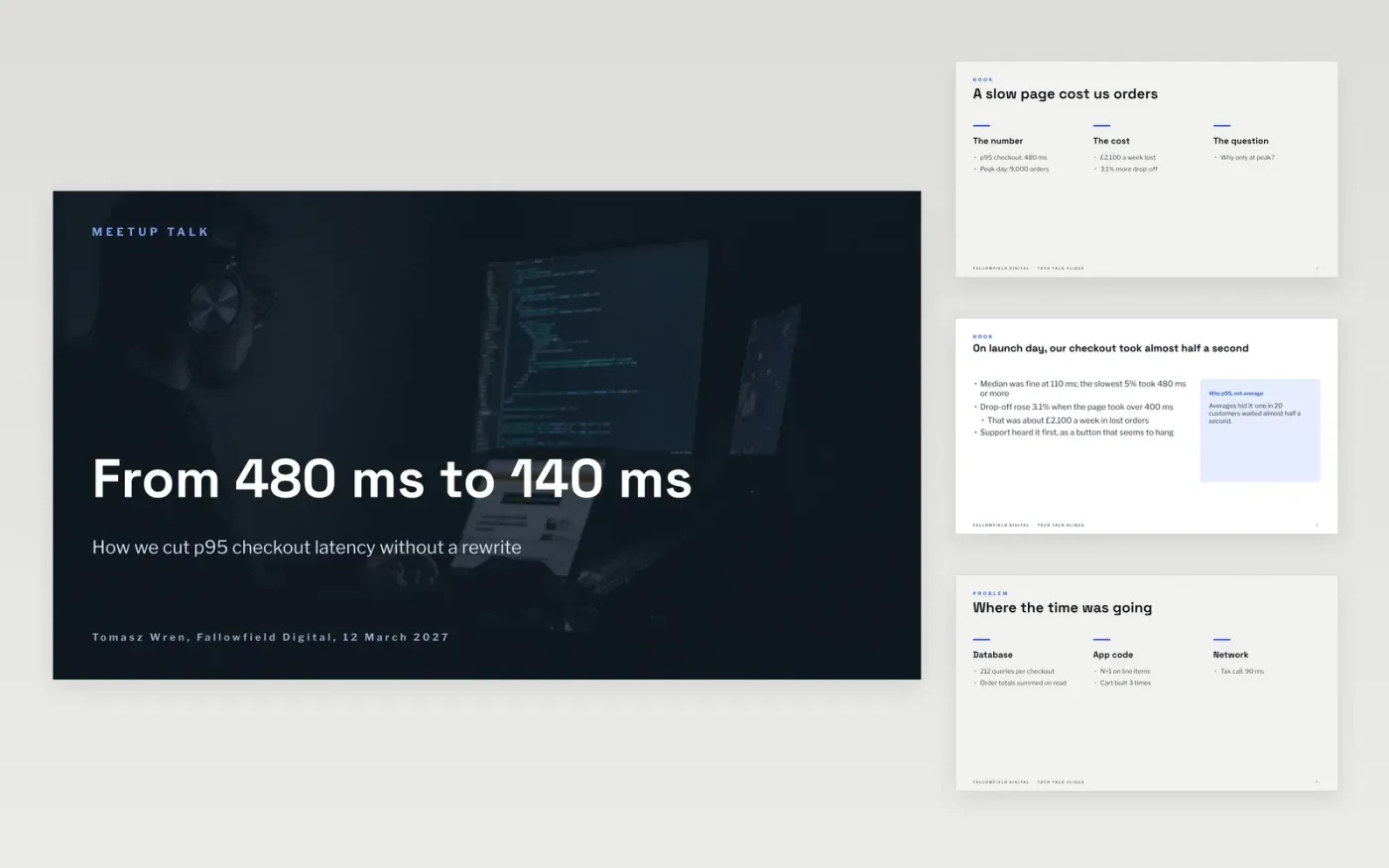
Many technical talks fail because the slides are the script, the code is unreadable from the back and only the successful path is shown. This deck gives a speaker a structure that works: a hook with a real number, the problem and why it was hard, a journey that includes the failed attempts, guidance on code slides and lessons the audience can apply. It fits roughly one slide a minute.
The sample is a talk by a fictional engineer at Fallowfield Digital on cutting checkout p95 latency from 480 ms to 140 ms, with a cost saving of 35% and the hardware noted. Replace the title and promise, the hook incident, the journey, the benchmark environment and your three lessons, and cut every code sample to the smallest fragment that makes your point.
Click Make a copy in Google Slides, then confirm on the Google page. The copy is saved to your own Google Drive.
Write the talk title and a one-sentence promise on the cover, and check they match the abstract you submitted.
Replace the hook with the real incident, number or surprise that started your project, and add the environment to your benchmark.
Cut each code sample to the smallest fragment that makes your point, enlarge it, and put your lessons and repository link on the last slide.
Delete the guide slide, then share the deck or present it.
About one slide a minute is a good guide, so 20 to 30 slides. This deck shows the structure in ten; add code, chart and demo slides between the sections as needed.
Eight to twelve lines at 24 pt or larger. If the back row cannot read it, cut it down or show the before and after as two separate slides.
No. The organisation, people and figures are fictional sample data. Replace every name, email address, benchmark and number with your own before presenting.
More Google Slides templatesMore developer workflows templates
Slides + PowerPoint12 slides
Free
Docs + Word14 pages
Free
Slides + PowerPoint14 slides
Free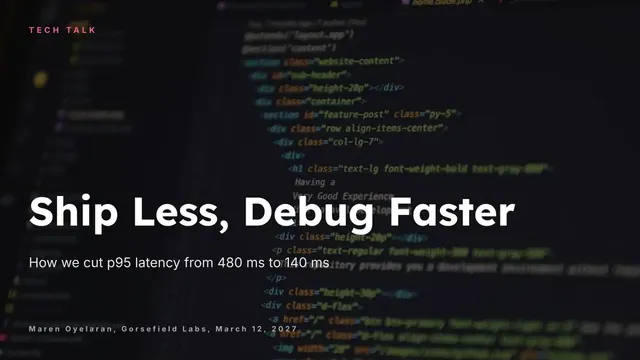
Slides + PowerPoint10 slides
Free
Slides + PowerPoint12 slides
Free










