
Annual Report
Docs + Word6 pages
FeaturedFree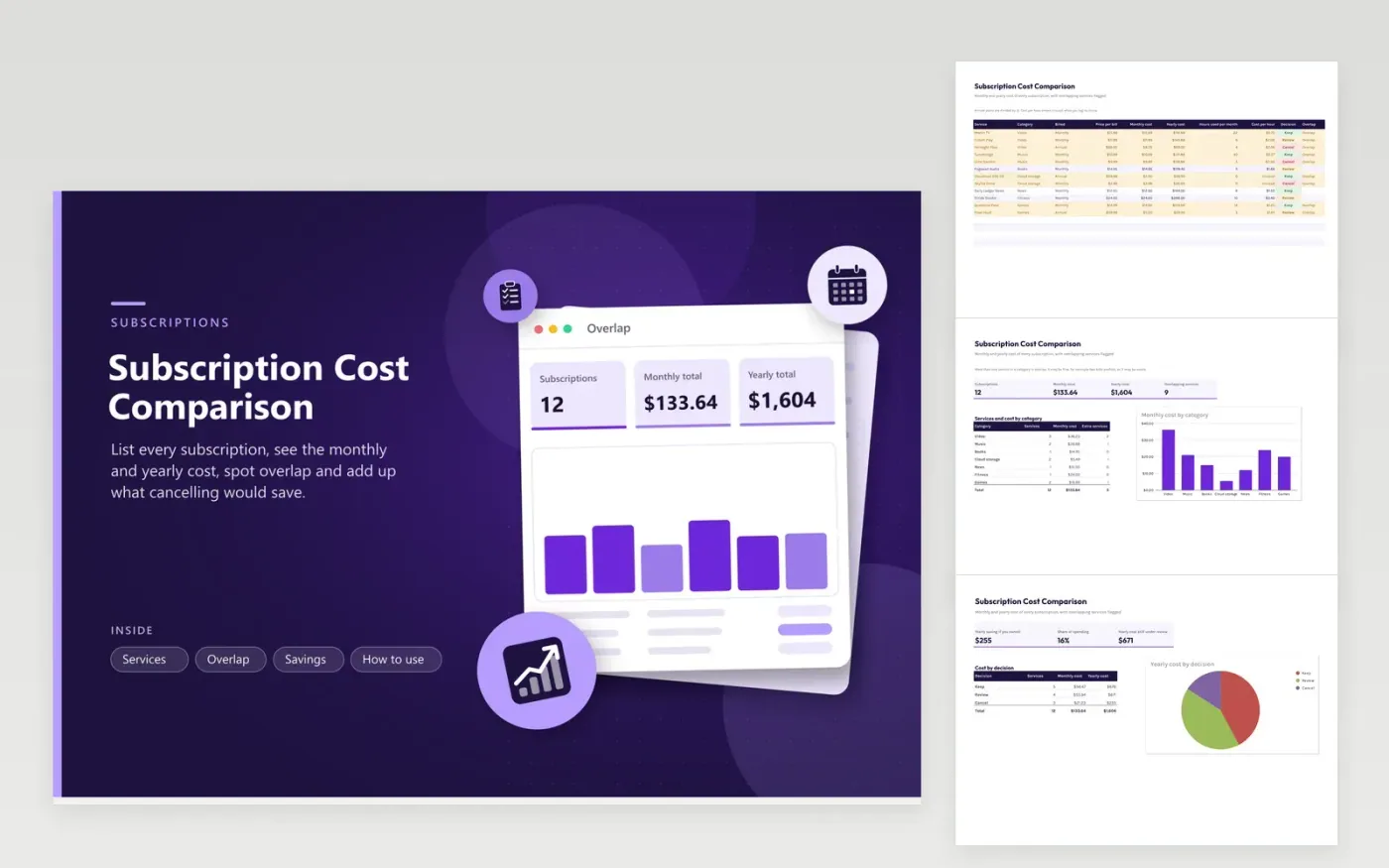
Subscriptions hide in small amounts, and annual plans hide in a single charge. The Services tab records each subscription by category, billing period and price, and converts annual plans into a monthly cost. Add the hours you use each service per month and the sheet shows the cost per hour, or Unused when it is zero. Choose Keep, Review or Cancel for each.
The Overlap tab groups services by category, such as video, music and cloud storage, and counts the extras beyond the first in each. The Savings tab totals the yearly saving from everything marked Cancel and the cost still under review, and a pie chart splitting yearly spending by decision. The twelve sample services have invented names.
Click Make a copy in Google Sheets, then confirm on the Google page. The copy is saved to your own Google Drive.
Start on the Services tab: replace the sample rows with your own.
Keep the formula columns as they are; they fill in as you type.
Read the How to use tab for tips. For Excel, download the .xlsx file instead.
List every recurring charge from your bank and card statements with its price and billing period. The sheet converts annual plans to a monthly figure and totals both monthly and yearly cost.
The Overlap tab counts services in each category. A category with more than one service is flagged so you can decide whether you need both.
It divides the monthly cost by the hours you use the service. A high cost per hour suggests a service that is worth reviewing.
Docs + Word6 pages
FeaturedFree
Excel
FeaturedFree
Sheets + Excel5 tabs
Free
Sheets + Excel6 tabs
Free
Sheets + Excel7 tabs
Free
Sheets + Excel6 tabs
Free
Sheets + Excel5 tabs
Free
Sheets + Excel5 tabs
Free
Sheets + Excel4 tabs
Free
Sheets + Excel5 tabs
Free
Sheets + Excel5 tabs
Free
Sheets + Excel5 tabs
Free
Sheets + Excel5 tabs
Free
Sheets + Excel4 tabs
Free
Sheets + Excel4 tabs
Free








