
Business Expense Tracker
Sheets + Excel3 slides
Free4 templates
Sheets + Excel3 slides
Free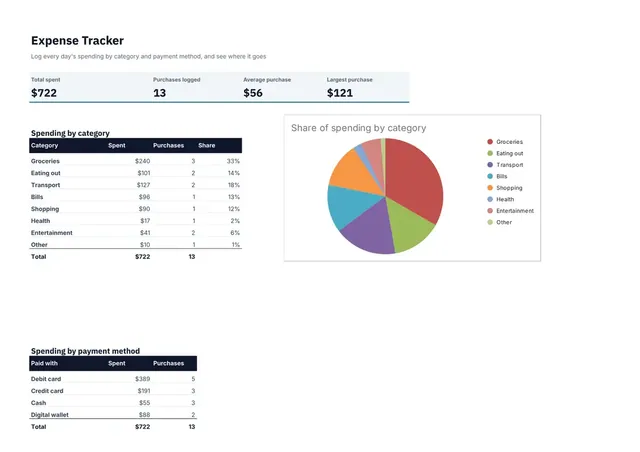
Sheets + Excel3 slides
Free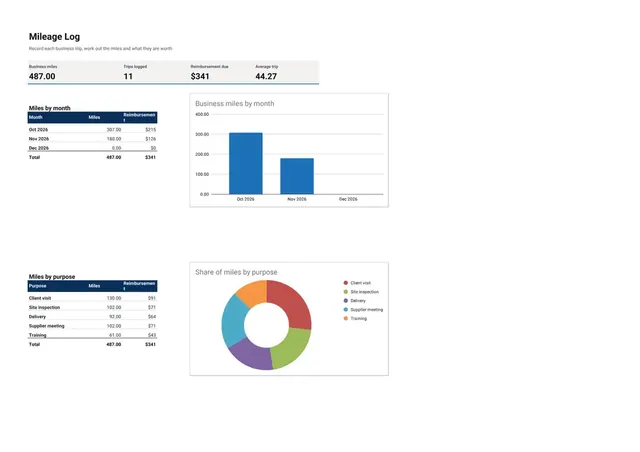
Sheets + Excel3 slides
Free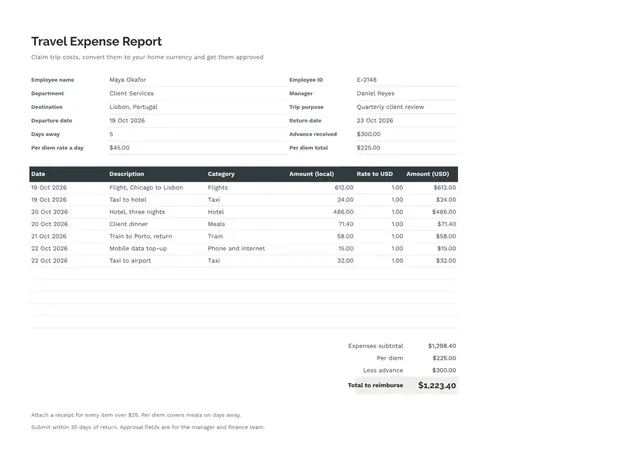
Sheets + Excel3 slides
Free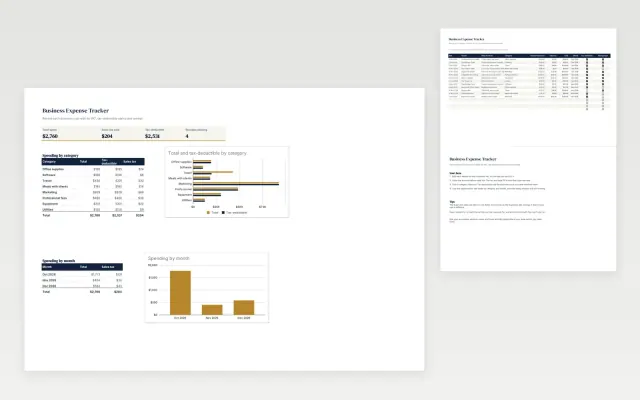 Business Expense Tracker | 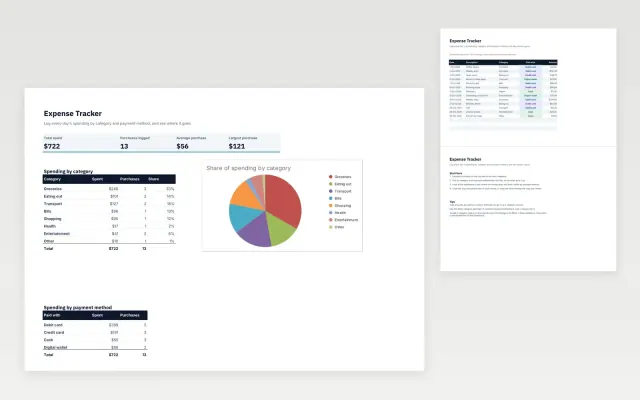 Expense Tracker | 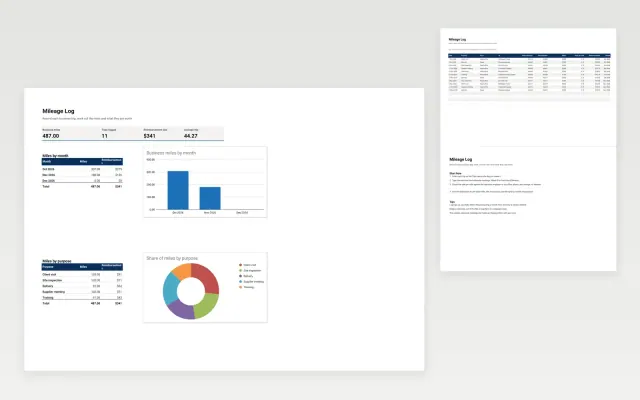 Mileage Log | 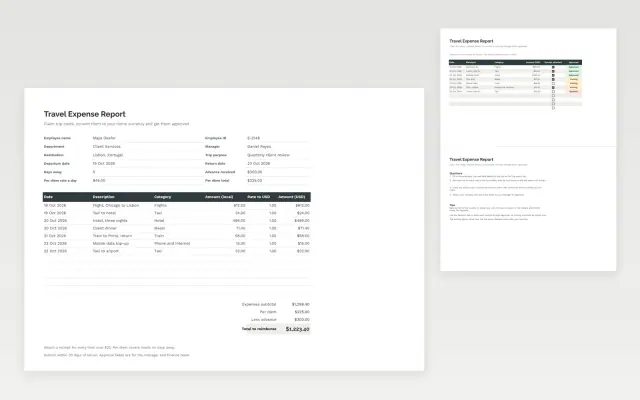 Travel Expense Report | |
|---|---|---|---|---|
| Format | Spreadsheet | Spreadsheet | Spreadsheet | Spreadsheet |
| Works in | Google Sheets and Excel | Google Sheets and Excel | Google Sheets and Excel | Google Sheets and Excel |
| Length | 3 slides | 3 slides | 3 slides | 3 slides |
| Style | Corporate | Modern | Corporate | Minimal |
An expense tracker logs what you spend, when, and on what, so you can see where the money goes. Keep one for personal spending, business costs or claims that need receipts.
Cover date, payee or description, category, amount, payment method, receipt reference, and monthly totals by category.
Log each expense on the day it happens and note the receipt reference beside it, so claims and tax checks take minutes.
Compare Business Expense Tracker, Expense Tracker, and Mileage Log, all 3 pages long, then pick the closest match and replace the sample text with your own.
An expense tracker logs what you spend, when, and on what, so you can see where the money goes. Keep one for personal spending, business costs or claims that need receipts.
Include date, payee or description, category, amount, payment method, receipt reference, and monthly totals by category. Log each expense on the day it happens and note the receipt reference beside it, so claims and tax checks take minutes.
Record every purchase with its date, amount and category, either as it happens or at least once a week. Compare the monthly totals with your budget to spot what is growing.
Eight to twelve categories is usually enough, such as groceries, transport and utilities. Keep the list short so the totals stay useful.
Keep them for at least as long as your tax authority requires, which is often several years. Store scanned copies somewhere backed up.
Start with Business Expense Tracker: Track business costs with sales tax, deductible status and receipts, by category and month. If that is not the right fit, compare it with Expense Tracker.
Yes. These expense tracker templates work in Google Sheets and Microsoft Excel. All 4 templates are free, with no account or email needed.