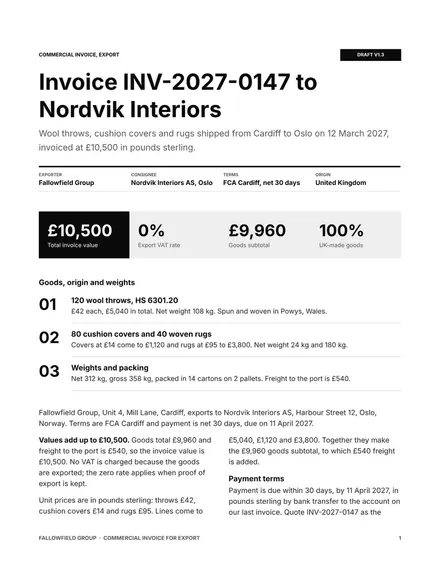
Commercial Invoice for Export
Docs + Word3 pages
Free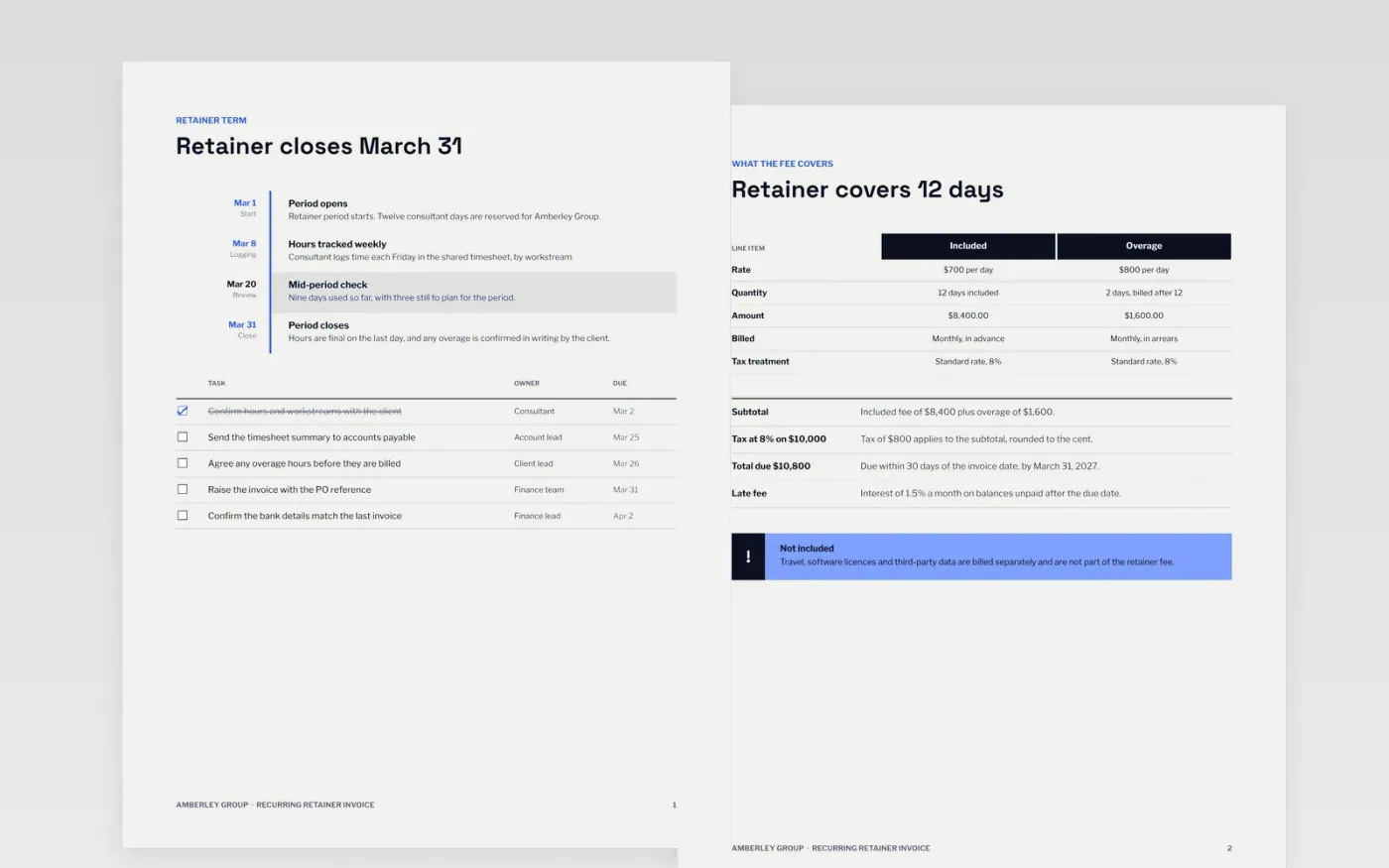
Retainer clients pay a fixed monthly fee for an agreed block of work, and disputes start when an invoice does not show how that fee was used. This template sets out the retainer period, the days covered, the overage rate for work beyond the block, the totals with tax and the payment terms, in the order an accounts payable team checks them. Each amount can be traced to a line above it, so the invoice reads the same way in every month.
The sample invoice for Amberley Group bills 12 included consultant days at $700 a day and 2 overage days at $800, with tax at 8% and a total of $10,800. Replace the supplier details, invoice number format, PO reference, days and rates with your own, then check that the subtotal, tax and total still add up. Keep the bank details exactly as the client has them on file.
Click Make a copy in Google Docs, then confirm on the Google page. The copy is saved to your own Google Drive.
Replace the supplier header with your trading name, address, tax number and logo, then set your invoice number format.
Enter the client's PO or contract reference, plus the included and overage days you actually worked.
Update the payment terms, due date and bank details exactly as the client has them on file.
Delete the guide page, then share the invoice or present it to the client's accounts payable team.
No. Amberley Group, the client and the people named on the invoice, along with every rate, day count and bank detail, are fictional sample data. Replace all of them with your own before you send an invoice.
Yes. Change the overage rate on the scope page and recalculate the overage amount, subtotal, tax and total. Keep the rate you agreed in writing with the client and state it on the invoice, so every line can be traced.
It shows the fields most tax authorities ask for, including an invoice number, dates, the tax rate and totals. Rules differ by country and state, so check your registration and required wording with your accountant before you use it.
Docs + Word3 pages
Free
Docs + Word3 pages
Free
Docs + Word4 pages
Free
Sheets + Excel5 tabs
Free
Sheets + Excel5 tabs
Free
Sheets + Excel5 tabs
Free
Sheets + Excel5 tabs
Free
Sheets + Excel5 tabs
Free
Docs + Word3 pages
Free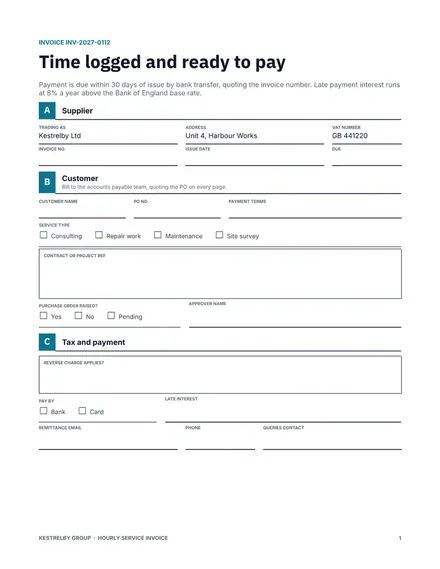
Docs + Word3 pages
Free
Docs + Word3 pages
Free
Docs + Word3 pages
Free
Docs + Word3 pages
Free
Docs + Word3 pages
Free
Docs + Word3 pages
Free










