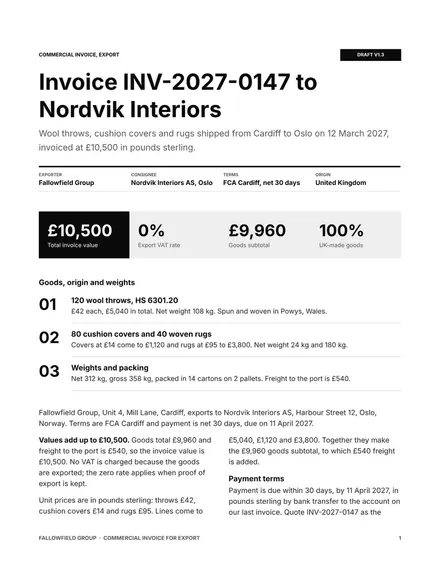
Commercial Invoice for Export
Docs + Word3 pages
Free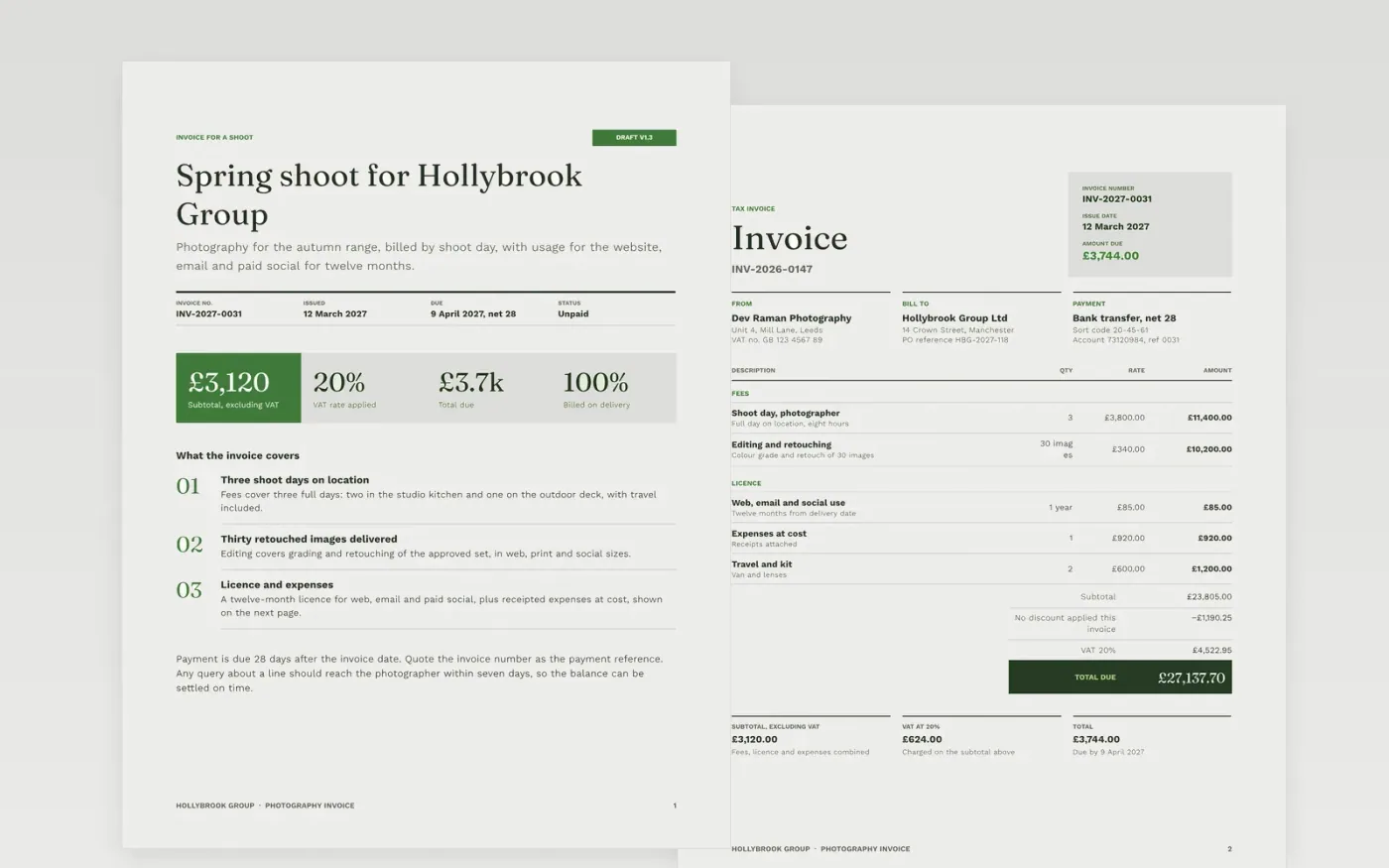
A photography invoice is only useful when the customer can match every amount to a line and pay it on time. This three-page invoice sets out the shoot details and due date first, then the line items for fees, licence and expenses, and finally the subtotal, VAT, total and bank details. It follows the order that accounts payable teams check first, so the purchase order reference and invoice number are easy to find.
The sample for Hollybrook Group, a commercial client, bills three shoot days, 30 retouched images, a twelve-month licence and expenses. That gives a subtotal of £3,120.00, VAT of £624.00 and a total of £3,744.00 due by 9 April 2027. Every figure is sample data. Replace the supplier header, numbering, PO reference and bank details with your own, and check that the subtotal, VAT and total still add up before you send it.
Click Make a copy in Google Docs, then confirm on the Google page. The copy is saved to your own Google Drive.
Replace the supplier header with your trading name, address and VAT number.
Set the invoice number format and date, and enter the customer's PO reference.
Replace the line items and check that the subtotal, VAT and total add up.
Delete the guide page, then send the invoice and keep a copy for your records.
Yes. Remove the VAT line and the VAT number, then state that you are not registered. Keep the invoice number, payment terms and bank details, since accounts teams need them to pay on time.
No. Hollybrook Group, the photographer, the bank details and every figure are fictional sample data. Replace them with your own before you send an invoice to a real client.
State the due date and the late payment interest that applies, so that interest can be claimed if the invoice is paid late. Check the current rates with your accountant before you rely on them.
Docs + Word3 pages
Free
Docs + Word4 pages
Free
Docs + Word3 pages
Free
Sheets + Excel5 tabs
Free
Sheets + Excel5 tabs
Free
Sheets + Excel5 tabs
Free
Sheets + Excel5 tabs
Free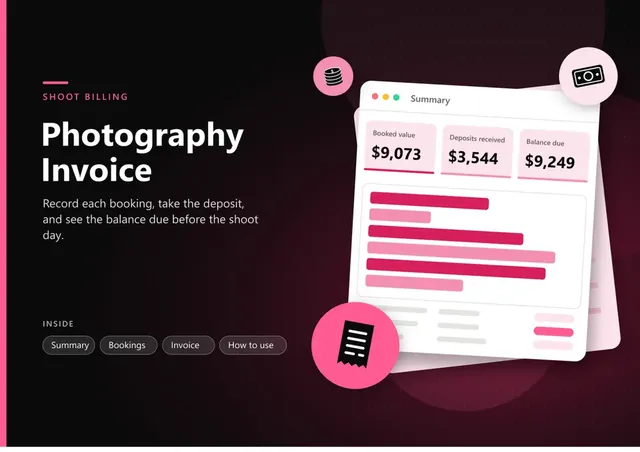
Sheets + Excel5 tabs
Free
Docs + Word3 pages
Free
Docs + Word3 pages
Free
Docs + Word3 pages
Free
Docs + Word3 pages
Free
Docs + Word3 pages
Free
Docs + Word3 pages
Free
Docs + Word3 pages
Free










