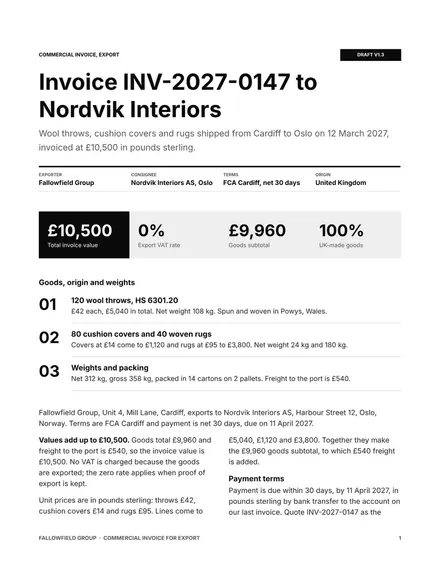
Commercial Invoice for Export
Docs + Word3 pages
Free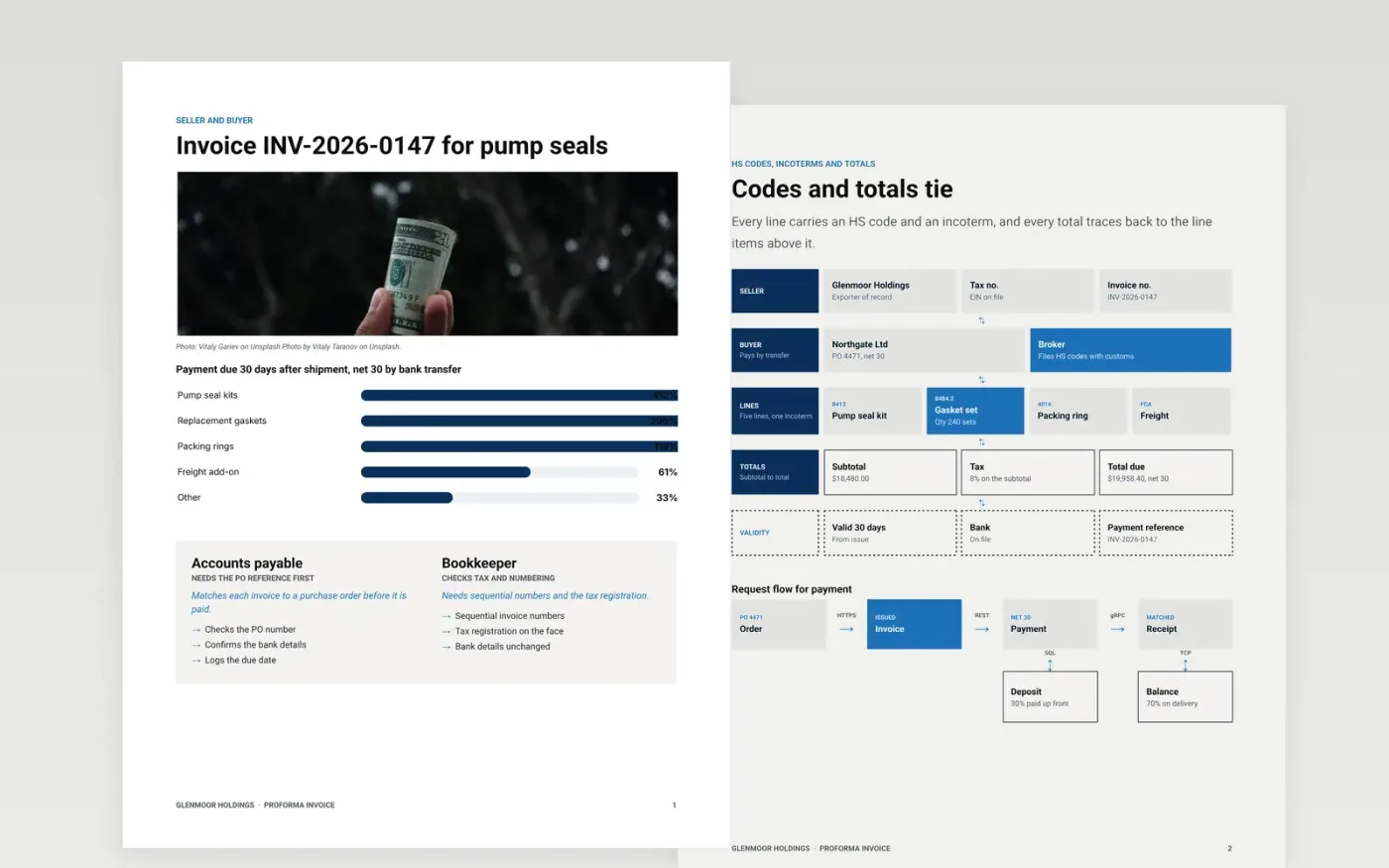
A buyer will not release an advance payment or a customs clearance on a vague document. This template sets out the seller and buyer, the goods and their HS codes, the incoterm, the totals with tax, the payment terms and the validity in a fixed order. Every amount traces back to a line, and the purchase order reference sits on the face so the customer's system accepts it.
The sample is a fictional export of pump seal kits from Glenmoor Holdings to a clinic group, with invented invoice numbers, codes, tax and bank details. Replace the supplier header, the line items and the payment terms with your own, and check that the bank details match the last invoice the buyer received.
Click Make a copy in Google Docs, then confirm on the Google page. The copy is saved to your own Google Drive.
Replace the supplier header with your trading name, address, tax number and logo.
Set the invoice number format and date, then enter the customer's PO reference.
Replace the line items and check that the subtotal, tax and total add up exactly.
Delete the guide page, then send the invoice to the buyer as a PDF or present it to finance.
No. Glenmoor Holdings, Northgate Ltd, the people named, the invoice numbers, the HS codes and the bank details are fictional. They show how a finished proforma can look.
Not always. It is a request for payment or a customs document, and it usually cannot stand in for a tax invoice. Check with your accountant which document your tax authority requires.
Changed bank details are a common route for payment fraud. If the details differ from the last invoice, the buyer should call the supplier on a number they already hold before paying.
Docs + Word3 pages
Free
Docs + Word3 pages
Free
Docs + Word4 pages
Free
Sheets + Excel5 tabs
Free
Sheets + Excel5 tabs
Free
Sheets + Excel5 tabs
Free
Sheets + Excel5 tabs
Free
Sheets + Excel5 tabs
Free
Docs + Word3 pages
Free
Docs + Word3 pages
Free
Docs + Word3 pages
Free
Docs + Word3 pages
Free
Docs + Word3 pages
Free
Docs + Word3 pages
Free
Docs + Word3 pages
Free










