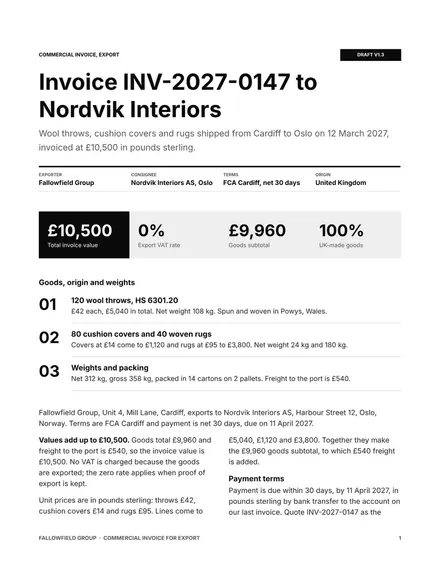
Commercial Invoice for Export
Docs + Word3 pages
Free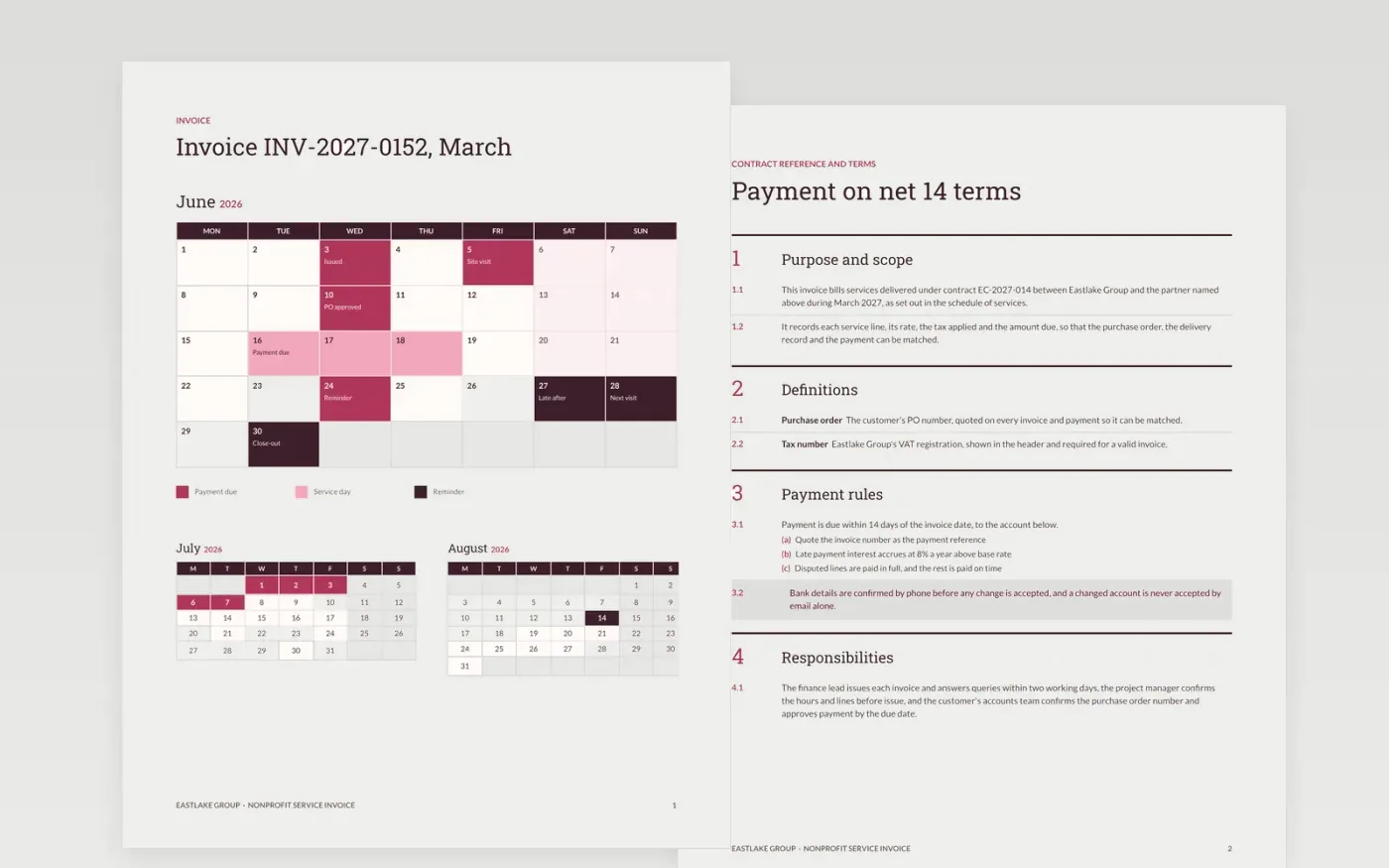
A supplier is paid faster when the invoice gives the customer everything its accounts team needs in one place: a valid invoice number, the purchase order, each line with its rate, the tax and a clear due date. This Google Docs template sets those out in three pages, a calendar of the payment dates, a clauses page with the payment rules and a guide page for editing, so nothing has to be chased by email.
The sample bills Eastlake Group for March 2027 services under a fictional contract, invoice INV-2027-0152, due in 14 days. Each amount traces to a line, and tax is calculated once on the subtotal. Replace the header, purchase order and line items first, then confirm bank details exactly as the customer has them on file.
Click Make a copy in Google Docs, then confirm on the Google page. The copy is saved to your own Google Drive.
Enter your trading name, address, VAT number and logo, then set the invoice number format and date.
Quote the customer's purchase order or contract reference, then replace the line items and check the totals.
Confirm the bank details exactly as the customer has them on file before you send anything.
Delete the guide page, then send or share the invoice with the customer's accounts team.
Not for VAT purposes in the UK. A valid VAT invoice needs the supplier's registration number, a unique number and the date, so check your obligations with your accountant before you use the template.
No. Eastlake Group, its contract, its people and its invoice figures are fictional and included only to show how a finished invoice reads. Replace them before any use.
Call the customer on a number you already hold to confirm the change before you accept it. An email alone is not enough, because changed bank details are a common route for payment fraud.
Docs + Word3 pages
Free
Docs + Word3 pages
Free
Docs + Word3 pages
Free
Sheets + Excel5 tabs
Free
Sheets + Excel5 tabs
Free
Sheets + Excel5 tabs
Free
Sheets + Excel5 tabs
Free
Sheets + Excel5 tabs
Free
Docs + Word3 pages
Free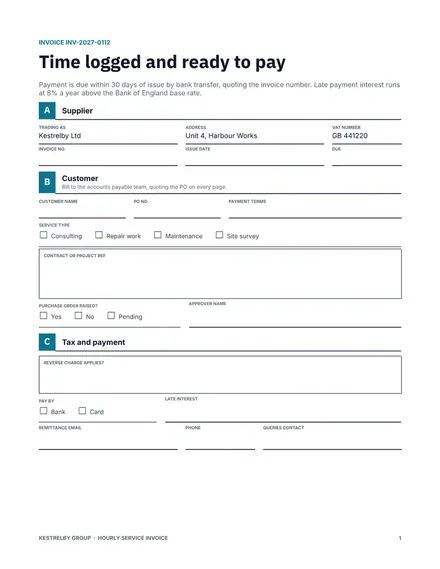
Docs + Word3 pages
Free
Docs + Word3 pages
Free
Docs + Word3 pages
Free
Docs + Word3 pages
Free
Docs + Word3 pages
Free
Docs + Word3 pages
Free










