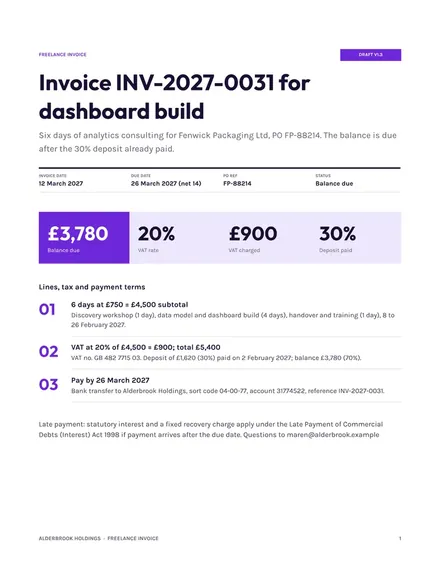
Freelance Invoice
Docs + Word3 pages
Free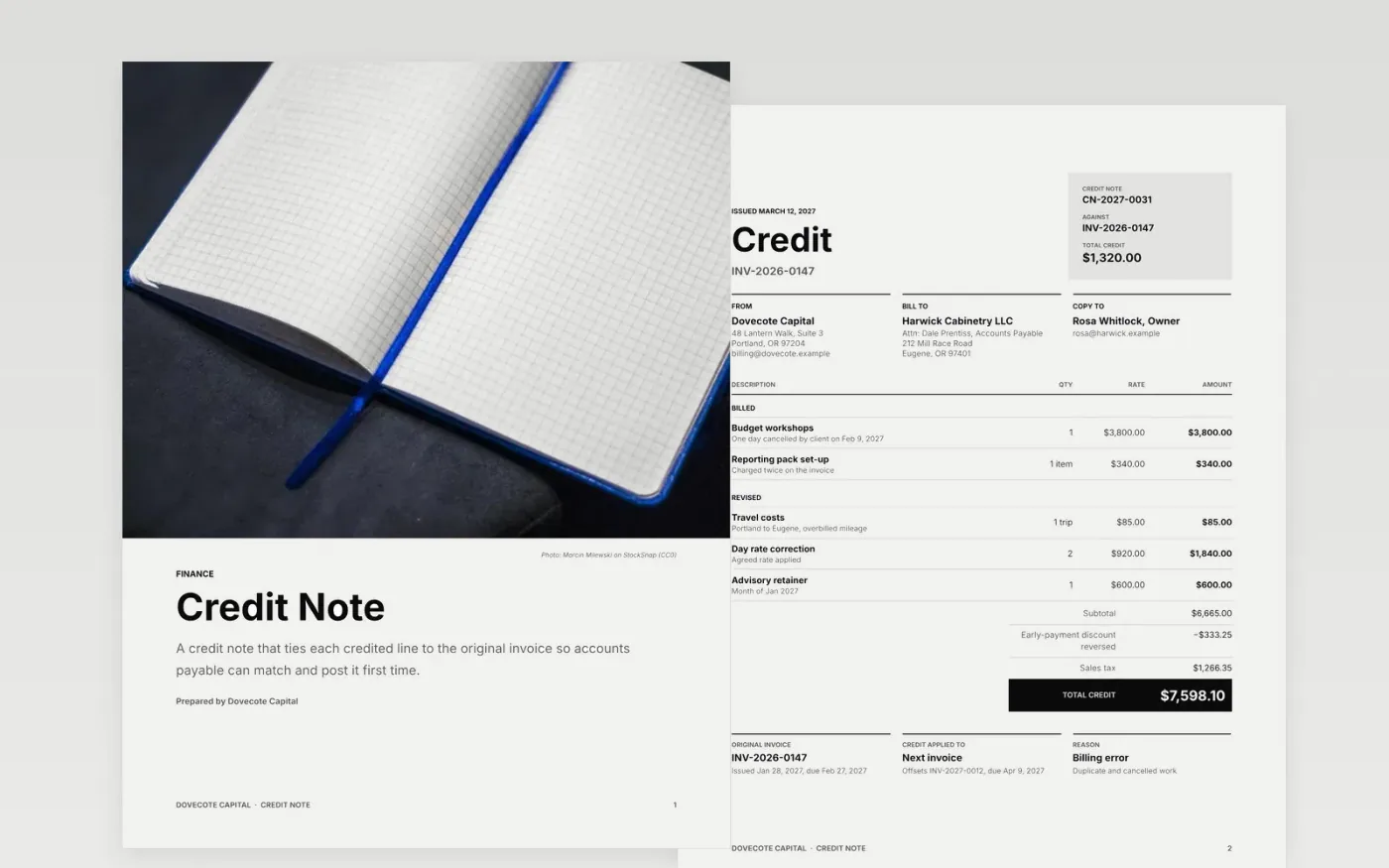
A credit note fails when the customer cannot tell which invoice it corrects or why. This template puts the credit number, original invoice, reason and total credited on the first page, then adds a follow-up schedule showing who tells whom and when the credit is posted, and a guide page.
The sample shows Dovecote Capital crediting a client for a duplicate charge and a rate correction against invoice INV-2026-0147. Replace the supplier details, invoice reference, credited lines, reason and dates with your own, and check that the lines add up to the total credited.
Click Make a copy in Google Docs, then confirm on the Google page. The copy is saved to your own Google Drive.
Replace the supplier and customer details, then enter the credit note number and the original invoice number.
Edit the credited lines, check the tax and total, and write the reason and where the credit will be applied.
Update the follow-up table with your own owners and dates for sending and posting the credit.
Delete the guide page, then share the credit note as a PDF or send it to the customer.
Yes. Make a copy in Google Docs and it is yours to edit. There is no sign-up here and no cost.
Include a unique credit note number, the original invoice number and date, the reason for the credit, each credited line, the tax, and the total credited.
No. Dovecote Capital, the people, email addresses and every figure are fictional sample content. Replace them with your own details before you send anything.
Docs + Word3 pages
Free
Docs + Word4 pages
Free
Docs + Word4 pages
Free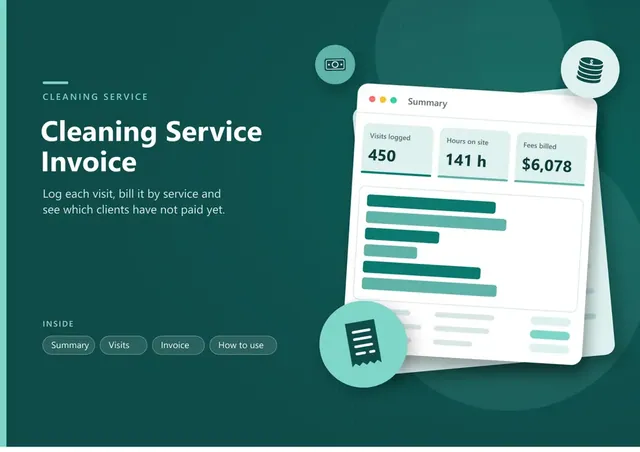
Sheets + Excel5 tabs
Free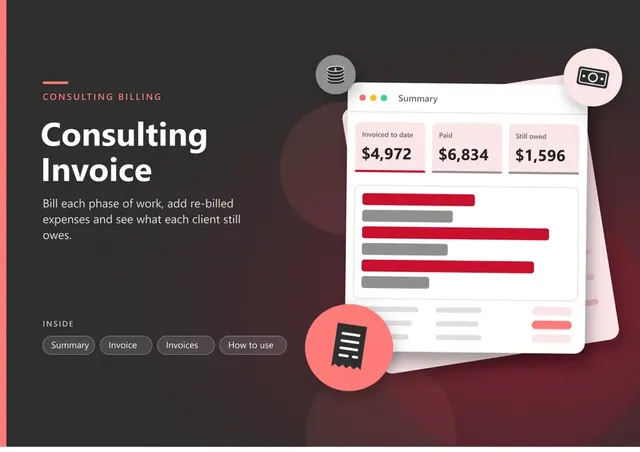
Sheets + Excel5 tabs
Free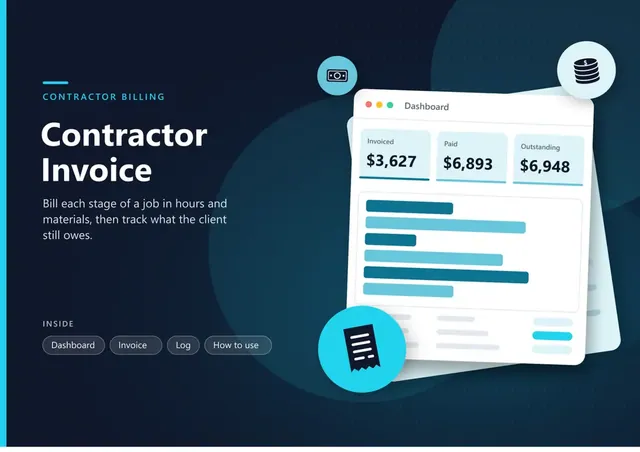
Sheets + Excel5 tabs
Free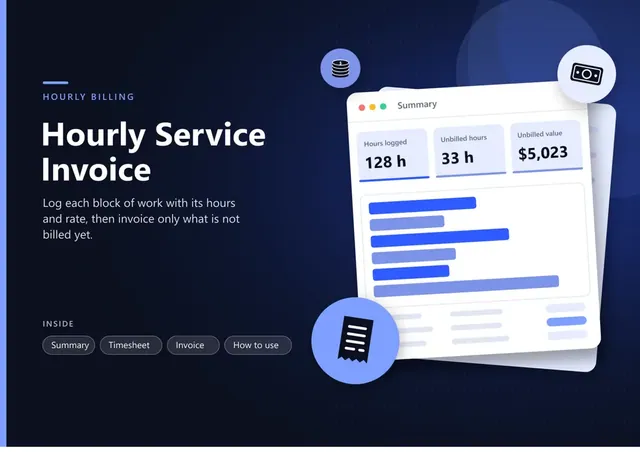
Sheets + Excel5 tabs
Free
Sheets + Excel5 tabs
Free
Docs + Word3 pages
Free
Docs + Word3 pages
Free
Docs + Word3 pages
Free
Docs + Word3 pages
Free
Docs + Word3 pages
Free
Docs + Word3 pages
Free
Docs + Word3 pages
Free










