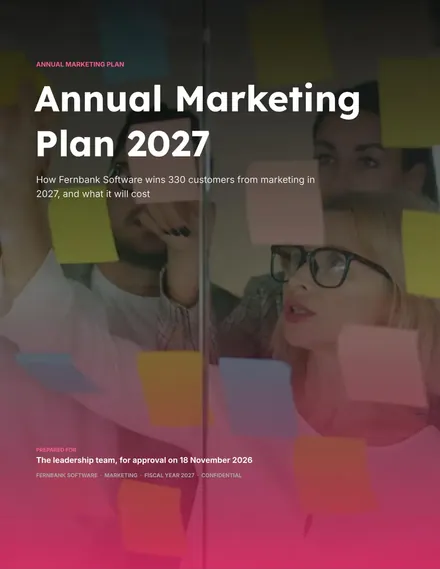
Annual Marketing Plan
Docs + Word12 pages
Free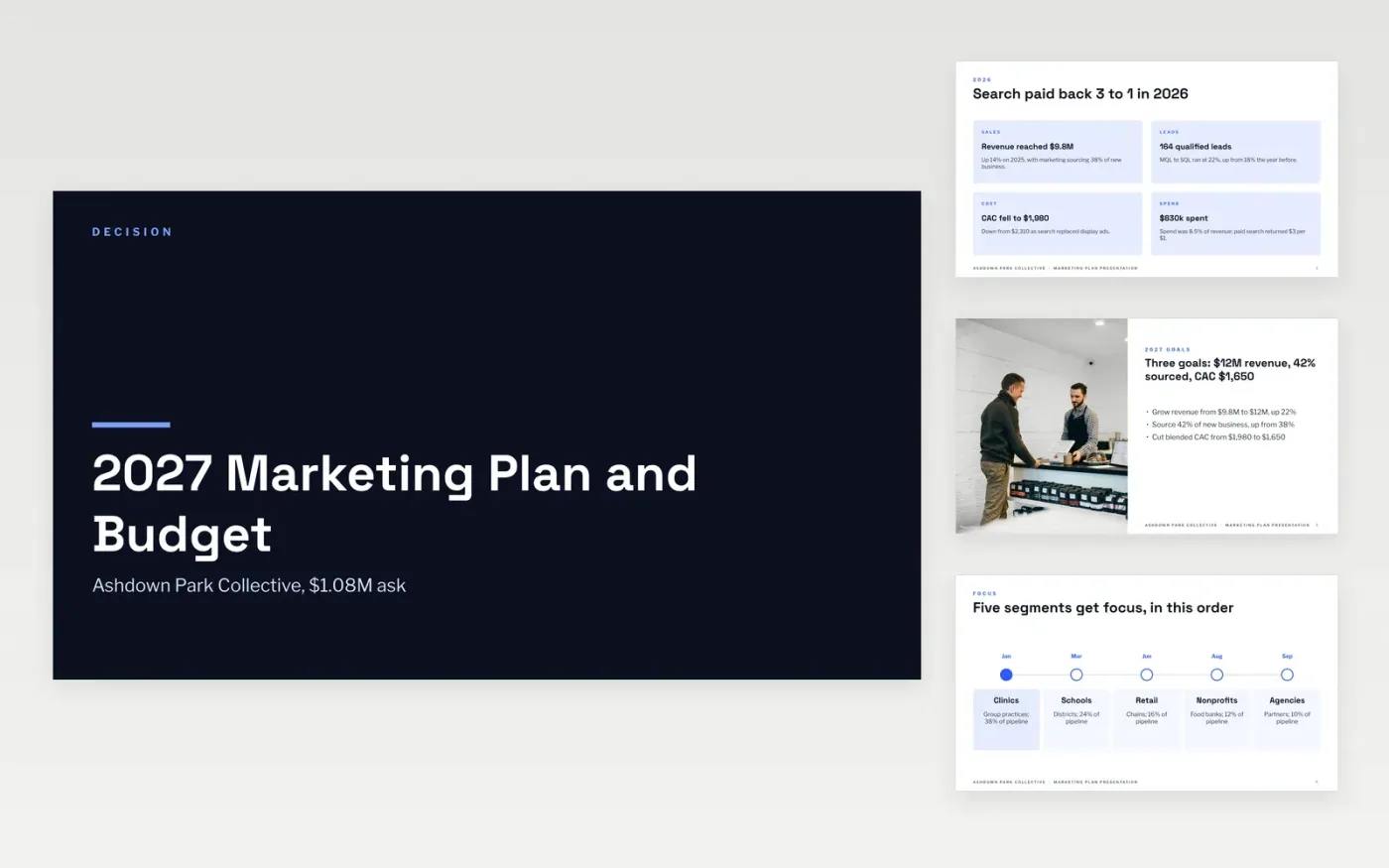
Most marketing plans fail in the meeting because they list channels instead of answering the questions leadership asks: what did we get last year, what will we get this year, and what do you need from us. This deck is organized around those questions, with one slide for each, so the CEO and CFO can reach the budget and the expected pipeline in a few minutes.
The sample follows Ashdown Park Collective, a fictional organization with a $12M revenue target, a $1.08M budget and 196 sales-qualified leads planned across four quarters. Replace the goals, audiences and channel lines with your own, keep 10% of the budget unallocated for tests, and enter your actual 2026 results as the baseline.
Click Make a copy in Google Slides, then confirm on the Google page. The copy is saved to your own Google Drive.
Replace the three goals and the four result cards with your own revenue targets and your actual results from last year.
Update the audience roadmap and the channel table so budgets add up to your approved total, keeping 10% unallocated for tests.
Move launches and peak periods into the calendar, then edit the chart values and the four steps of the ask.
Delete the guide slide, then share the link or present the deck.
No. Ashdown Park Collective, its people and every figure are fictional sample data. Replace them with your own results and targets before you present.
The sample puts about 40% in paid, 25% in content and SEO, 15% in events and 10% in tools, and holds back 10% for tests. Adjust the shares to the evidence on what paid back last year.
Yes. Cut the audience roadmap to one or two segments, shrink the budget to your monthly spend, and keep the goals, channel table and ask slides, which carry the argument.
Docs + Word12 pages
Free
Slides + PowerPoint18 slides
Free
Google Sheets
Free
Slides + PowerPoint12 slides
Free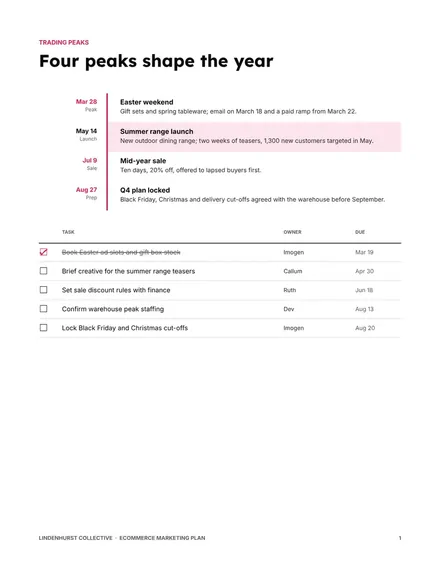
Docs + Word9 pages
Free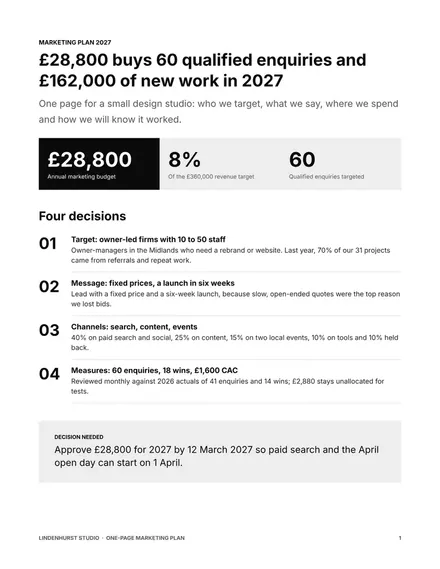
Docs + Word2 pages
Free









