
Annual Marketing Plan
Docs + Word12 pages
Free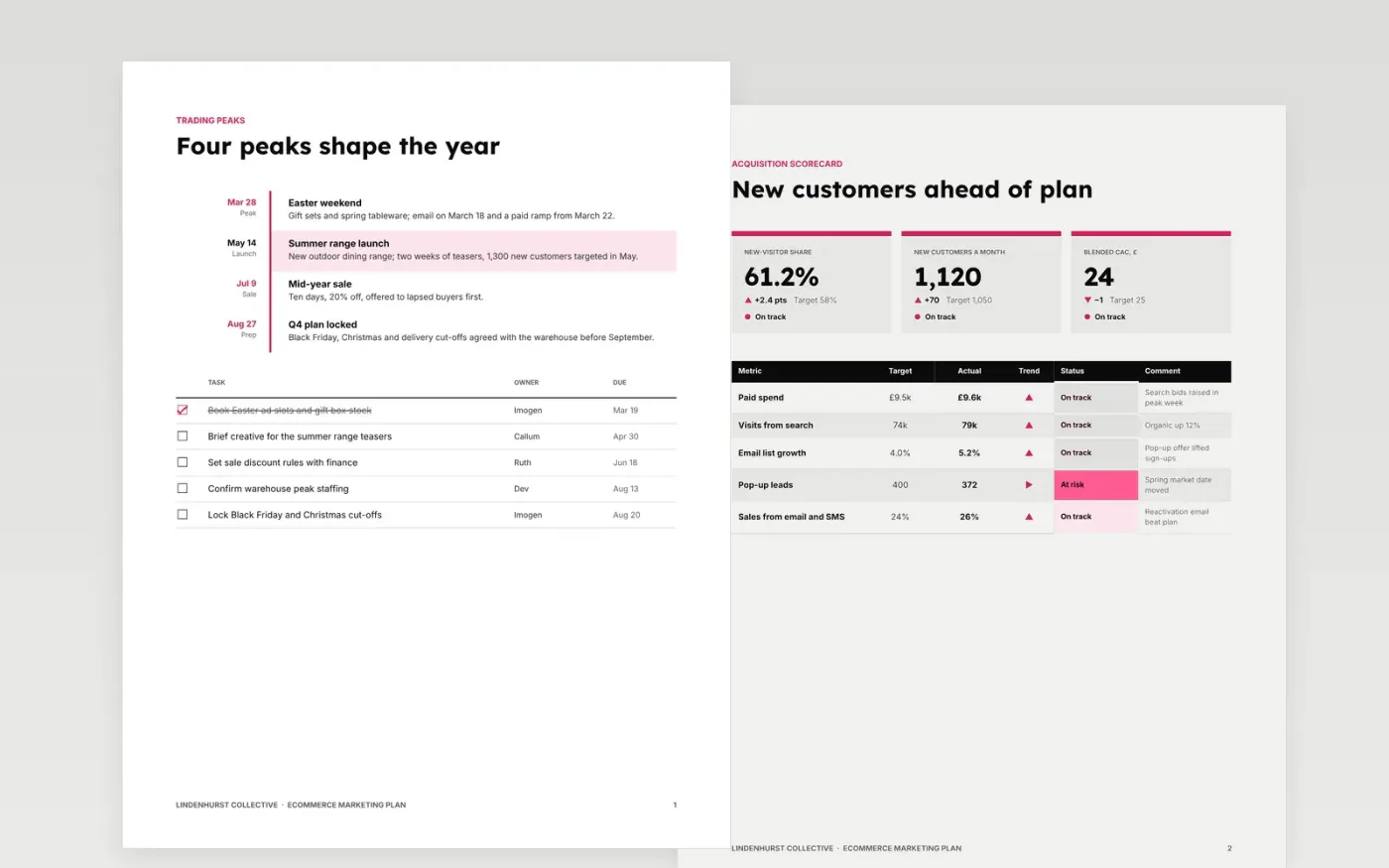
Online shops often plan by channel and forget the calendar, so budget and stock are not ready when peak weeks arrive. This plan starts with the trading calendar, then sets acquisition, conversion and retention targets, an email programme, paid media rules and a quarterly budget with money held back for tests.
The sample follows Lindenhurst Collective, a fictional homeware shop with a £6.0M revenue target for 2027 and a £396,000 marketing budget. Replace the dates, scorecards, funnel and budget lines with your own, and set owners and due dates before you share it.
Click Make a copy in Google Docs, then confirm on the Google page. The copy is saved to your own Google Drive.
Replace the trading calendar dates, owners and checklist with your own peak periods and launches for the year.
Enter your own acquisition, conversion and retention figures in the scorecards, funnel and charts.
Reset the budget lines so they total your approved figure, keeping 10% held back for tests, and set quarterly phasing.
Delete the Make it yours guide page, then share the plan with your team.
The sample spends 6.6% of its revenue target, within a common 6 to 12% range. Your figure depends on margins and growth plans. Hold back about 10% for tests.
Yes. Keep the structure and scale the figures down. A small shop can drop the pop-up lane and merge email and retention into one page.
No. Lindenhurst Collective, its people and every figure and email address in the sample are fictional and exist only to show what a finished plan looks like.
Docs + Word12 pages
Free
Docs + Word2 pages
Free
Docs + Word6 pages
Free
Slides + PowerPoint12 slides
Free
Slides + PowerPoint11 slides
Free









