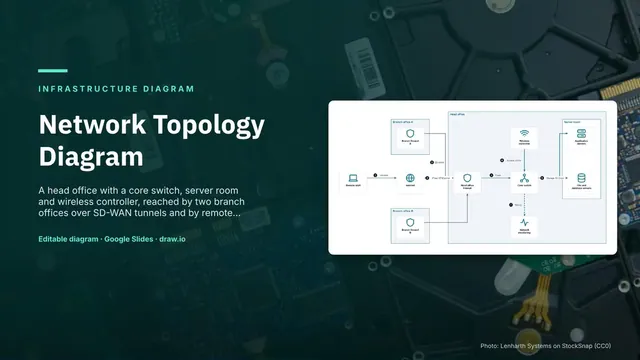
Network Topology Diagram
Slides + PowerPoint5 slides
Free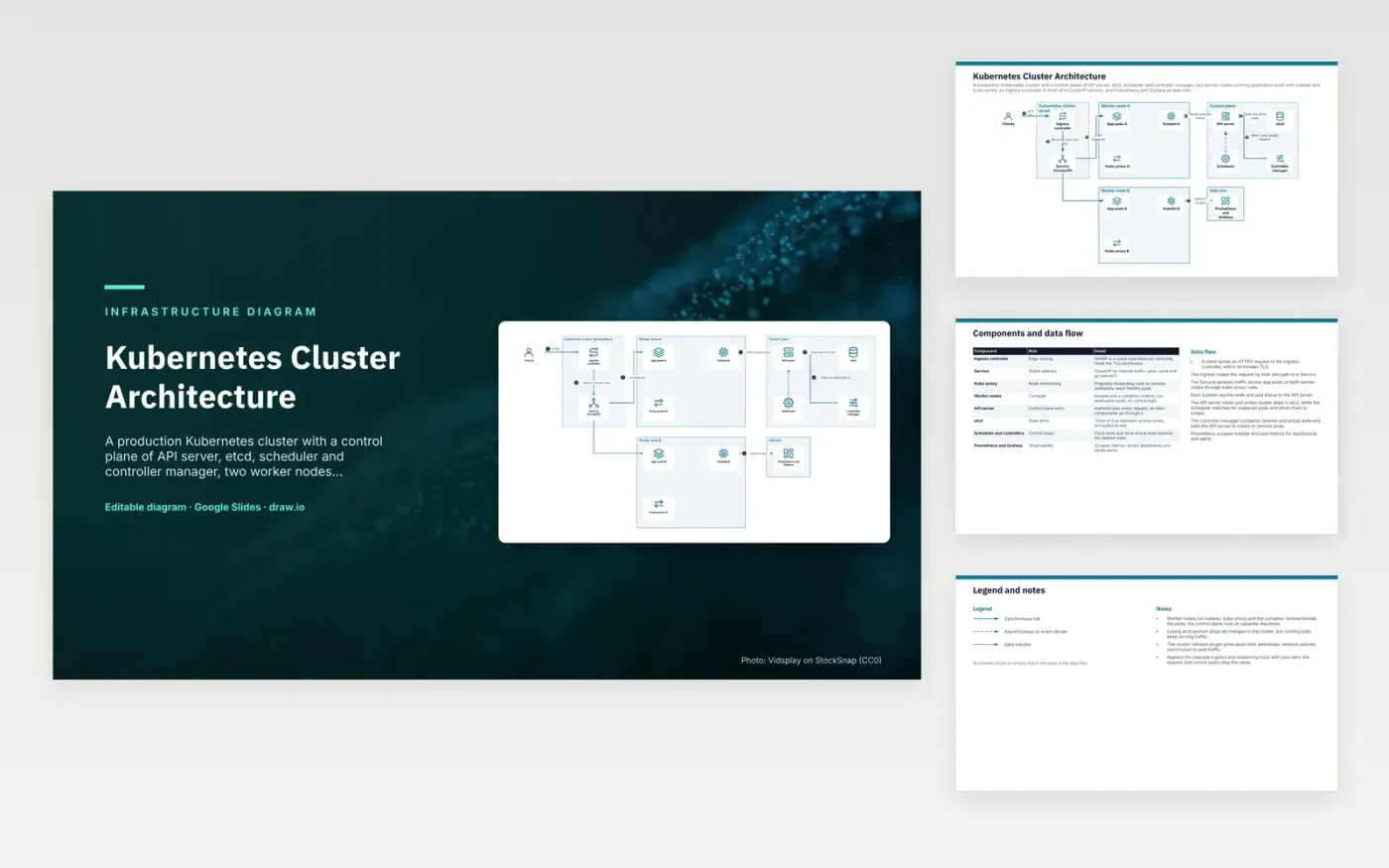
An HTTPS request from a client reaches the ingress controller, which terminates TLS and routes by host and path to a ClusterIP Service. Kube-proxy rules on each worker node spread that traffic across the app pods. Control traffic follows a separate path. Each kubelet reports node and pod status to the API server, which is the only component that reads and writes etcd. The scheduler places new pods on nodes, and the controller manager keeps replica counts at the desired level.
Losing etcd quorum stops all cluster changes, but pods that are already running keep serving traffic, so the data plane survives a control plane outage. The design runs etcd with three or five members across zones, encrypted at rest. Network policies restrict pod-to-pod traffic, because the network plugin only gives pods their addresses. A team that wants a different stack can pick its own ingress controller and monitoring tools and keep the request and control paths as drawn.
Click Make a copy in Google Slides, then confirm on the Google page. The copy is saved to your own Google Drive.
Rename Clients, Ingress controller, Service (ClusterIP) and the other boxes inside Kubernetes cluster (production) to your own components, and delete the ones your system does not have.
Rewrite the 7-step data flow and the 8-row components table so they match the arrows you keep.
For the draw.io version, download kubernetes-cluster-architecture-diagram.drawio and open it at app.diagrams.net.
etcd decides changes by majority quorum, so an odd number is used. Three members tolerate one failure and five tolerate two. Spreading members across zones keeps the quorum alive when one zone fails.
Pods that are already running keep serving traffic, because the kubelet and kube-proxy on each node keep their current state. What stops is change: no new pods are scheduled and no objects are created or updated until the API server and etcd return.
A Service gives a stable virtual IP and DNS name for a set of pods inside the cluster. An Ingress routes outside HTTP and HTTPS requests by host and path to Services, and an ingress controller carries out those rules.
More Google Slides templatesMore developer workflows templates
Slides + PowerPoint5 slides
Free
Slides + PowerPoint5 slides
Free
Slides + PowerPoint5 slides
Free
Slides + PowerPoint5 slides
Free
Slides + PowerPoint5 slides
Free
Slides + PowerPoint5 slides
Free
Slides + PowerPoint5 slides
Free
Slides + PowerPoint5 slides
Free










