
C4 Model Diagram
Slides + PowerPoint5 slides
Free4 templates
Slides + PowerPoint5 slides
Free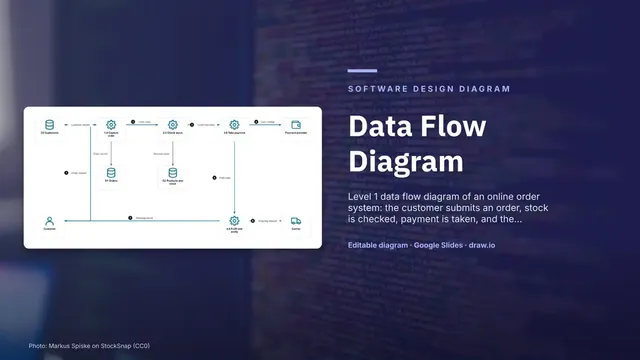
Slides + PowerPoint5 slides
Free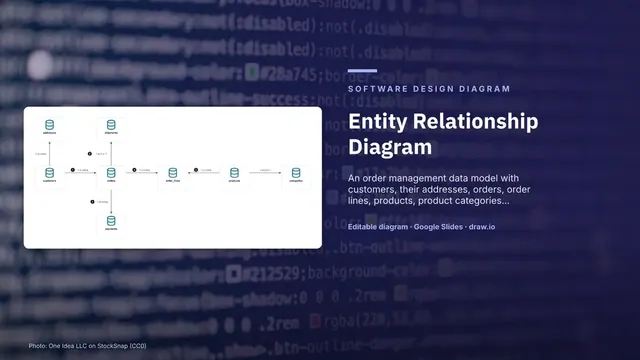
Slides + PowerPoint5 slides
Free
Slides + PowerPoint5 slides
Free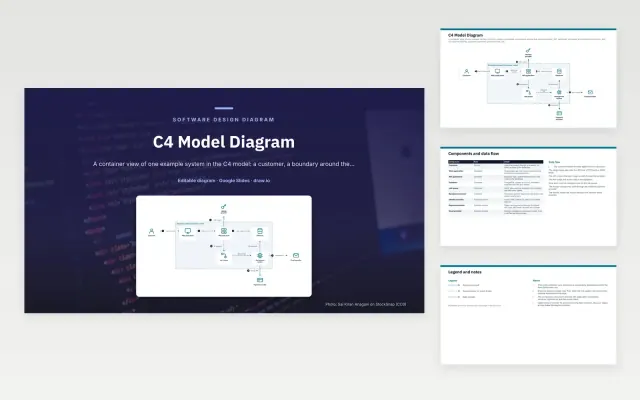 C4 Model Diagram | 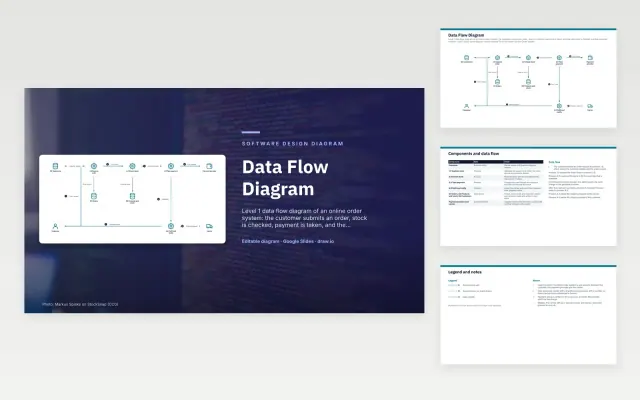 Data Flow Diagram | 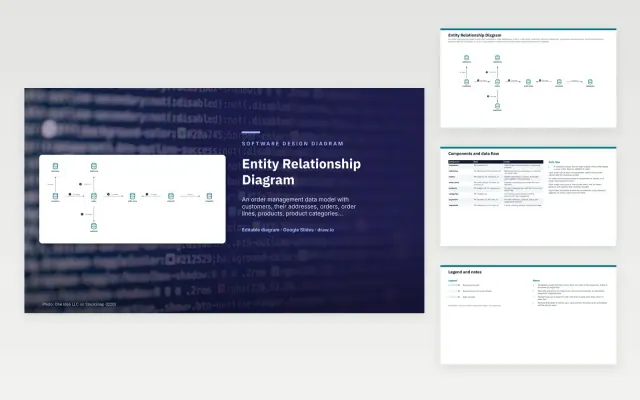 Entity Relationship Diagram |  Microservices Architecture Diagram | |
|---|---|---|---|---|
| Format | Presentation | Presentation | Presentation | Presentation |
| Works in | Google Slides and PowerPoint | Google Slides and PowerPoint | Google Slides and PowerPoint | Google Slides and PowerPoint |
| Length | 5 slides | 5 slides | 5 slides | 5 slides |
| Style | Not listed | Not listed | Not listed | Not listed |
A software design diagram explains how an application is structured: its containers and components, how they talk to each other, and how data is stored and moved. C4 models, microservice maps, entity relationship diagrams and data flow diagrams are the common kinds, used in design reviews, documentation and onboarding.
Cover the people and external systems that use the software, the main containers or services, the data stores and what they hold, how parts communicate, sync or async, a short description on each box, and a legend for shapes and line styles.
Pick one level of detail per diagram. The C4 model works well: a context view for everyone, a container view for engineers, and component views only where they are needed.
Compare C4 Model Diagram, Data Flow Diagram, and Entity Relationship Diagram, all 5 pages long, then pick the closest match and replace the sample text with your own.
A software design diagram explains how an application is structured: its containers and components, how they talk to each other, and how data is stored and moved. C4 models, microservice maps, entity relationship diagrams and data flow diagrams are the common kinds, used in design reviews, documentation and onboarding.
Include the people and external systems that use the software, the main containers or services, the data stores and what they hold, how parts communicate, sync or async, a short description on each box, and a legend for shapes and line styles. Pick one level of detail per diagram. The C4 model works well: a context view for everyone, a container view for engineers, and component views only where they are needed.
C4 describes software at four levels: system context, containers, components and code. Most teams draw the first two, which show who uses the system and which deployable parts it is made of.
A data flow diagram shows how data moves through processes and stores. An entity relationship diagram shows how stored data is structured: the tables or entities, their keys and how they relate.
Start with C4 Model Diagram: A C4 container view of a product: a customer's browser app calls an API, which uses a database, queue and worker, and calls out to sign-in, payment and email providers. If that is not the right fit, compare it with Data Flow Diagram.
The templates here are 5 pages long. Cut any section you do not need; each template explains what its sections are for.
Yes. These software design diagram templates work in Google Slides and Microsoft PowerPoint. All 4 templates are free, with no account or email needed.