
Company Magazine
Docs + Word7 pages
FeaturedFree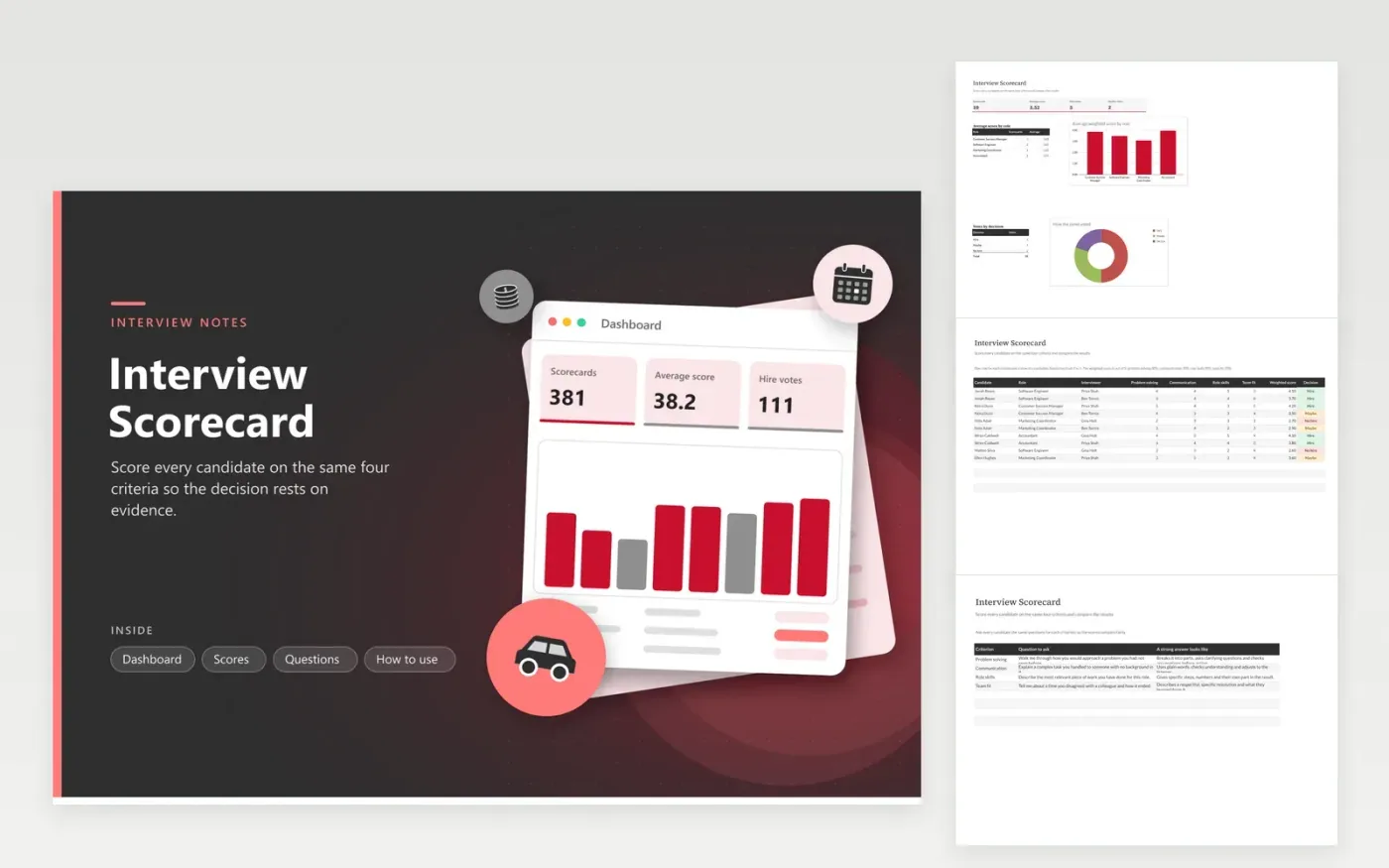
Hiring panels use the Interview Scorecard to record a score between 1 and 5 for problem solving, communication, role skills and team fit. The Scores tab keeps one row for each interviewer's view of a candidate, and the weighted score is worked out for you. The Questions tab lists the question to ask for each criterion with what a strong answer looks like. The Dashboard shows the average score by role and how the Hire, Maybe and No hire votes split.
Give every interviewer the Questions tab before the first interview, and ask each candidate the same set. Enter scores while the conversation is fresh, then use the weighted total to open the debrief. Treat the number as a starting point rather than the decision, and note the reasons on the Scores tab so the panel can explain each choice later. Revisit the weights once a year if your roles need a different balance.
Click Make a copy in Google Sheets, then confirm on the Google page. The copy is saved to your own Google Drive.
Start on the Scores tab: replace the sample rows with your own.
Keep the formula columns as they are; they fill in as you type.
Read the How to use tab for tips. For Excel, download the .xlsx file instead.
Use one scale for every interview. A 5 shows a clear strength backed by evidence from the answer, a 3 shows the basics were met, and a 1 means the answer showed a real gap. Write the meaning of each number down before the panel meets.
Yes. The Weighted score column multiplies each criterion by its share. Change the numbers in that formula and the note above the Scores table together, so both match and the results stay honest.
Separate rows show where the panel disagrees. Averaging everyone into one row hides a large gap between interviewers, and that gap is often the most useful thing to discuss. The Dashboard averages the rows for you.
Docs + Word7 pages
FeaturedFree
Docs + Word21 pages
FeaturedFree
Slides + PowerPoint16 slides
FeaturedFree
Sheets + Excel5 tabs
Free
Docs + Word7 pages
Free
Slides + PowerPoint11 slides
Free
Slides + PowerPoint10 slides
Free
Docs + Word8 pages
Free
Docs + Word7 pages
Free
Slides + PowerPoint12 slides
Free
Docs + Word7 pages
Free
Sheets + Excel3 tabs
Free
Docs + Word8 pages
Free








