
Annual Report
Docs + Word6 pages
Free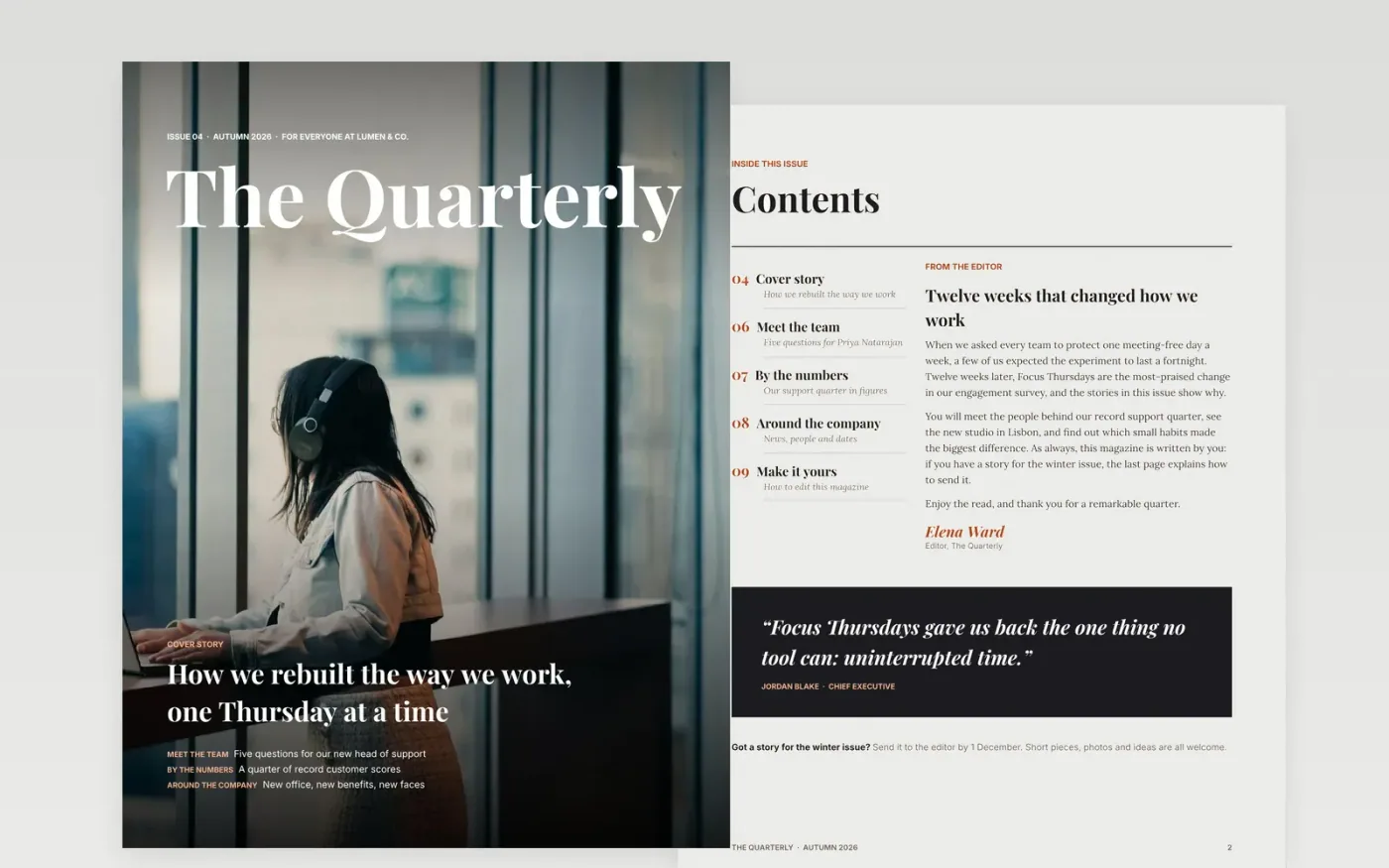
Internal newsletters get ignored when they look like an email. This template gives you a real magazine: a full-bleed photo cover with a masthead, a contents page with an editor's letter, a two-column feature story with a pull quote, a people spotlight and a news page.
Every page is filled with finished sample content for a fictional company, so you can see how a strong issue reads before you write your own. The last page walks you through replacing the name, photos and stories in about an hour.
Click Make a copy in Google Docs, then confirm on the Google page. The copy is saved to your own Google Drive.
Change the magazine name, the issue line on the cover and the footer text on each page.
Click any photo, then Replace image, to use your own team photos.
Write your stories over the sample text, keeping the kicker, headline and standfirst structure.
Delete the Make it yours page, then share the issue or use File → Download → PDF to send it.
Yes. The magazine uses Playfair Display, Lora and Inter, which are all Google Fonts and available in every Google Docs account.
The sample photos are from Unsplash and free to use under the Unsplash License, with credits in the magazine. Most teams replace them with their own photos.
About an hour to replace the sample content once your stories are written. A typical issue has one cover story, one person spotlight and four short news items.
Docs + Word6 pages
Free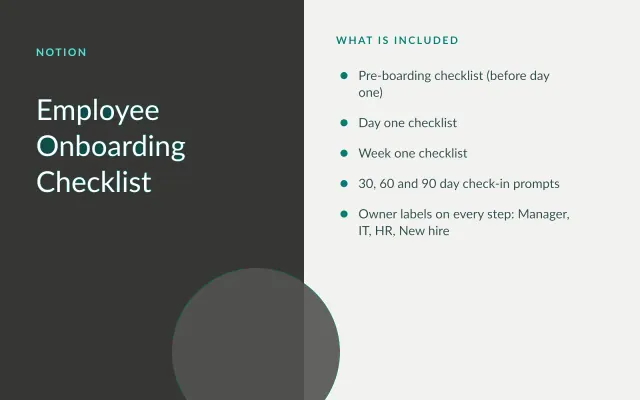
Notion
Free
Docs + Word21 pages
Free
Docs + Word6 pages
Free
Slides + PowerPoint11 slides
Free
Docs + Word7 pages
Free









