
Employee Handbook
Docs + Word21 pages
Free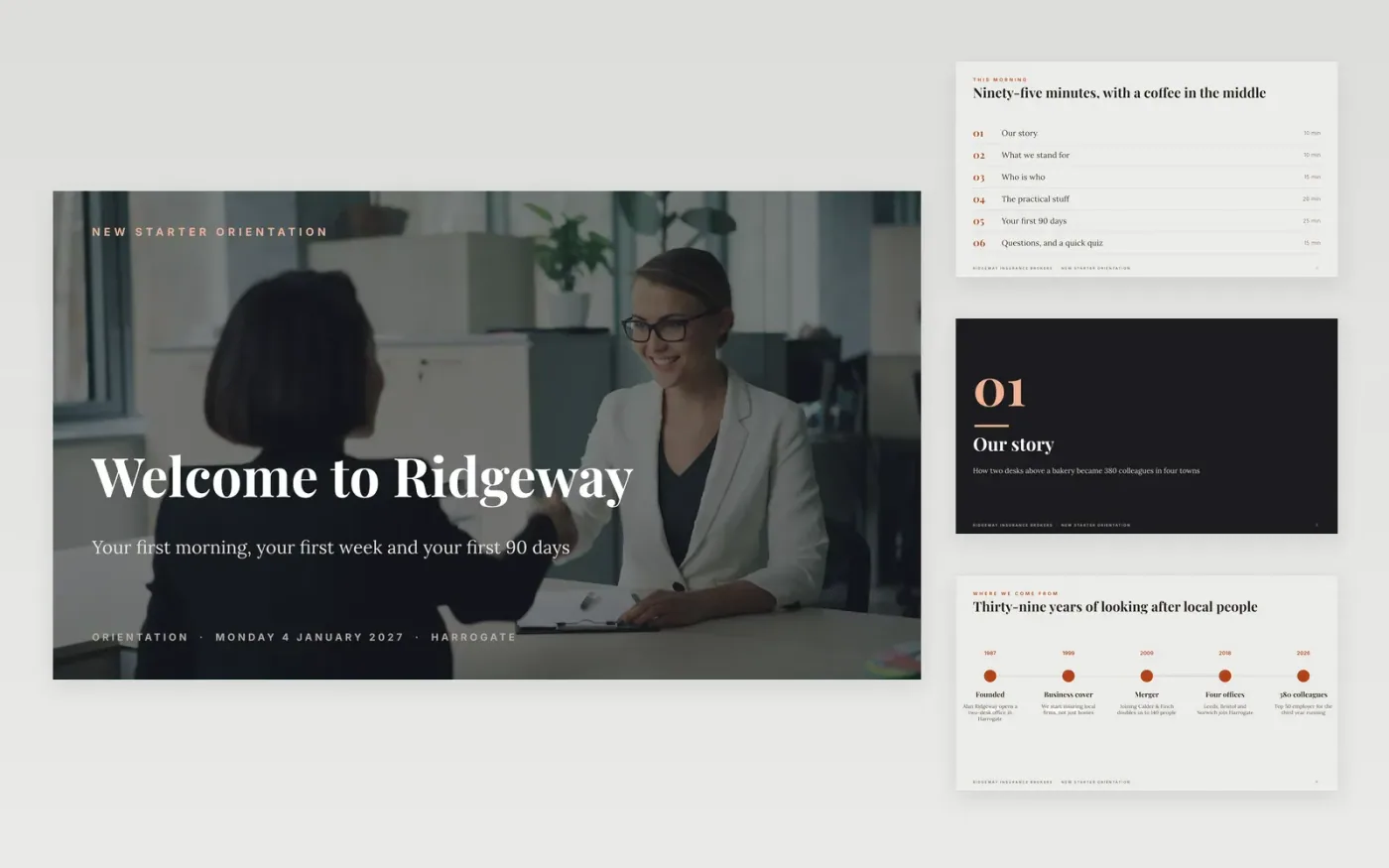
New starters remember how their first morning felt long after they forget the slides. This deck is built around the questions they actually have: where did this company come from, what does it care about, who do I ask, what happens this week, and how will I know I am doing well.
It comes complete with sample content for a fictional insurance broker, Ridgeway Insurance Brokers, so every slide shows what good looks like: a timeline of company history, a values slide in plain words, a who-is-who slide, a table of practical answers, a light first week, five check-ins across 90 days and a data-protection quiz with an answer slide.
Replace the story, figures, names and dates with your own, swap the photos, and delete any slide you do not need. The deck is sized for an induction session and works on its own or alongside the employee handbook.
Click Make a copy in Google Slides, then confirm on the Google page. The copy is saved to your own Google Drive.
Replace Ridgeway Insurance Brokers, the date, the place and the footer text on each slide.
Swap the company story, figures and timeline for your own, and update the who-is-who and practical table with real names, hours and pay dates.
Click each photo, then Replace image, and use pictures of your own people and offices.
Delete the quiz and the how-to slide, then present or export with File → Download → PDF.
About ninety minutes with a break, as shown on the agenda slide. For a first-morning welcome of 20 to 30 minutes, keep the cover, story, values, who-is-who and closing slides and delete the rest.
Both. The slides are written in the second person, so they work for a group or a single starter. The knowledge check works well as a group exercise.
No. They are sample figures for a fictional UK company. Replace every figure with the terms in your own contracts and check them against the employment law where you work.
Vitaly Gariev on Unsplash, used under the Unsplash License and credited on the how-to slide.
Docs + Word21 pages
Free
Notion
Free
Docs + Word7 pages
Free
Docs + Word8 pages
Free
Docs + Word7 pages
Free
Docs + Word6 pages
Free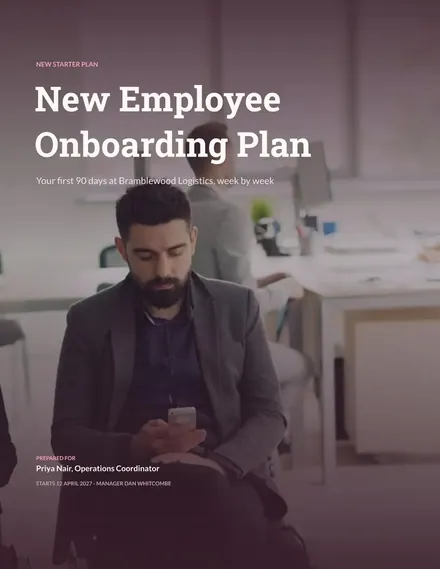
Docs + Word8 pages
Free









