
Employee Timesheet
Sheets + Excel3 slides
Free3 templates
Sheets + Excel3 slides
Free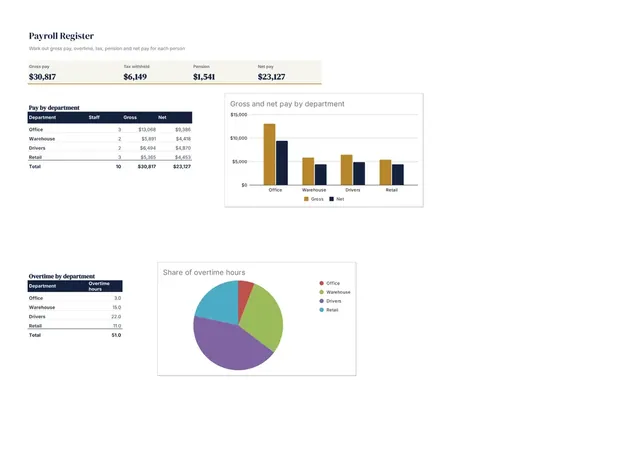
Sheets + Excel3 slides
Free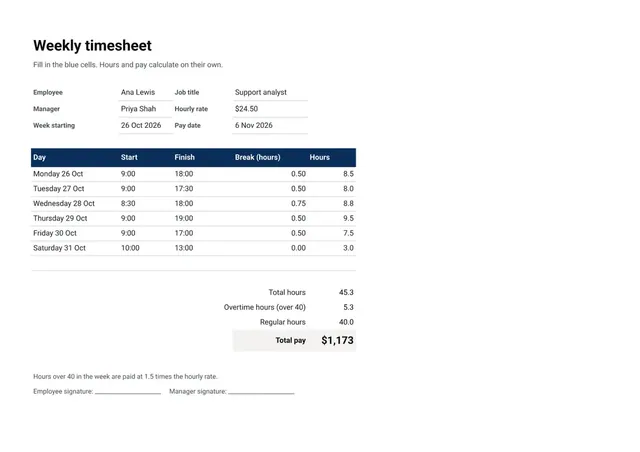
Sheets + Excel3 slides
Free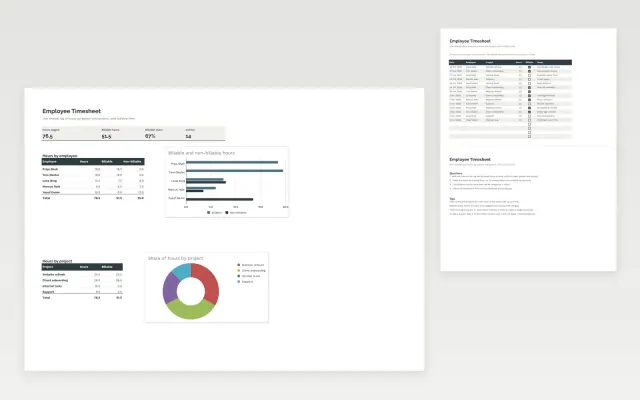 Employee Timesheet | 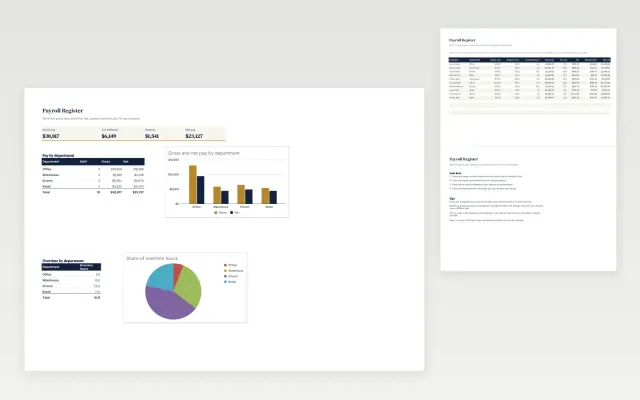 Payroll Register | 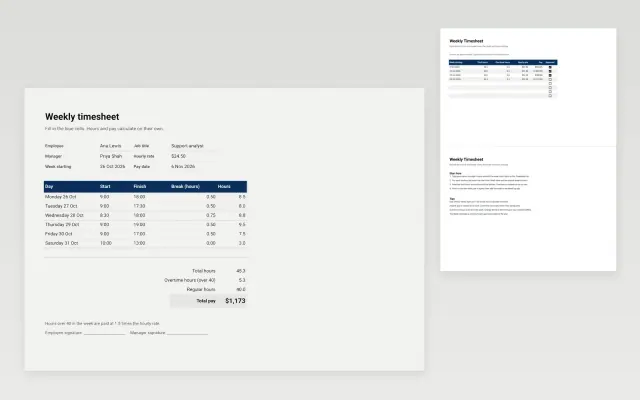 Weekly Timesheet | |
|---|---|---|---|
| Format | Spreadsheet | Spreadsheet | Spreadsheet |
| Works in | Google Sheets and Excel | Google Sheets and Excel | Google Sheets and Excel |
| Length | 3 slides | 3 slides | 3 slides |
| Style | Minimal | Corporate | Corporate |
A timesheet records the hours each person works, usually by day and by task or project. It is used to check pay, bill clients and plan workloads.
Cover employee name and pay period, start and end times, unpaid breaks, hours by day, project or task code, overtime, and approval.
Ask each person to submit their timesheet on the same day every week, so hours are recorded while they are still fresh.
Compare Employee Timesheet, Payroll Register, and Weekly Timesheet, all 3 pages long, then pick the closest match and replace the sample text with your own.
A timesheet records the hours each person works, usually by day and by task or project. It is used to check pay, bill clients and plan workloads.
Include employee name and pay period, start and end times, unpaid breaks, hours by day, project or task code, overtime, and approval. Ask each person to submit their timesheet on the same day every week, so hours are recorded while they are still fresh.
Subtract the start time from the end time, then take off unpaid breaks. To convert minutes to decimal hours, divide by 60, so 7 hours 30 minutes is 7.5 hours.
A payroll register is the record of each employee's pay for a pay period, including gross pay, deductions and net pay. Keep it alongside timesheets so pay can be checked.
Rules differ by country and employer, but many organizations keep timesheets and payroll records for several years. Check your local requirements before deleting old records.
Start with Employee Timesheet: Log hours by person and project, mark billable time and see the totals at a glance. If that is not the right fit, compare it with Payroll Register.
Yes. These timesheet templates work in Google Sheets and Microsoft Excel. All 3 templates are free, with no account or email needed.