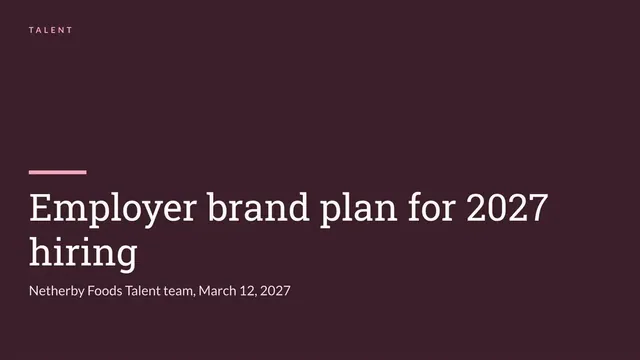
Employer Branding Deck
Slides + PowerPoint12 slides
Free4 templates
Slides + PowerPoint12 slides
Free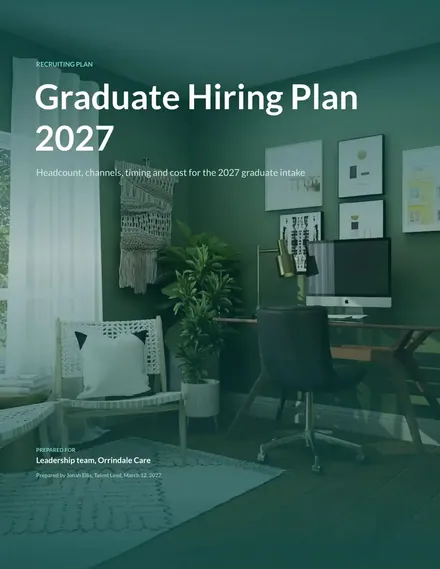
Docs + Word7 pages
Free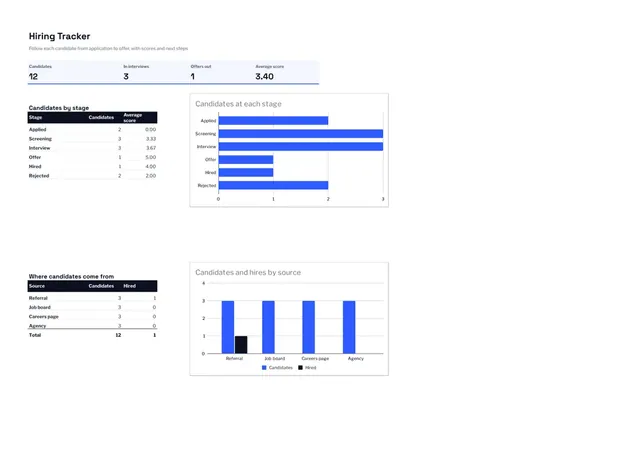
Sheets + Excel3 slides
Free
Docs + Word8 pages
Free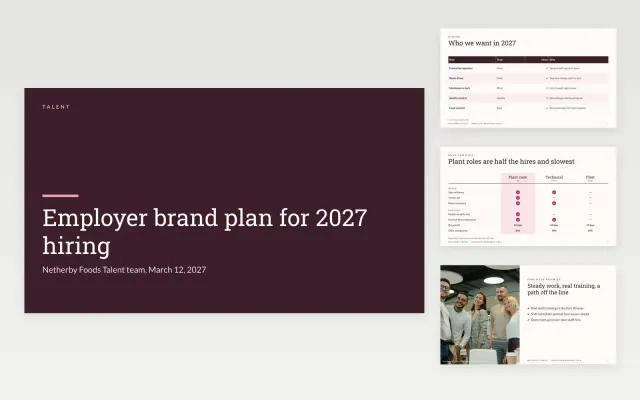 Employer Branding Deck | 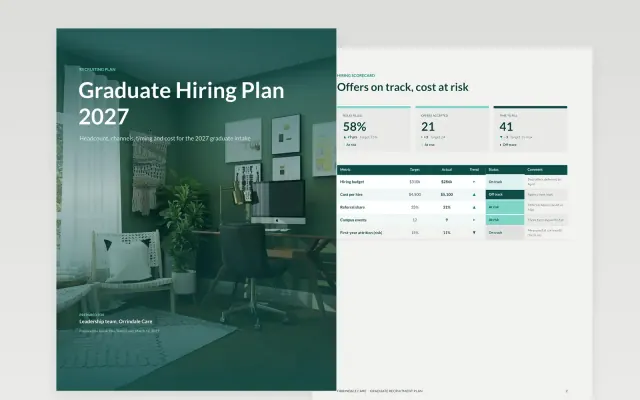 Graduate Recruitment Plan | 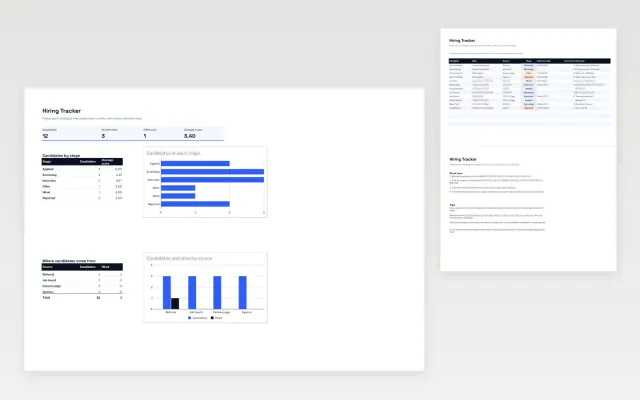 Hiring Tracker | 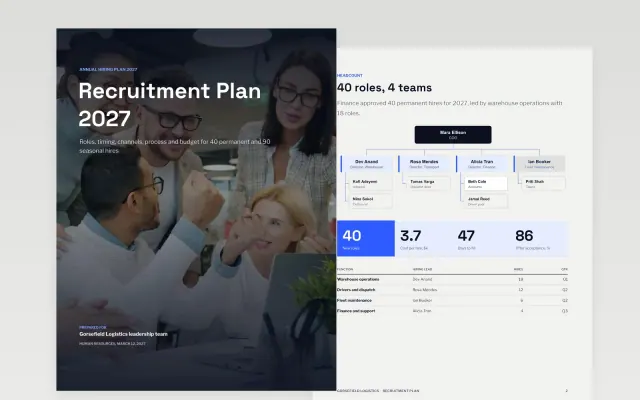 Recruitment Plan | |
|---|---|---|---|---|
| Format | Presentation | Document | Spreadsheet | Document |
| Works in | Google Slides and PowerPoint | Google Docs and Word | Google Sheets and Excel | Google Docs and Word |
| Length | 12 slides | 7 pages | 3 slides | 8 pages |
| Style | Editorial | Friendly | Modern | Modern |
A recruitment plan sets out the roles to fill, when they will be filled and how the hiring will be done. It stops a team from hiring in a rush and gives leaders the chance to agree the budget and steps before the first advert goes out.
Cover roles and numbers to hire, reasons for each role, timeline by quarter, sourcing channels, interview stages and owners, budget, and diversity goals.
Agree the interview stages and their owners before the role is posted, so candidates are not left waiting while decisions are made.
Compare Employer Branding Deck, Graduate Recruitment Plan, and Hiring Tracker, all 3 to 12 pages long, then pick the closest match and replace the sample text with your own.
A recruitment plan sets out the roles to fill, when they will be filled and how the hiring will be done. It stops a team from hiring in a rush and gives leaders the chance to agree the budget and steps before the first advert goes out.
Include roles and numbers to hire, reasons for each role, timeline by quarter, sourcing channels, interview stages and owners, budget, and diversity goals. Agree the interview stages and their owners before the role is posted, so candidates are not left waiting while decisions are made.
A hiring plan lists the roles a team will recruit for over a set period, with the reason, timing and budget for each. It can be a tracker for the team or a slide deck for leaders to approve.
Hiring often takes several weeks to a few months, depending on the role and notice periods. Build those timings into the plan so start dates are realistic.
Use a simple tracker with one row per candidate and a column for each stage, such as applied, interview and offer. Update it after each step so decisions are visible.
Start with Employer Branding Deck: Agree who you want to hire, what you promise them, where you reach them and how you will know it worked, in 12 slides. If that is not the right fit, compare it with Graduate Recruitment Plan.
Yes. These recruitment plan templates work in Google Slides, Microsoft PowerPoint, Google Docs, Microsoft Word, Google Sheets, and Microsoft Excel. All 4 templates are free, with no account or email needed.