
Company Magazine
Docs + Word7 pages
Free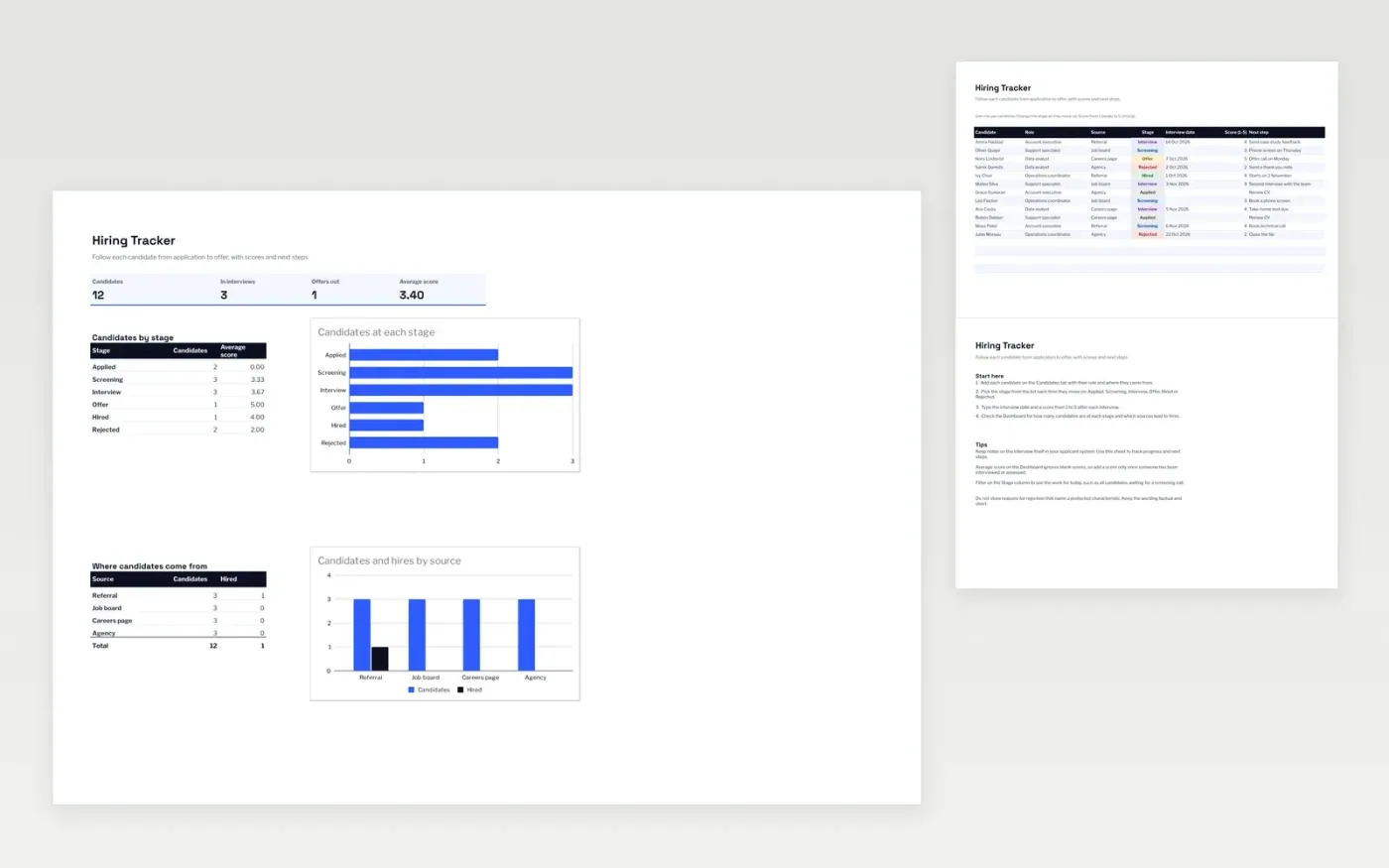
The Hiring Tracker follows each candidate through the stages of a hiring process, from Applied to Hired or Rejected. The Candidates tab records the role, where they came from, their stage, interview date, score and next step. The Dashboard shows how many candidates are at each stage, the average score and which sources bring in candidates and hires.
The file comes with sample data for twelve candidates, so you can see how it works. Make a copy, replace the sample rows with your own applicants, and the counts, averages and charts update on their own.
Click Make a copy in Google Sheets, then confirm on the Google page. The copy is saved to your own Google Drive.
Start on the Candidates tab: replace the sample rows with your own.
Keep the formula columns as they are; they fill in as you type.
Read the How to use tab for tips. For Excel, download the .xlsx file instead.
Yes. The Hiring Tracker template is free to download, copy and use for your own recruiting.
Yes. Download the .xlsx file and open it in Microsoft Excel. The dropdowns, colour-coded stages and charts work in Excel as well as in Google Sheets.
The Dashboard counts candidates and hires for each source, such as Referral or Job board. Change a candidate's stage to Hired and the figures update on their own.
Docs + Word7 pages
Free
Docs + Word21 pages
Free
Slides + PowerPoint16 slides
Free
Slides + PowerPoint12 slides
Free
Docs + Word7 pages
Free
Docs + Word8 pages
Free








