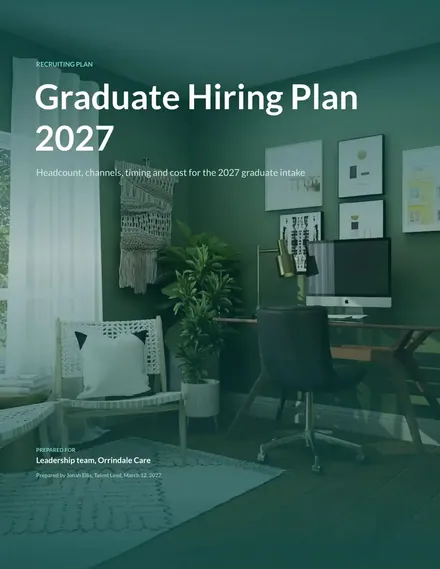
Graduate Recruitment Plan
Docs + Word7 pages
Free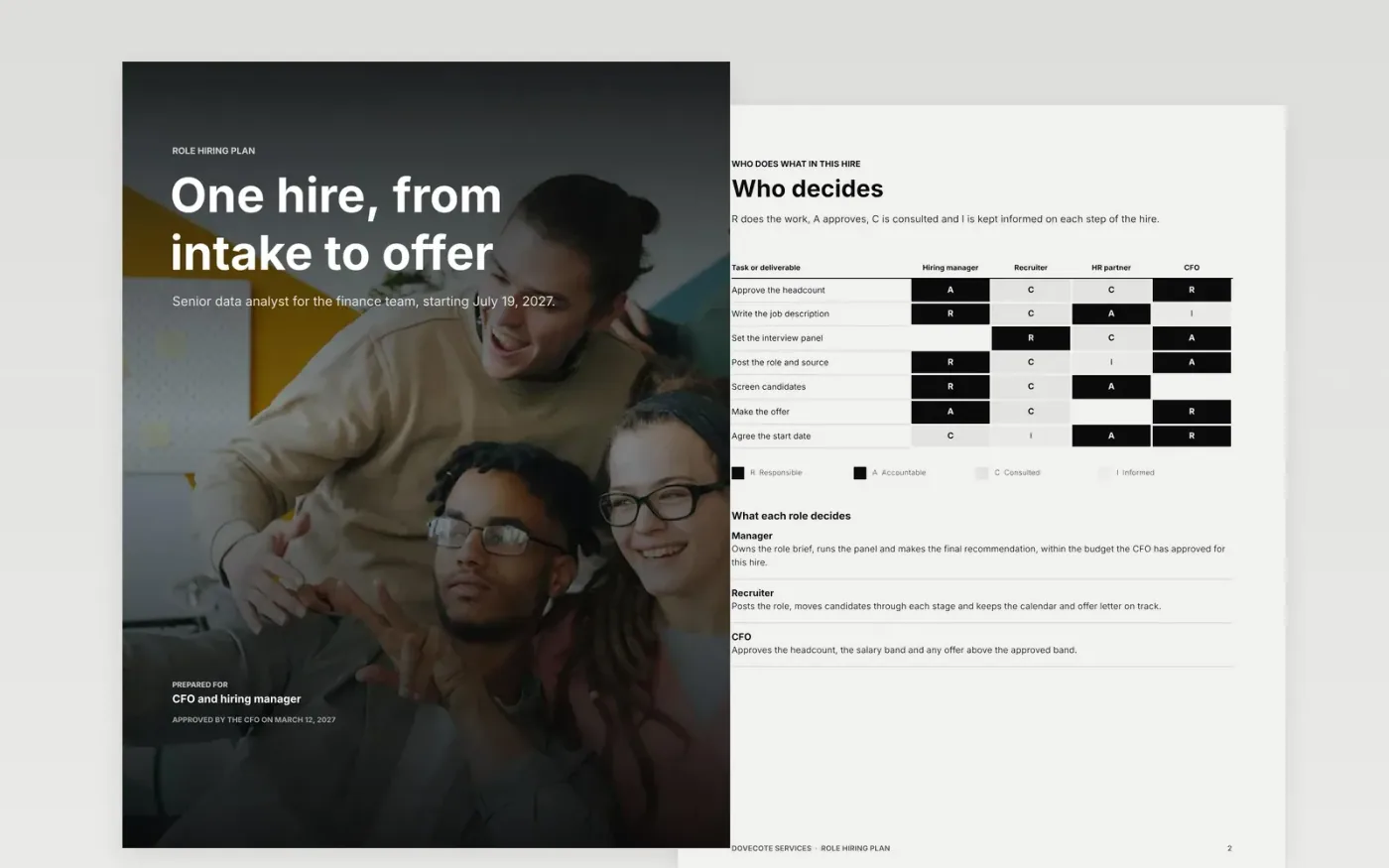
An approved headcount is only a number until someone plans how to fill it. This template takes one hire from the intake meeting to the offer, and sets out the role, the intake record, the sourcing channels, the interview stages, the panel day and a timeline with a Gantt view. Each page answers a question that finance or the hiring manager will ask.
The sample plans a senior data analyst for a finance team at Dovecote Services, starting July 19, 2027. Its channel mix, panel contacts, salary bands and dates are invented and labeled as sample data. Before you use it, enter your own headcount, edit the sourcing mix and cost per hire from your last twelve months, and adjust the timeline for your notice periods.
Click Make a copy in Google Docs, then confirm on the Google page. The copy is saved to your own Google Drive.
Enter the approved headcount, role, team, cost and target start date on the intake record.
Replace the channel mix and cost per hire with your last twelve months of actuals.
Set the stages, panel and timeline for the role family, and allow for each candidate's notice period.
Delete the guide page, then share the plan with the CFO and the hiring manager, or present it at the planning review.
Candidates usually need two to four weeks, or more in some roles, to leave a current job. Leaving that out is the most common reason a start date slips by a month or more.
No. Dovecote Services, the people named, the salary bands, the channel shares and the dates are fictional sample data. Replace them with your own figures before you use the plan.
Choose three, such as time to fill, offer acceptance and quality of hire. Time to fill shows speed, acceptance shows whether the offer works, and quality of hire shows whether the hire was right.
Docs + Word7 pages
Free
Docs + Word8 pages
Free
Docs + Word7 pages
Free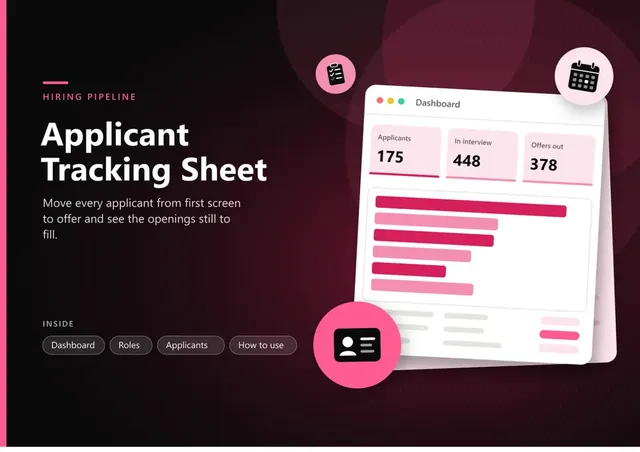
Sheets + Excel5 tabs
Free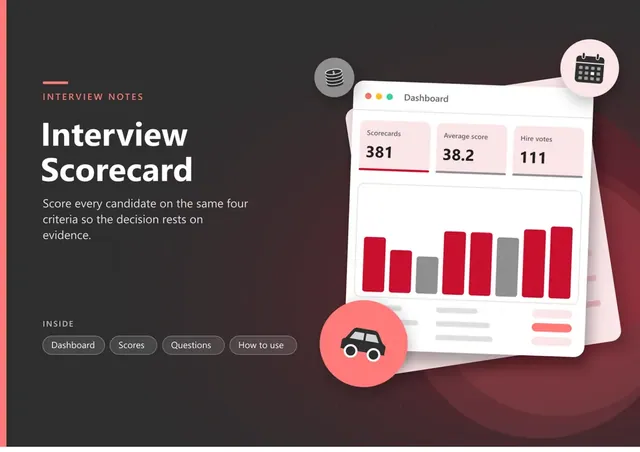
Sheets + Excel5 tabs
Free
Slides + PowerPoint11 slides
Free
Slides + PowerPoint10 slides
Free
Docs + Word7 pages
Free
Slides + PowerPoint12 slides
Free
Sheets + Excel3 tabs
Free










