
Recruitment Plan
Docs + Word8 pages
Free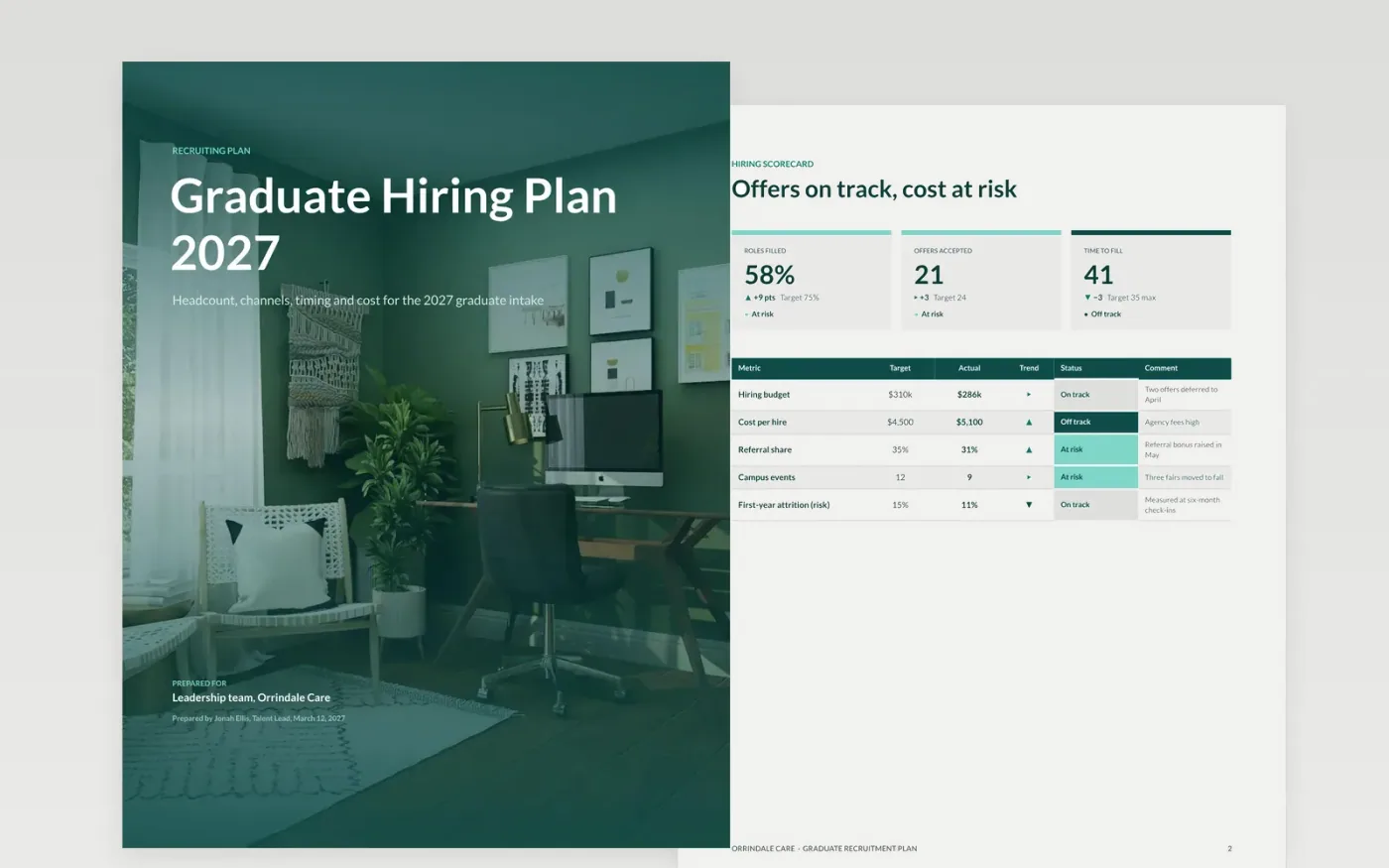
Graduate intakes fail quietly when headcount is approved but nobody has agreed the roles, channels, cost per hire or the dates that notice periods allow. This plan puts those decisions in one document for HR, finance and hiring managers. It is organized into five sections: targets, campus events, the assessment center, offers and onboarding, followed by a guide page for replacing the sample content.
The sample for Orrindale Care shows a 2027 intake with a scorecard, a campus fair run of show, assessment pass rates, offer deadlines and a first-ten-days onboarding timeline. Every figure and name is fictional sample data. Replace the approved headcount, your last 12 months of cost and sourcing actuals, and the notice periods for each role, and the rest of the plan will follow.
Click Make a copy in Google Docs, then confirm on the Google page. The copy is saved to your own Google Drive.
Replace the sample headcount, roles and costs on the Targets page with your approved figures.
Set the sourcing mix and cost per hire from your last 12 months of actuals, keeping the shares at 100 percent.
Adjust the timeline for notice periods and holiday seasons, then agree the stages and panel for each role.
Delete the Make it yours guide page, then share the document with reviewers or present it from Google Docs.
Yes. Orrindale Care, its people, the email addresses and every figure in the sample are fictional. They are included only to show what a finished plan looks like, so replace them before you use the document.
Yes. Use the campus events and timeline pages for a seasonal wave of 60 to 150 hires over six weeks, and shorten the stages and the onboarding timeline to suit the shorter window.
Start with the approved headcount, the cost per hire and the sourcing mix from your own actuals. The scorecard and the donut chart on the assessment page will then reflect your real position.
Docs + Word8 pages
Free
Docs + Word7 pages
Free
Docs + Word21 pages
Free
Slides + PowerPoint12 slides
Free
Sheets + Excel3 slides
Free









