
Access Card Request Letter
Docs + Word2 pages
Free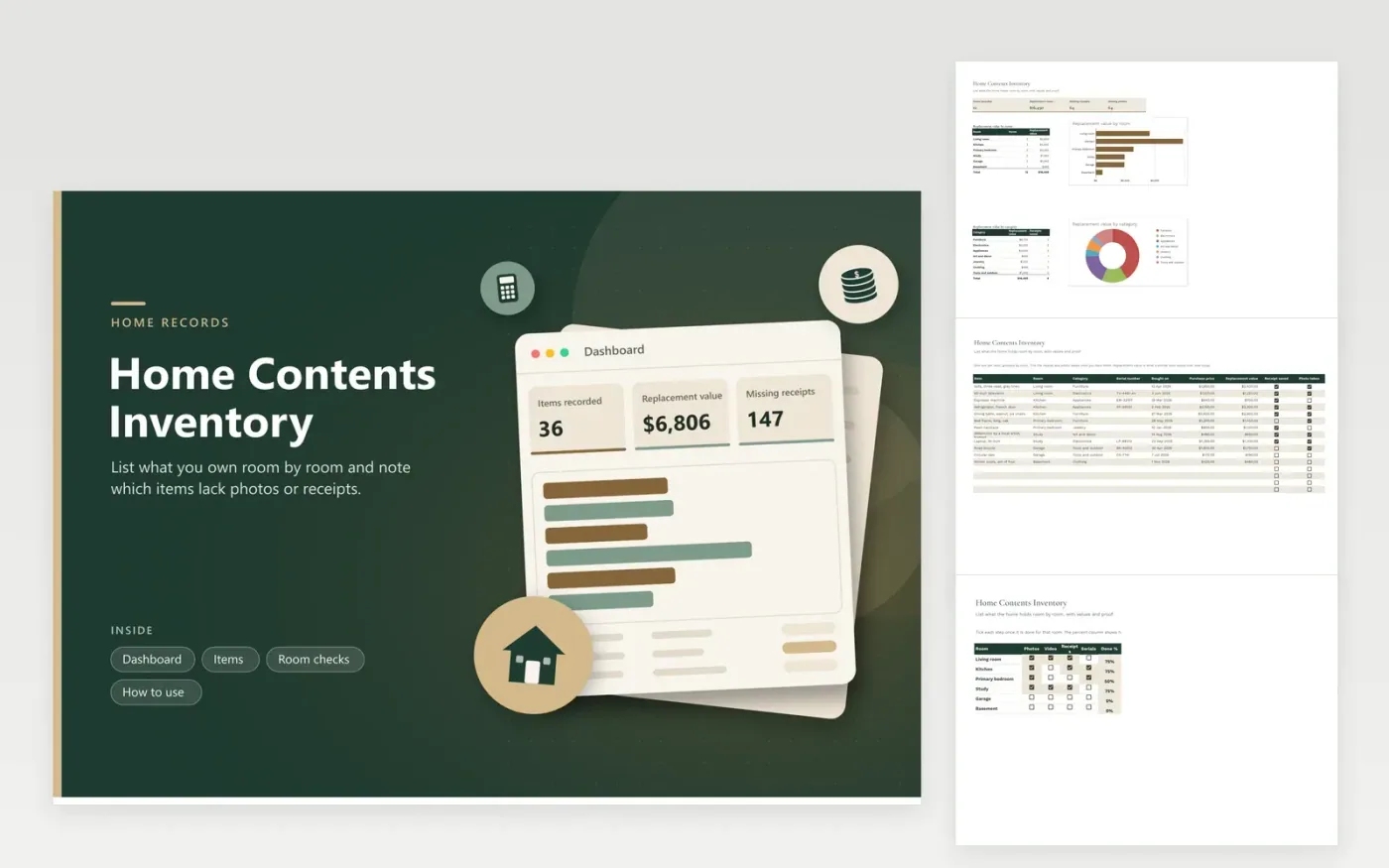
This template is for a household that wants a written record of its belongings, for an insurance review, a move or a simple check of what the home holds. The Items tab records every item with its room, category, serial number, purchase date and price, replacement value, and whether a receipt is saved and a photo taken. The Dashboard totals the replacement value and counts missing receipts and photos. The Room checks grid tracks progress room by room.
Work through one room at a time, adding each item and its replacement value at today's prices. Take a photo of the item and of its serial plate, then tick the boxes so gaps show up on the dashboard. Store a second copy away from the house, such as a cloud drive. Review the figures each year, and check with your insurer how it values items before you rely on any total.
Click Make a copy in Google Sheets, then confirm on the Google page. The copy is saved to your own Google Drive.
Start on the Items tab: replace the sample rows with your own.
Keep the formula columns as they are; they fill in as you type.
Read the How to use tab for tips. For Excel, download the .xlsx file instead.
Replacement value is what it would cost to buy a similar item new today, which is often more than what you paid. Check current prices online or in shops for each item. Your insurer may use its own method, so ask how it values contents.
Take at least one clear photo of each item, plus close-ups of serial numbers, labels or makers' marks where you have them. For a large set of items, a short video walking through each room can speed things up. Store the photos in the same folder as the sheet.
Focus on items that are valuable or hard to replace, such as electronics, furniture, tools, jewelry and art. Group low-value things like kitchen utensils on one line with a combined value. A partial list done well is more useful than no list at all.
More Google Sheets templatesMore business operations templates
Docs + Word2 pages
Free
Docs + Word2 pages
Free
Docs + Word2 pages
Free
Sheets + Excel5 tabs
Free
Sheets + Excel4 tabs
Free
Sheets + Excel5 tabs
Free
Sheets + Excel5 tabs
Free
Sheets + Excel5 tabs
Free
Sheets + Excel6 tabs
Free
Sheets + Excel5 tabs
Free
Sheets + Excel5 tabs
Free
Sheets + Excel5 tabs
Free
Sheets + Excel5 tabs
Free
Sheets + Excel6 tabs
Free
Sheets + Excel5 tabs
Free










