
Contract Template
Docs + Word2 pages
Free2 templates
Docs + Word2 pages
Free
Docs + Word2 pages
Free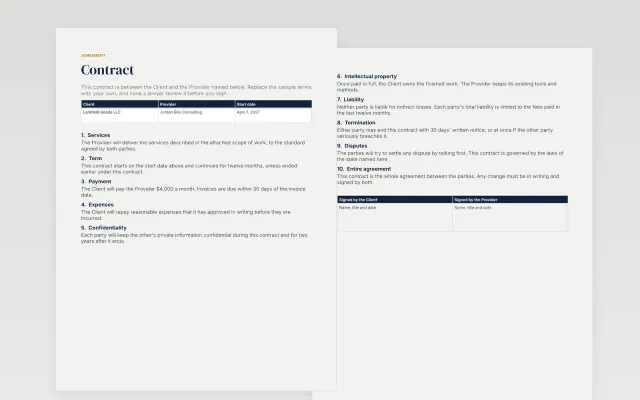 Contract Template | 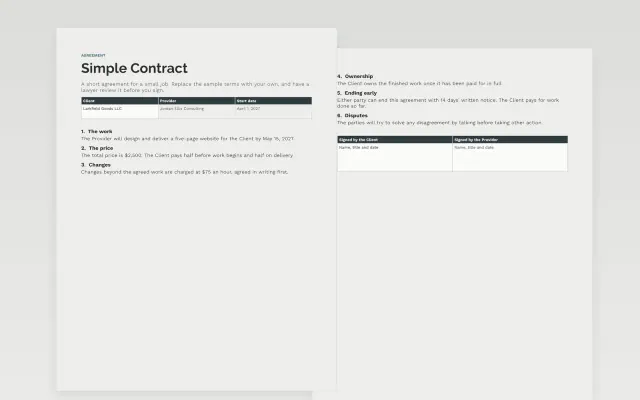 Simple Contract | |
|---|---|---|
| Format | Document | Document |
| Works in | Google Docs and Word | Google Docs and Word |
| Length | 2 pages | 2 pages |
| Style | Corporate | Minimal |
Contract templates lay out an agreement between two parties in plain language. You will find a general contract and a simple contract. These are samples, not legal advice.
Cover names of the parties, a description of the work or terms, payment amount and schedule, start and end dates, a termination clause, and signature and date lines.
These templates are samples and not legal advice. Have a qualified lawyer review any contract before you sign, especially when the amount or risk is high.
Compare Contract Template and Simple Contract, all 2 pages long, then pick the closest match and replace the sample text with your own.
Contract templates lay out an agreement between two parties in plain language. You will find a general contract and a simple contract. These are samples, not legal advice.
Include names of the parties, a description of the work or terms, payment amount and schedule, start and end dates, a termination clause, and signature and date lines. These templates are samples and not legal advice. Have a qualified lawyer review any contract before you sign, especially when the amount or risk is high.
Open a template and choose Make a copy. Fill in the parties, the terms, the price and the dates. Because the template is a sample, have a lawyer check it before you use it.
A contract can be binding once both sides agree and sign, but the rules differ by location. The templates here are samples, not legal advice, so ask a lawyer whether yours is valid.
A general contract covers more clauses, such as liability and dispute handling. A simple contract keeps to the basics: who, what, how much and when. Choose by how complex the deal is.
You can type a name or insert a signature image in the signature block. Some agreements need a particular type of signature, so check what applies to yours.
Start with Contract Template: A general contract with the clauses most agreements need. If that is not the right fit, compare it with Simple Contract.
The templates here are 2 pages long. Cut any section you do not need; each template explains what its sections are for.
Yes. These contract templates work in Google Docs and Microsoft Word. All 2 templates are free, with no account or email needed.
Mostly small businesses. The sample text in each one is written for a specific situation, so replace it with your own details.