
Access Card Request Letter
Docs + Word2 pages
Free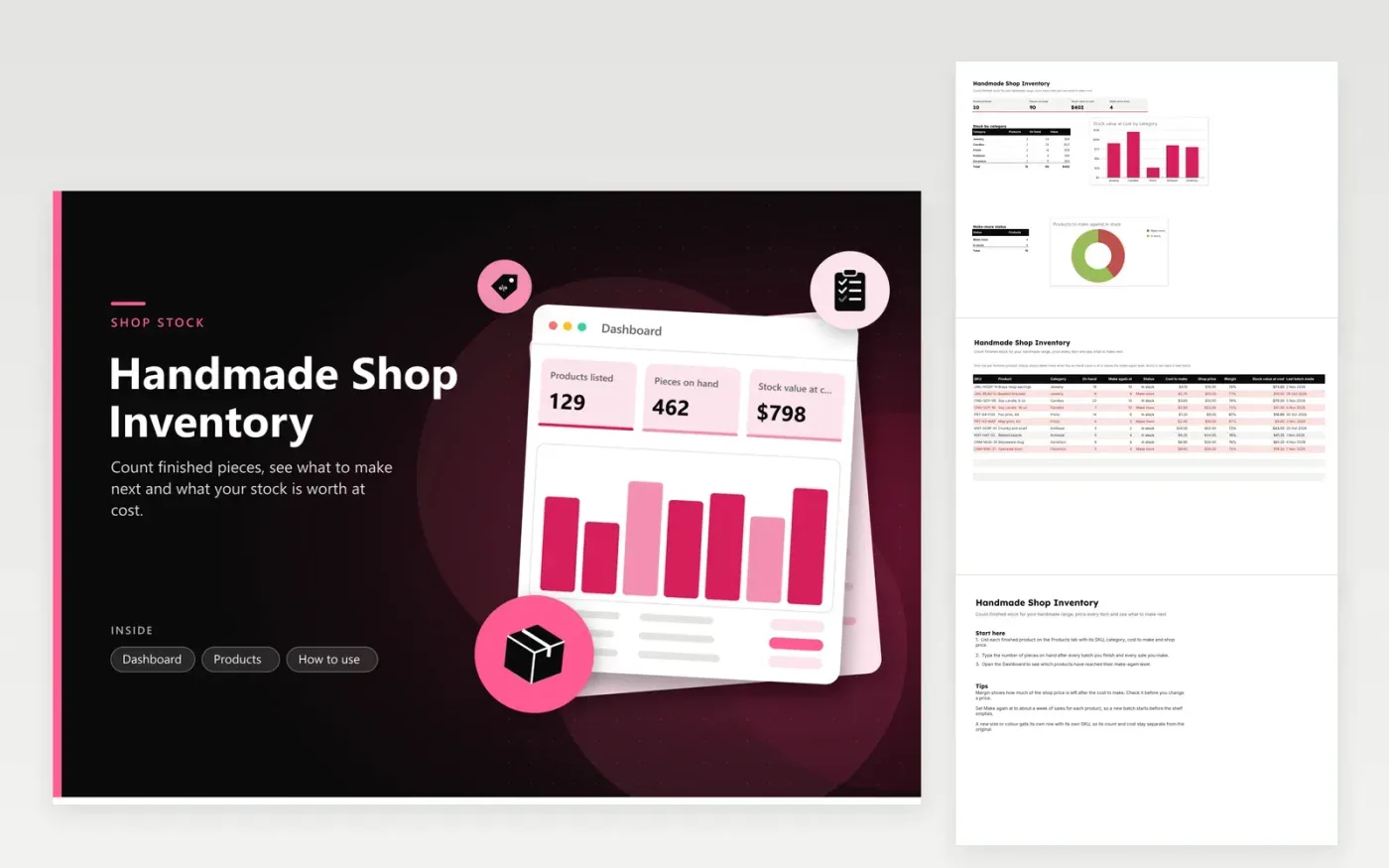
Makers who sell handmade goods through an online shop or a market stall use this sheet to keep count of finished pieces. The Products tab holds each item along with its SKU, category, on-hand count, make-again level, cost to make, shop price, margin and stock value. The Dashboard totals the range, splits the stock by category and shows how many products need a new batch.
Update the On hand column after every batch and every sale, so the Status column can flag a product once it reaches its make-again level. Set that level to roughly a week of sales for each product, which leaves time to finish a batch before the shelf runs bare. When you change a price, read the Margin column first, because a small rise in the cost to make can shrink it quickly.
Click Make a copy in Google Sheets, then confirm on the Google page. The copy is saved to your own Google Drive.
Start on the Products tab: replace the sample rows with your own.
Keep the formula columns as they are; they fill in as you type.
Read the How to use tab for tips. For Excel, download the .xlsx file instead.
Add up the materials, packaging and the share of tools or power used for one finished piece, then enter that total in the Cost to make column. Include any per-sale fees the platform charges if you want the margin to show what you keep.
Start with roughly one week of sales for that product. If a batch takes several days to make, add the sales you expect during those days, so the next batch begins before the shelf runs out.
It tracks the stock you hold. To log a sale, subtract it from On hand on the same day. For a full sales history, keep a separate order list and copy the weekly totals into the On hand column.
More Google Sheets templatesMore business operations templates
Docs + Word2 pages
Free
Docs + Word2 pages
Free
Docs + Word2 pages
Free
Sheets + Excel5 tabs
Free
Sheets + Excel5 tabs
Free
Sheets + Excel5 tabs
Free
Sheets + Excel5 tabs
Free
Sheets + Excel5 tabs
Free
Sheets + Excel6 tabs
Free
Sheets + Excel5 tabs
Free
Sheets + Excel5 tabs
Free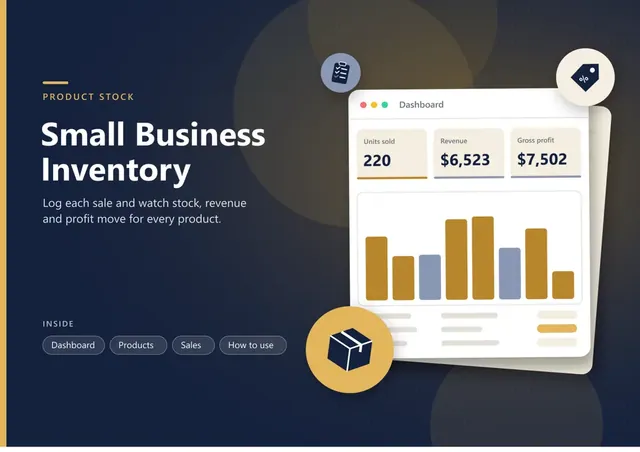
Sheets + Excel5 tabs
Free
Sheets + Excel5 tabs
Free
Sheets + Excel6 tabs
Free
Sheets + Excel5 tabs
Free










