
Employee Onboarding Checklist
Sheets + Excel3 slides
Free10 templates
Sheets + Excel3 slides
Free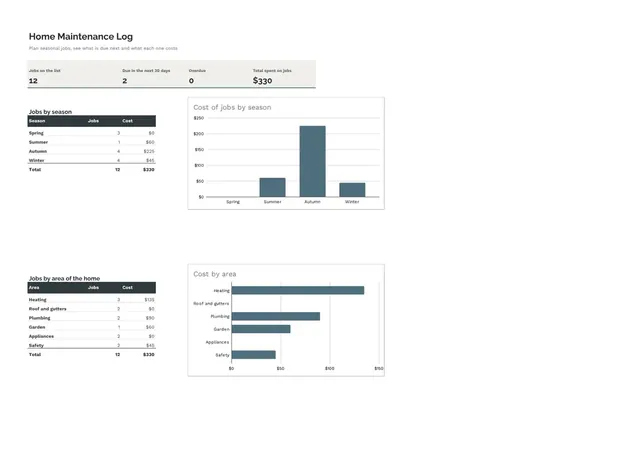
Sheets + Excel4 slides
Free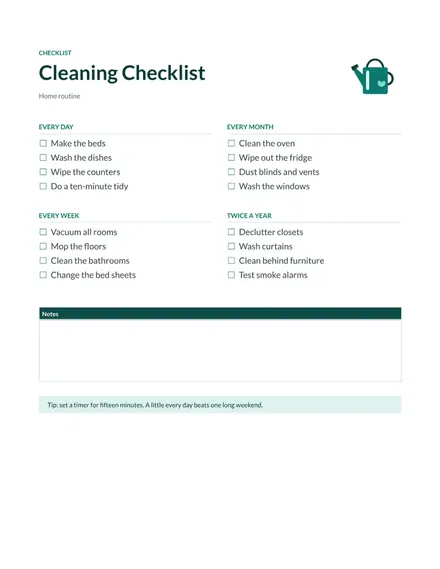
Docs + Word1 page
Free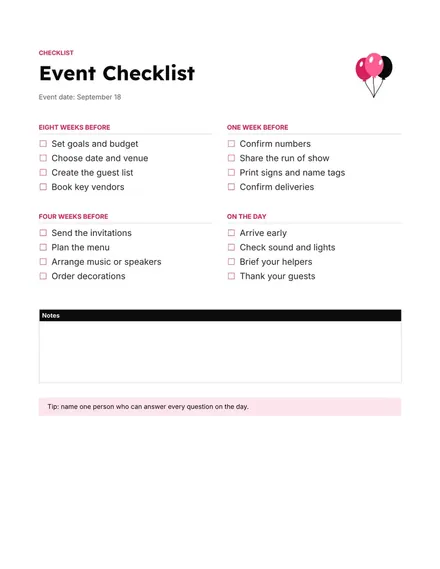
Docs + Word1 page
Free
Docs + Word1 page
Free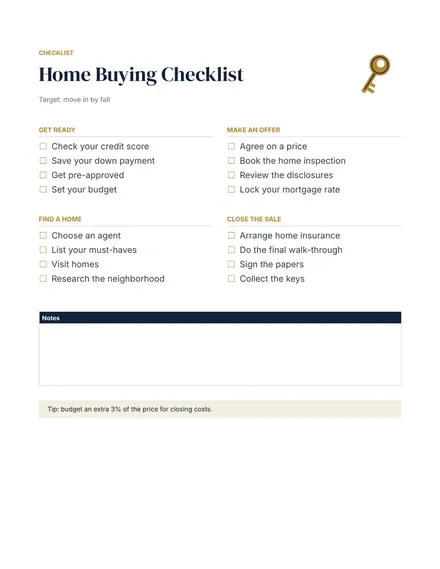
Docs + Word1 page
Free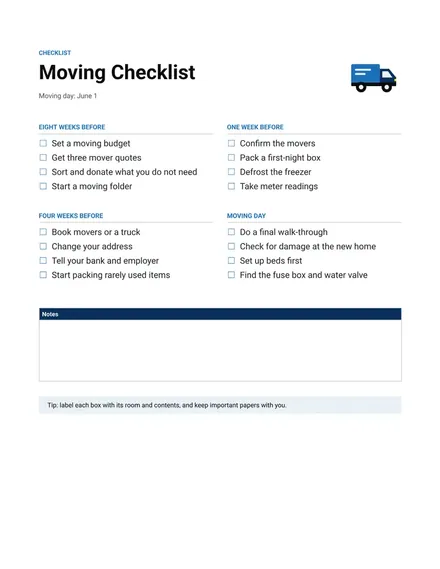
Docs + Word1 page
Free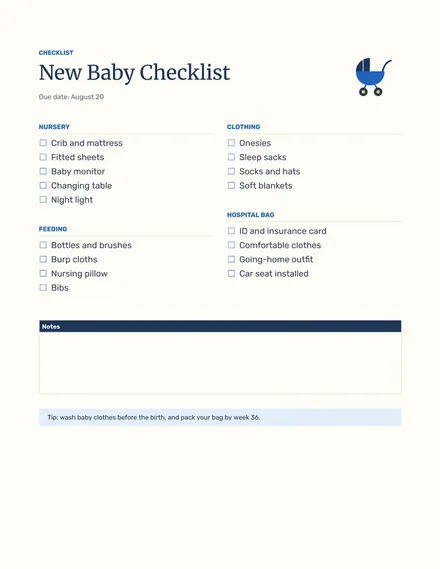
Docs + Word1 page
Free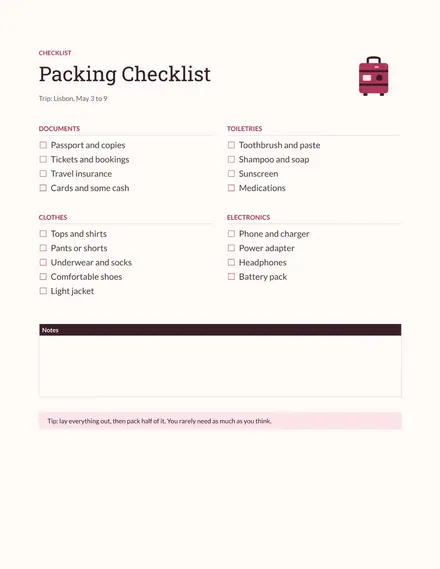
Docs + Word1 page
Free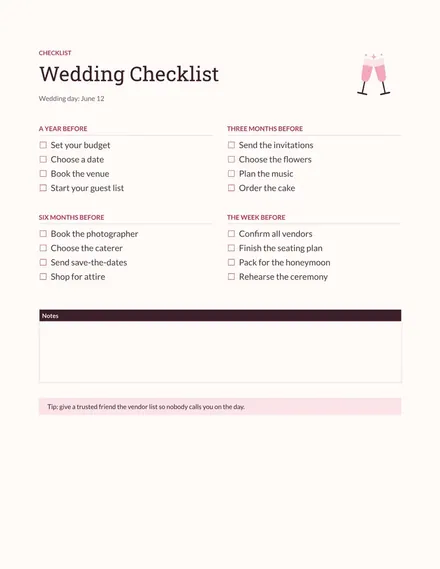
Docs + Word1 page
Free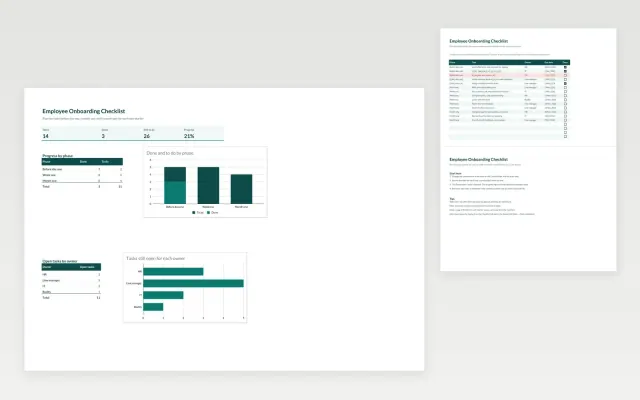 Employee Onboarding Checklist | 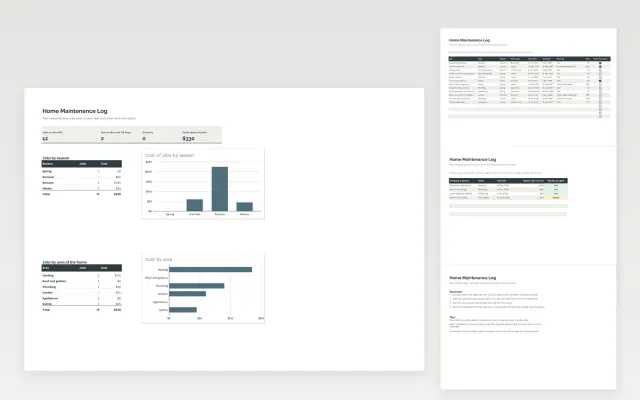 Home Maintenance Log | 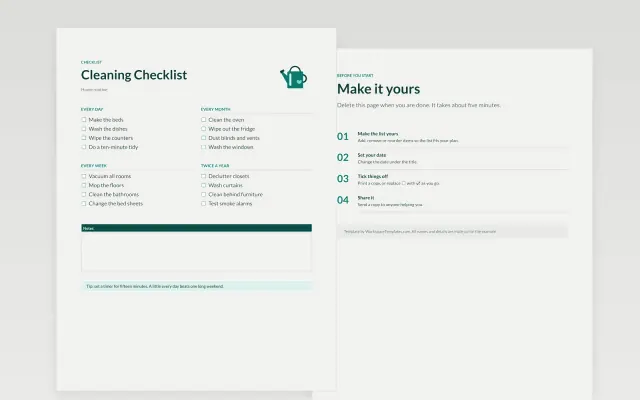 Cleaning Checklist | 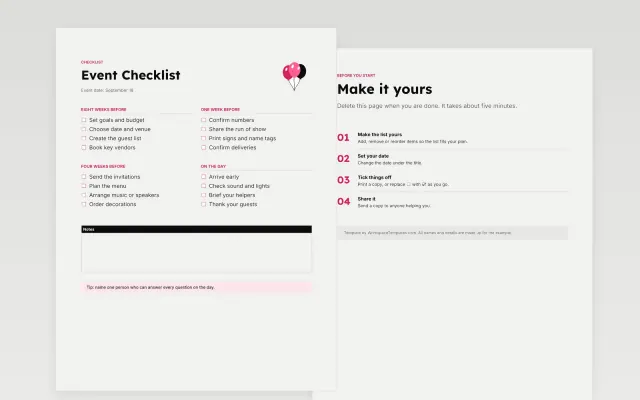 Event Checklist | |
|---|---|---|---|---|
| Format | Spreadsheet | Spreadsheet | Document | Document |
| Works in | Google Sheets and Excel | Google Sheets and Excel | Google Docs and Word | Google Docs and Word |
| Length | 3 slides | 4 slides | 1 page | 1 page |
| Style | Friendly | Minimal | Friendly | Bold |
Checklist templates break a job into steps you can tick off. You will find moving, packing, cleaning, wedding, new baby, home buying, event and grocery checklists, each grouped by stage or area.
Cover a title and target date, tasks grouped by stage or area, a box to tick for each task, an owner for shared tasks, due dates for time-sensitive items, and a notes section.
Put due dates on the tasks that depend on other people. A moving day on Saturday, December 5, 2026 means the utility calls need to happen weeks earlier.
Compare Employee Onboarding Checklist, Home Maintenance Log, and Cleaning Checklist, all 1 to 4 pages long, then pick the closest match and replace the sample text with your own.
Checklist templates break a job into steps you can tick off. You will find moving, packing, cleaning, wedding, new baby, home buying, event and grocery checklists, each grouped by stage or area.
Include a title and target date, tasks grouped by stage or area, a box to tick for each task, an owner for shared tasks, due dates for time-sensitive items, and a notes section. Put due dates on the tasks that depend on other people. A moving day on Saturday, December 5, 2026 means the utility calls need to happen weeks earlier.
Open a template and choose Make a copy. To add your own items, use the checklist option in the Format menu under Bullets and numbering. Each item then gets a box you can click.
Include change of address, utility transfers, packing by room, booking movers and cleaning the old home. Add a section for the first day in the new home, such as bedding and basic tools. Start about eight weeks ahead.
Click Share in the top right and add their email addresses. Give them edit access so they can tick items off themselves. Add names beside shared tasks so each one has an owner.
Yes. Open File, then Print, and the boxes print as empty squares you can tick by hand. Print on one page if you can, so it is easy to carry around.
Start with Employee Onboarding Checklist: Plan the tasks for each new starter by phase, with owners, due dates and progress. If that is not the right fit, compare it with Home Maintenance Log.
The templates here are 1 to 4 pages long. Cut any section you do not need; each template explains what its sections are for.
Yes. These checklist templates work in Google Sheets, Microsoft Excel, Google Docs, and Microsoft Word. All 10 templates are free, with no account or email needed.