
Business Trip Itinerary
Docs + Word1 page
Free5 templates
Docs + Word1 page
Free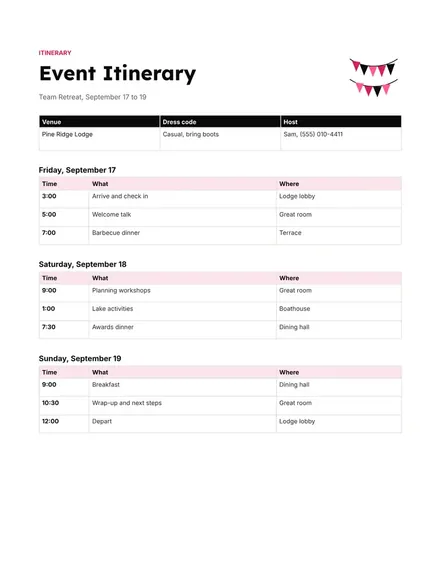
Docs + Word1 page
Free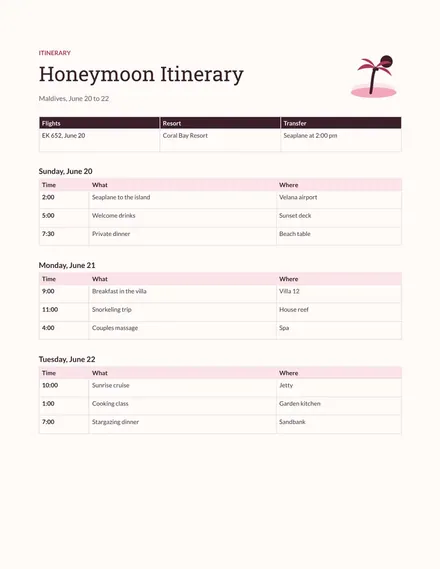
Docs + Word1 page
Free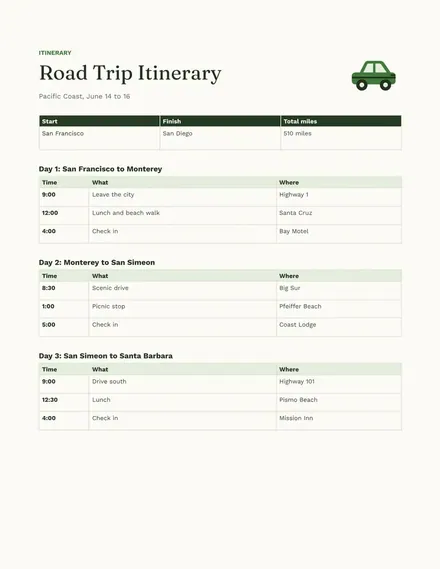
Docs + Word1 page
Free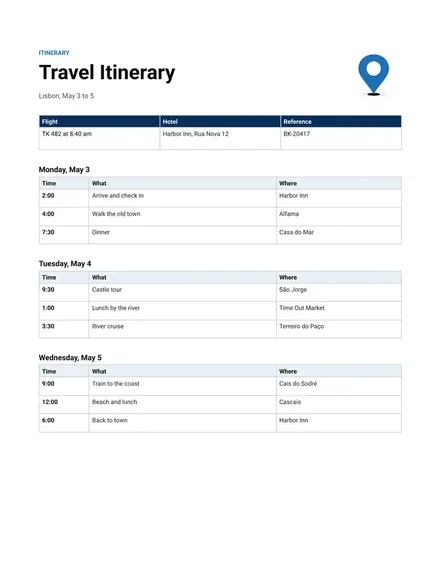
Docs + Word1 page
Free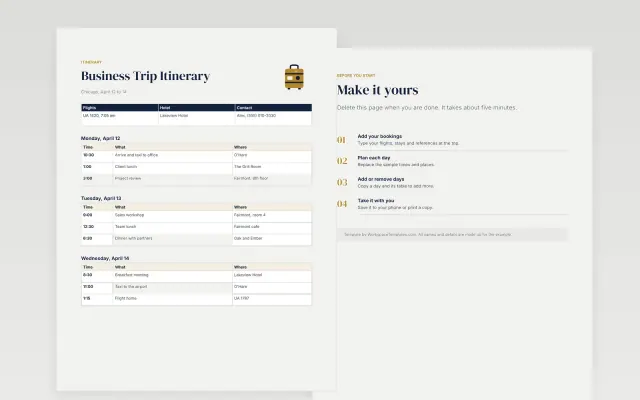 Business Trip Itinerary | 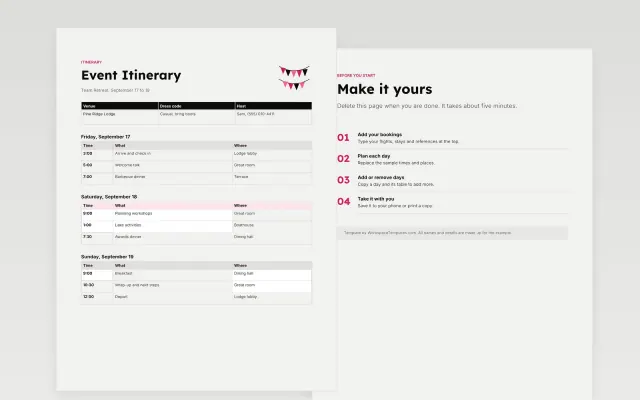 Event Itinerary | 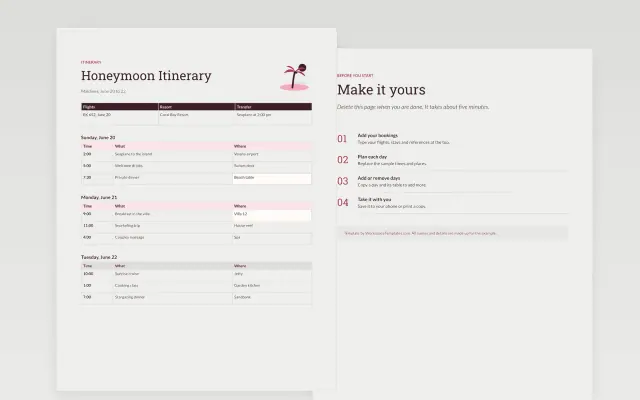 Honeymoon Itinerary | 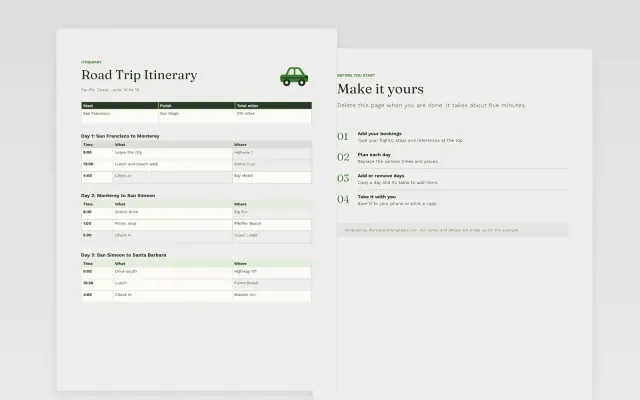 Road Trip Itinerary | |
|---|---|---|---|---|
| Format | Document | Document | Document | Document |
| Works in | Google Docs and Word | Google Docs and Word | Google Docs and Word | Google Docs and Word |
| Length | 1 page | 1 page | 1 page | 1 page |
| Style | Corporate | Bold | Editorial | Friendly |
Itinerary templates list your plans in the order they happen. You will find travel itineraries, road trip itineraries, honeymoon itineraries, business trip itineraries and event itineraries.
Cover dates and times, places to stay and visit, travel details and booking numbers, meals and activities, contact numbers, and a notes area.
Leave a gap in each day for delays and rest. Save a copy offline before you leave, in case you have no signal.
Compare Business Trip Itinerary, Event Itinerary, and Honeymoon Itinerary, all 1 page long, then pick the closest match and replace the sample text with your own.
Itinerary templates list your plans in the order they happen. You will find travel itineraries, road trip itineraries, honeymoon itineraries, business trip itineraries and event itineraries.
Include dates and times, places to stay and visit, travel details and booking numbers, meals and activities, contact numbers, and a notes area. Leave a gap in each day for delays and rest. Save a copy offline before you leave, in case you have no signal.
Open a template and choose Make a copy. Fill in one section per day with times, places and booking details. Share the document with the people traveling with you.
List each stop with the driving distance and time between stops. Add fuel stops, places to eat and where you will sleep each night. Keep a few hours free for detours.
It is a day-by-day plan for work travel. It lists flights or trains, hotel details, meetings and contact numbers. Many people send a copy to their manager or assistant.
Yes. Open the document in the Google Docs app and turn on offline access for it. You can then read it without a connection.
Start with Business Trip Itinerary: Flights, meetings and contacts for a tightly planned work trip. If that is not the right fit, compare it with Event Itinerary.
The templates here are 1 page long. Cut any section you do not need; each template explains what its sections are for.
Yes. These itinerary templates work in Google Docs and Microsoft Word. All 5 templates are free, with no account or email needed.