Market Research Presentation
Slides + PowerPoint18 slides
Free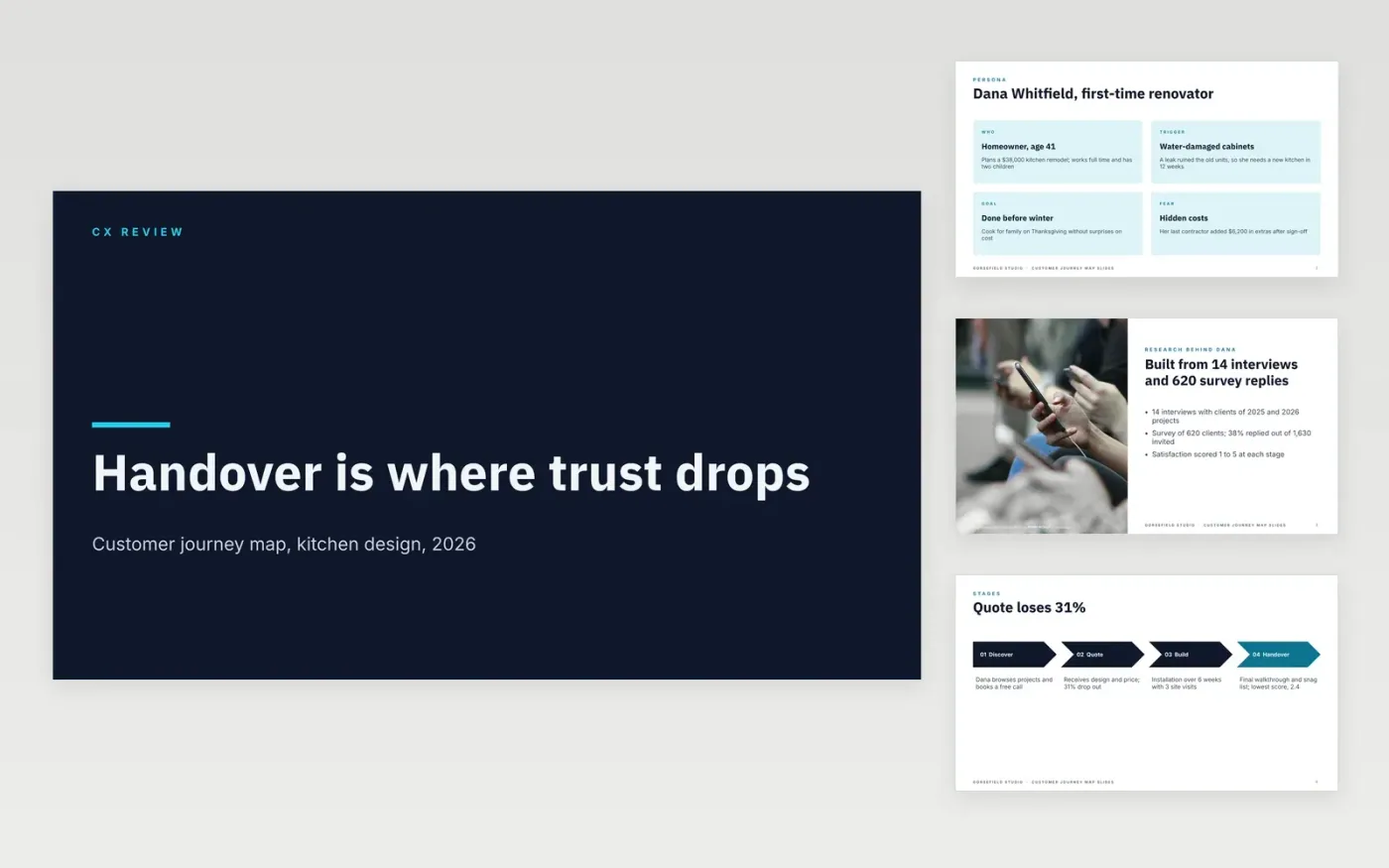
Teams often polish single touchpoints while customers struggle across the whole experience. This deck maps one persona through four stages, scores each touchpoint against a target, plots emotion, ties every pain to evidence and ends with owned, dated fixes, so marketing, service and operations work from one picture.
The sample follows Dana, a first-time kitchen renovator at Gorsefield Studio, a fictional design studio, using 14 interviews and 620 survey replies. Handover scores lowest at 2.4 of 5 and 31% drop out at the quote. Replace the persona, stages, scores and fixes with your own research.
Click Make a copy in Google Slides, then confirm on the Google page. The copy is saved to your own Google Drive.
Choose one persona and one scenario, then rewrite the persona cards and the research slide with your own sample sizes.
Replace the stages with the ones your customers describe, and update the scorecard with your survey results and targets.
Add a quote or data point behind every pain point, then set owners and dates on the top three fixes.
Delete the Make it yours guide slide, then share the deck or present it.
Yes. It is a free Google Slides template. Make a copy to your own Drive and edit the slides, scores and wording for your business.
No. The organization, the people, the quotes and every figure are fictional. They show what a well-evidenced journey map looks like, so replace them with your research.
Yes. Change the persona and stages to fit your audience, such as referral, appointment and follow-up for patients, and keep the evidence behind every pain point.
Slides + PowerPoint18 slides
Free
Docs + Word6 pages
Free
Google Sheets
Free
Docs + Word7 pages
Free
Slides + PowerPoint12 slides
Free








