Customer Journey Map Slides
Slides + PowerPoint10 slides
Free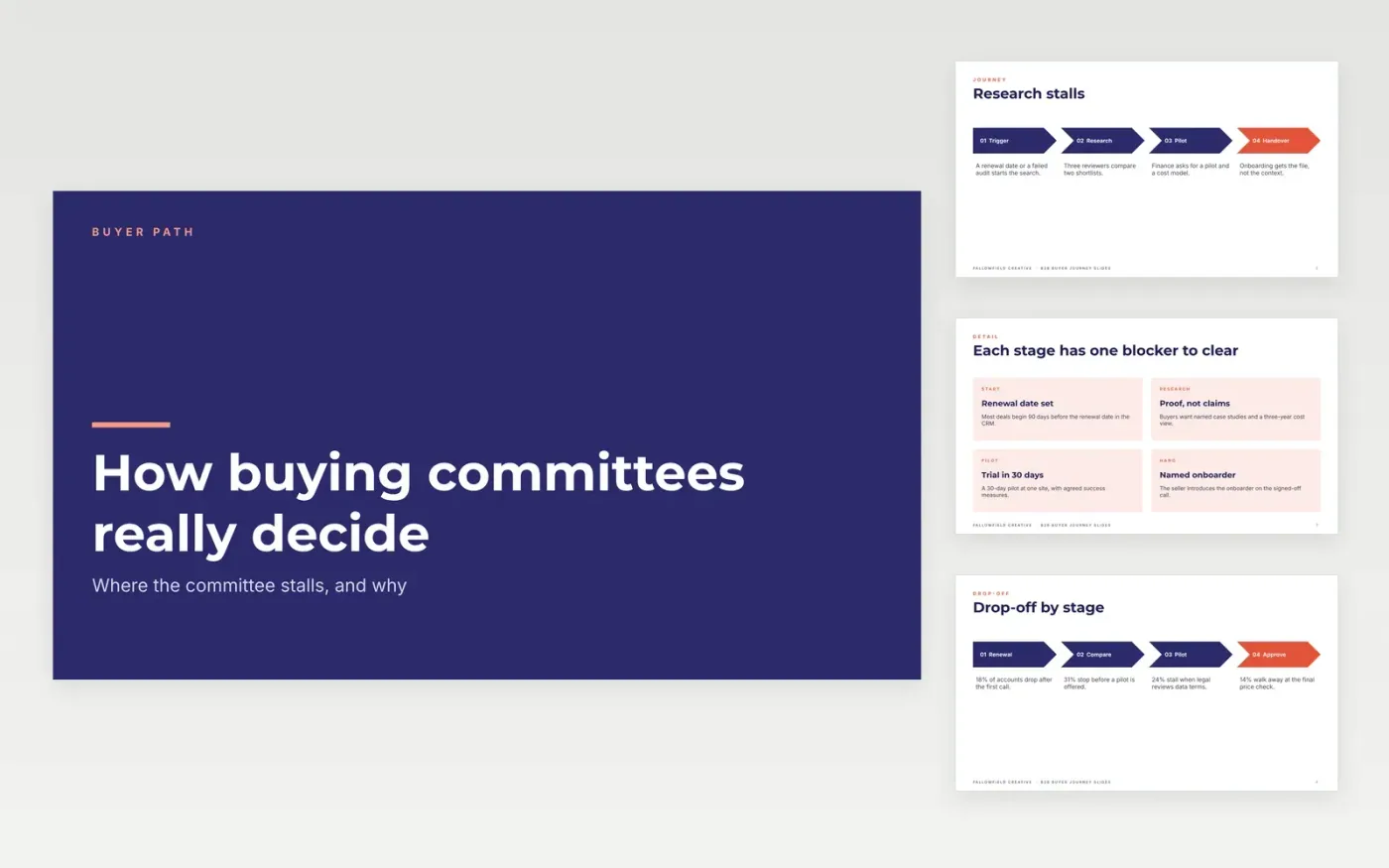
B2B deals stall in places marketing rarely measures, usually where a committee member needs proof that the champion cannot give them. This Google Slides deck maps the buying journey as four stages, from trigger to handover, and sets out who decides at each one. It moves from the stages to the committee roles, the questions each role asks and the content that answers them, then to the gaps and a single owner for each fix.
The sample uses Fallowfield Creative, a fictional agency, with research from 16 interviews and a 620-buyer survey. It shows a 31% drop between research and pilot. Replace the stages, roles and figures with your own research, and have two buyers check the questions before you share the deck.
Click Make a copy in Google Slides, then confirm on the Google page. The copy is saved to your own Google Drive.
Replace the cover, stage names and team names with your own before you edit the figures.
Swap in the drop-off and satisfaction scores from your own interviews and survey.
Assign each gap an owner and a date, then add the committee roles your buyers really use.
Delete the guide slide, then share the deck or present it in your next pipeline review.
Yes. Make a copy in Google Slides and it is yours to edit, with no sign-up here and no cost.
Yes. Everything is built with standard Google Slides styles, so you can change the fonts, colours and layouts as you would in any presentation.
No. Fallowfield Creative, its people, the interview counts, the survey and every percentage are fictional. Replace them with your own before you share the deck.
Slides + PowerPoint10 slides
Free
Docs + Word6 pages
Free
Google Sheets
Free








