Market Research Report
Docs + Word6 pages
FeaturedFree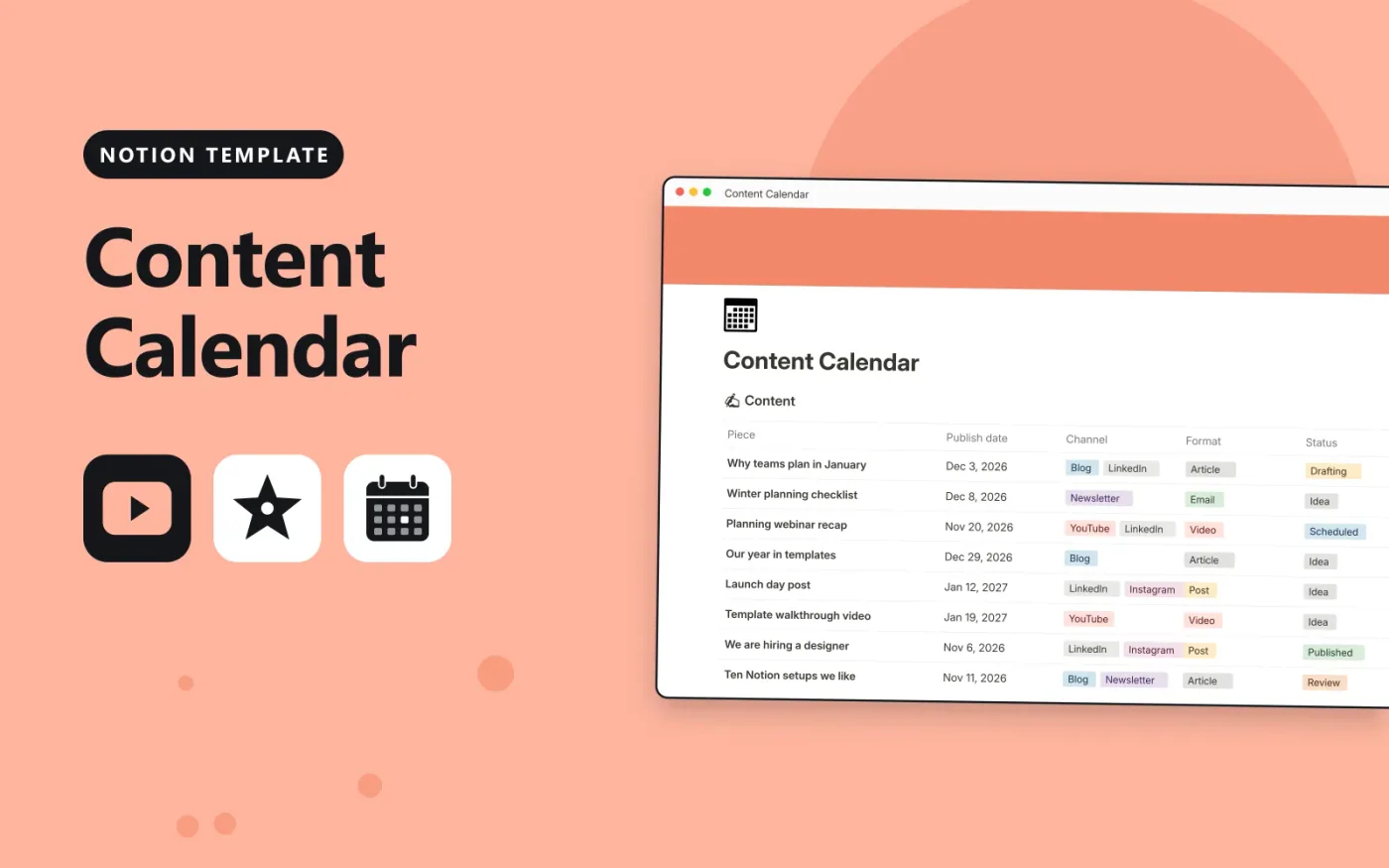
This Notion template keeps content pieces in one database and campaigns in another. Each piece has a publish date, one or more channels, a format, a status and an owner. A Timing column flags pieces that still need a date or have already gone out. Each campaign links to the pieces that belong to it and counts them.
It comes with sample pieces and campaigns so you can see how the links work. Duplicate it, replace the samples with your own, and switch to a calendar view if you want to see the month at a glance.
Click Duplicate in Notion. The template page opens in Notion.
Click Duplicate at the top right and choose your workspace.
Read the Start here section, then replace the sample entries with your own.
Add a board or calendar view from the + next to the table name if you want one.
Yes. Duplicate it into your own Notion workspace at no cost. The free Notion plan is enough.
Each campaign links to its pieces of content. The Piece count column is a rollup that counts the linked pieces, so it updates when you add or remove a link.
Yes. Click + next to the Content table name, choose Calendar and use Publish date. The data stays the same.
Docs + Word6 pages
FeaturedFree
Google Sheets
FeaturedFree
Sheets + Excel4 tabs
Free
Notion
Free
Notion
Free
Notion
Free
Notion
Free
Notion
Free
Notion
Free
Notion
Free
Notion
Free
Notion
Free
Notion
Free
Notion
Free
Notion
Free