
Access Card Request Letter
Docs + Word2 pages
Free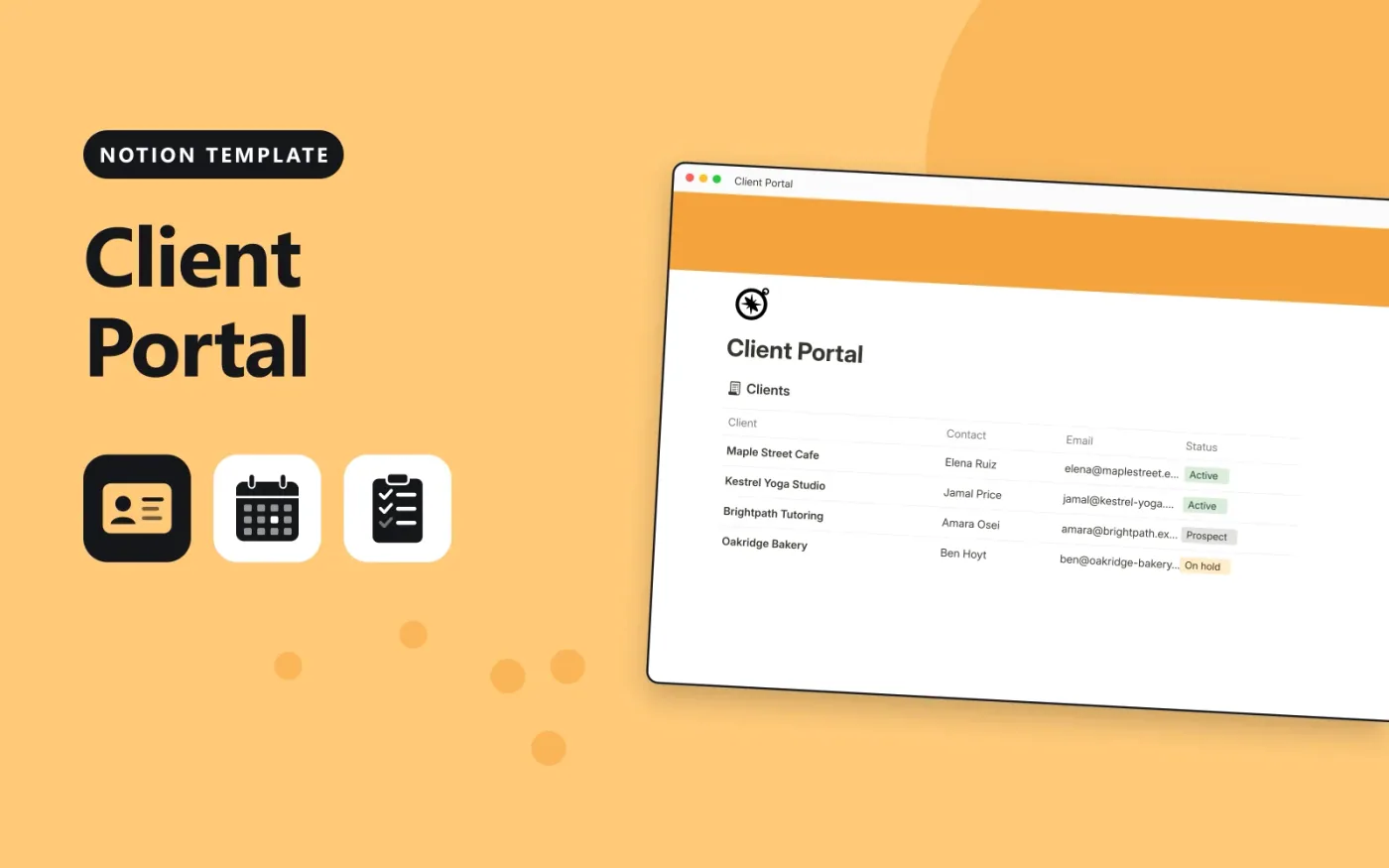
This Notion template keeps clients, projects and deliverables in three linked databases. Each client has projects, each project has deliverables, and each deliverable has an approval status. A Next step formula says whether the client needs to review something, whether changes need making or whether nothing is needed.
It comes with sample clients and work, plus a Welcome page written for your clients. Duplicate it for each client or share one workspace, replace the samples with your own, and keep approvals moving by setting a due date on each one.
Click Duplicate in Notion. The template page opens in Notion.
Click Duplicate at the top right and choose your workspace.
Read the Start here section, then replace the sample entries with your own.
Add a board or calendar view from the + next to the table name if you want one.
Yes. Duplicate it into your own Notion workspace at no cost. The free Notion plan is enough.
It is a formula that reads the Approval select. Waiting for approval shows Client to review, Changes requested shows Revise and resend, and Approved shows Nothing needed.
Duplicate the page for each client, keep only their rows, and share the copy with them using Notion's share settings. Check the sharing settings before you send it.
Docs + Word2 pages
Free
Docs + Word2 pages
Free
Docs + Word2 pages
Free
Notion
Free
Notion
Free
Notion
Free
Notion
Free
Notion
Free
Notion
Free
Notion
Free
Notion
Free
Notion
Free
Notion
Free
Notion
Free
Notion
Free










