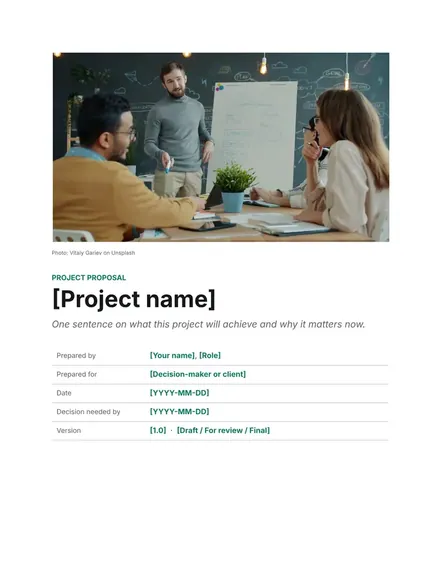
Project Proposal
Docs + Word5 pages
FeaturedFree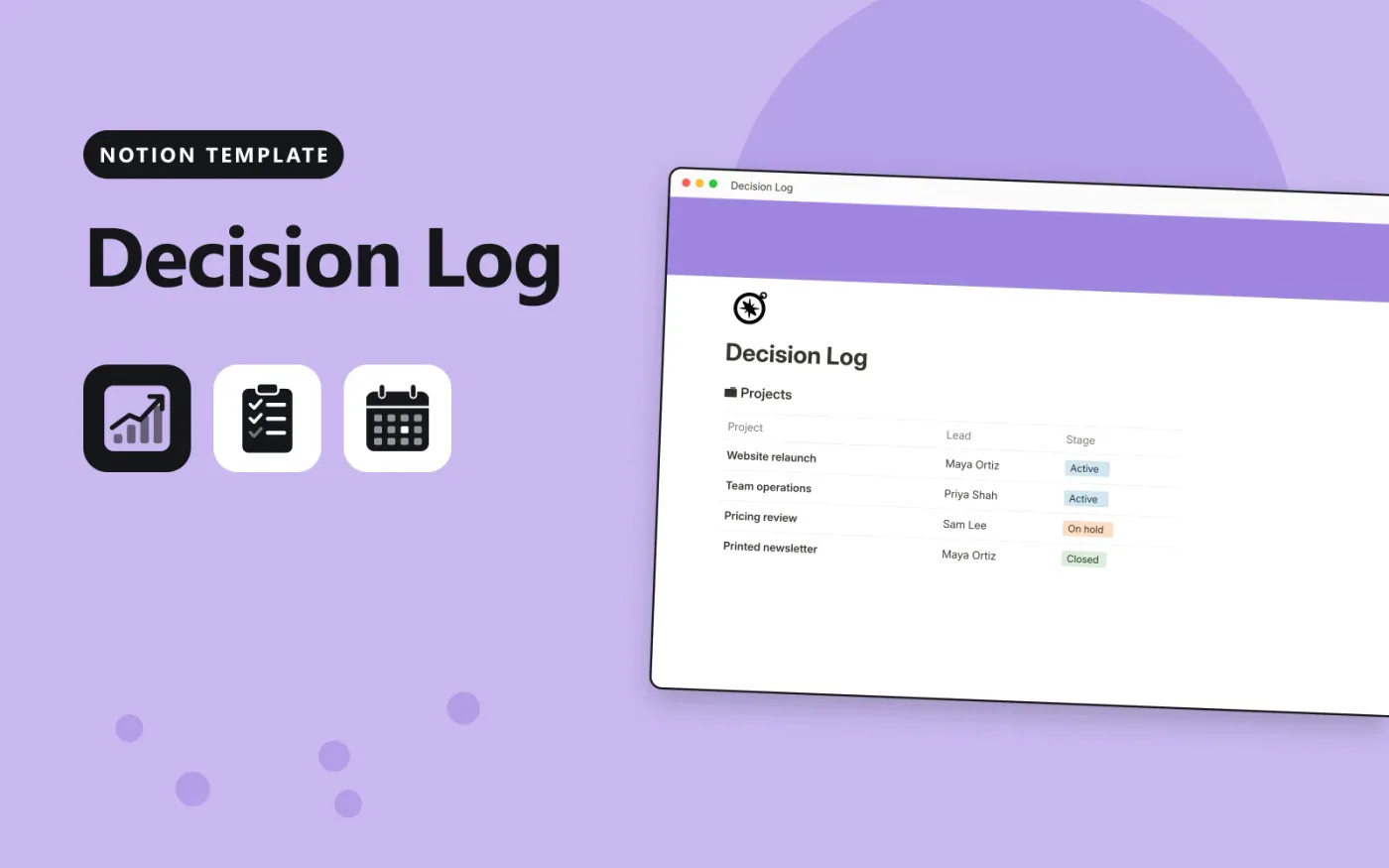
This Notion template keeps decisions in one database and projects in a second. Each decision has a date, the person who made it, a status such as Decided or Reversed, an impact level, and fields for the context and the outcome. A Days since decided formula shows how long ago each choice was made.
Projects link to the decisions that shaped them, and a Decisions logged column counts them. The template comes with sample entries; duplicate it, replace them with your own, and add a calendar view if you want to see decisions by date.
Click Duplicate in Notion. The template page opens in Notion.
Click Duplicate at the top right and choose your workspace.
Read the Start here section, then replace the sample entries with your own.
Add a board or calendar view from the + next to the table name if you want one.
Yes. Duplicate it into your own Notion workspace at no cost. The free Notion plan is enough.
Each decision picks its project in the Project column, and the project lists it under Decisions. The Decisions logged rollup on each project counts them.
Click + next to the Decisions table name, choose Calendar and use the Date property. The data stays the same.
Docs + Word5 pages
FeaturedFree
Docs + Word1 page
Free
Docs + Word11 pages
Free
Notion
Free
Notion
Free
Notion
Free
Notion
Free
Notion
Free
Notion
Free
Notion
Free
Notion
Free
Notion
Free
Notion
Free
Notion
Free
Notion
Free









