
Company Magazine
Docs + Word7 pages
FeaturedFree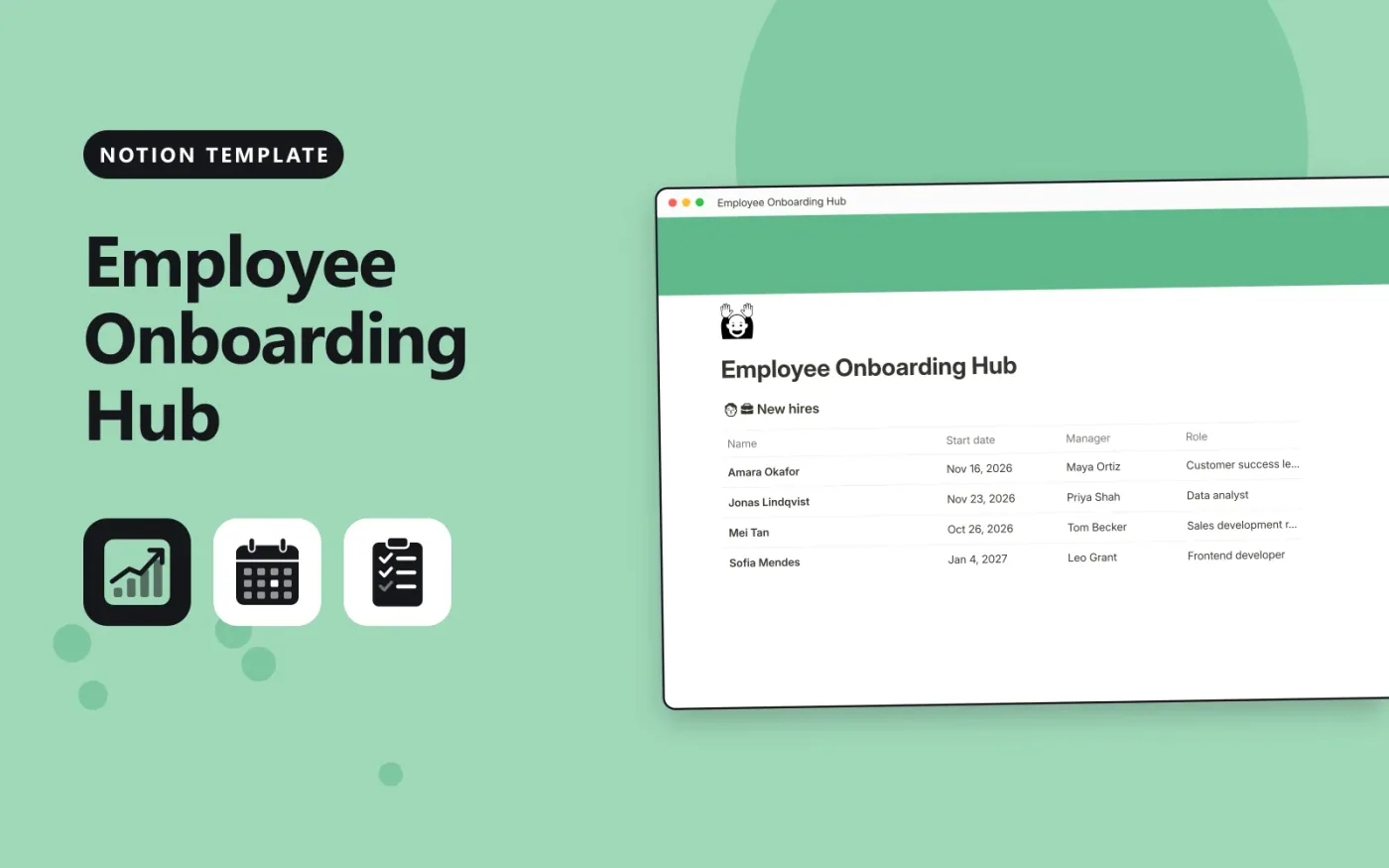
This Notion template keeps new hires and their onboarding tasks in two linked databases. Each hire has a start date, a manager and a role, and links to the tasks for that person. Each task has a phase, an owner, a due date and a Done box. The Percent done column on each hire shows how much of their list is finished.
It comes with sample hires, tasks and a Welcome page for new starters. Duplicate it, replace the samples with your own hires and tasks, and share the Welcome page before each start date.
Click Duplicate in Notion. The template page opens in Notion.
Click Duplicate at the top right and choose your workspace.
Read the Start here section, then replace the sample entries with your own.
Add a board or calendar view from the + next to the table name if you want one.
Yes. Duplicate it into your own Notion workspace at no cost. The free Notion plan is enough.
It is a rollup. It counts the linked tasks whose Done box is ticked and shows that as a percentage of all the tasks linked to the hire.
Yes. Duplicate a hire's tasks as a starting point for the next person, then pick the new hire in the Hire column of each copy.
Docs + Word7 pages
FeaturedFree
Docs + Word21 pages
FeaturedFree
Slides + PowerPoint16 slides
FeaturedFree
Notion
Free
Notion
Free
Notion
Free
Notion
Free
Notion
Free
Notion
Free
Notion
Free
Notion
Free
Notion
Free
Notion
Free
Notion
Free
Notion
Free








