
Market Research Presentation
Slides + PowerPoint18 slides
Free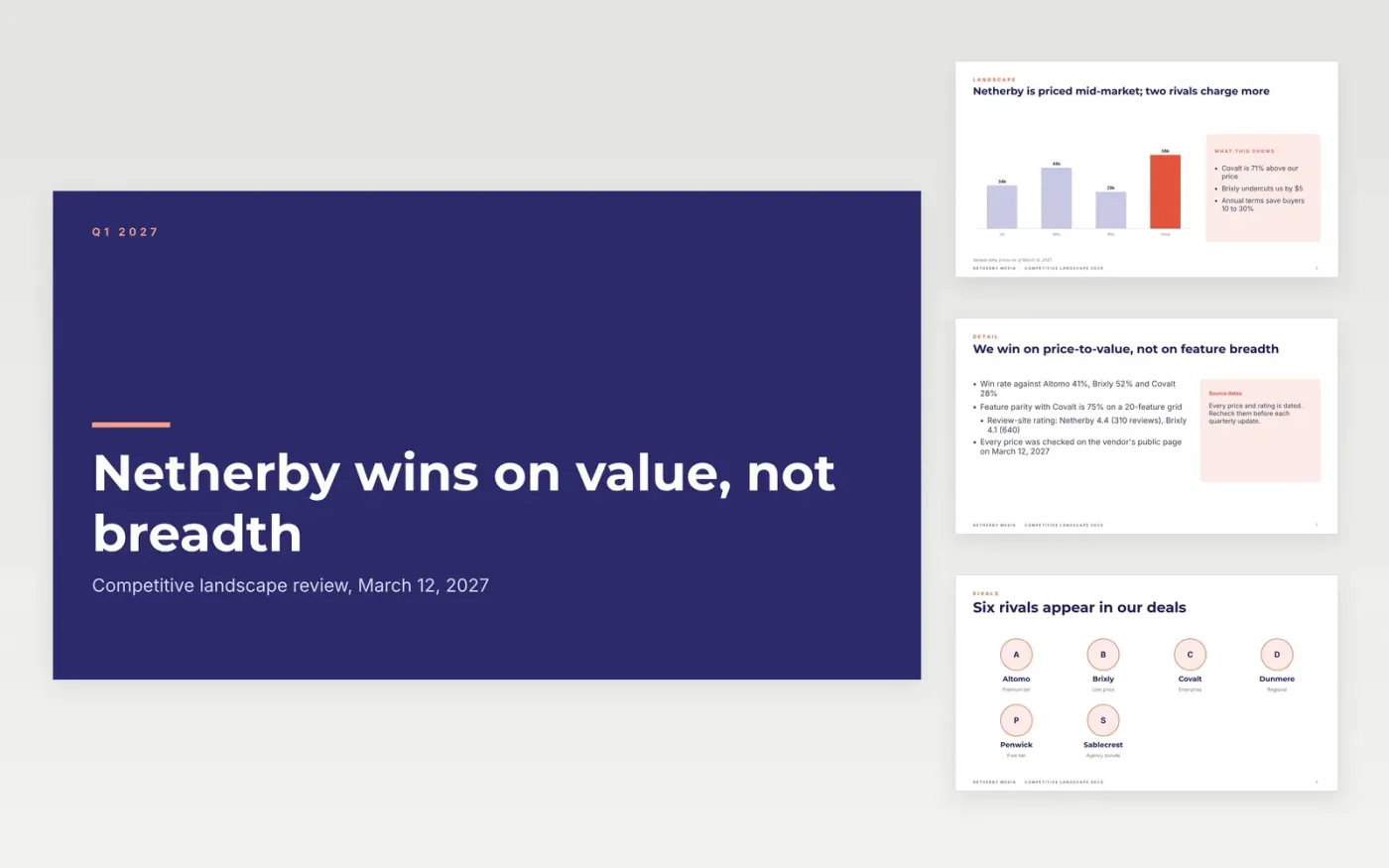
A competitor deck that lists facts without a decision is shelfware. This template sets out the landscape on a price map, profiles each rival, scores a 20-feature grid, captures the themes behind won and lost deals, and ends with a threat table that gives every rival a response and a date. Ten slides, ready to present to sales and leadership.
The sample follows Netherby Media's planning software against six rivals, with prices, review ratings, win rates from 28% to 55% and feature parity from 60% to 90%, all dated. Replace the rivals with the five your sales team meets in deals, then swap in your own criteria, prices and loss reasons.
Click Make a copy in Google Slides, then confirm on the Google page. The copy is saved to your own Google Drive.
Pick the five rivals your sales team meets in deals and replace the profiles, chart labels and prices with dated, sourced figures.
Replace the feature grid with the criteria buyers use in evaluations, and fill the win themes from at least three lost-deal conversations.
Turn each gap into an action in the threat table, with a named response and a review date.
Delete the guide slide, then share or present the deck.
Four to seven is enough. Choose the rivals your buyers actually shortlist, not every vendor in the category, so each profile and action stays specific.
Date every price and rating, cite a source you can link, and avoid using a rival's own marketing as evidence. The sample shows a dated source line on each chart and table.
No. Netherby Media, its rivals, people and every figure are fictional sample data, built so the numbers are consistent from slide to slide.
Slides + PowerPoint18 slides
Free
Docs + Word12 pages
Free
Docs + Word6 pages
Free
Docs + Word7 pages
Free
Slides + PowerPoint10 slides
Free
Docs + Word7 pages
Free
Docs + Word8 pages
Free
Docs + Word7 pages
Free









