Brand Guidelines Deck
Slides + PowerPoint11 slides
Free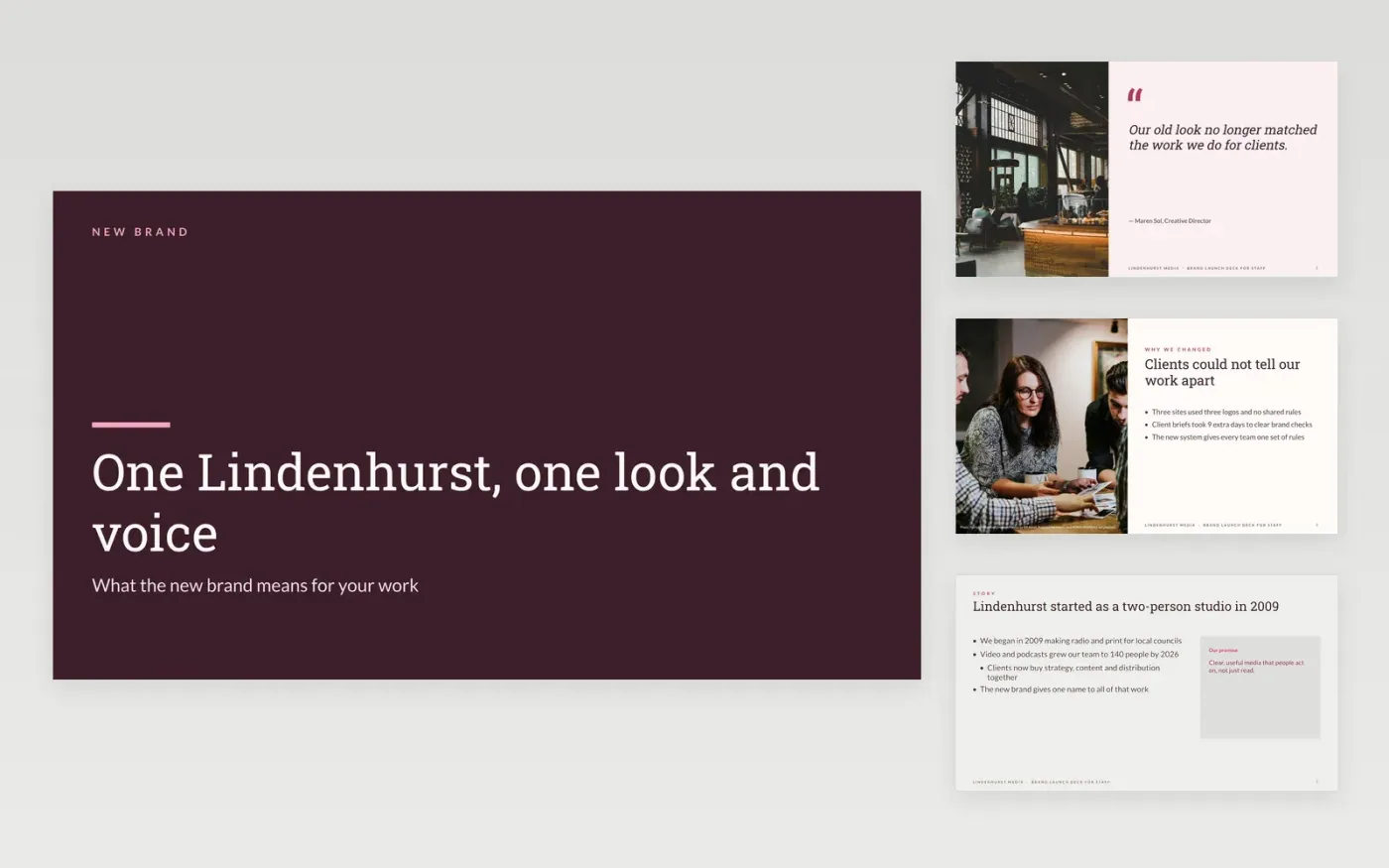
A new brand reaches customers only when staff use it correctly, and that starts with a clear briefing. This brand book template for staff tells people why the change happened, what stays the same, what is new, what they must do, and where to find the logo, colour and template files. It pairs each rule with its reason, so people follow it because they understand it rather than because they were told to.
The sample is for Lindenhurst Media, a fictional UK media company that moves all of its work under one name, Lindenhurst. It sets a primary green at #1F6B52, a warm sand, a logo minimum of 24 mm in print, and a checklist that requires 4.5:1 text contrast. Replace the logo, colours, rules and approvers with your own, add a real before-and-after example from your copy, and confirm the email address and turnaround time for approvals before you launch.
Click Make a copy in Google Slides, then confirm on the Google page. The copy is saved to your own Google Drive.
Replace the logo files and clear-space rules with your own artwork.
Replace the colour swatches with your brand values for screen and print.
Rewrite the voice traits and add one real before-and-after example.
Delete the guide slide, then share the deck or present it in full screen.
No. Lindenhurst Media, its staff, the brand values, colours and rules are fictional sample data. Replace them with your own brand details before you share the deck internally.
Everyone who makes or approves work in the brand, from staff to freelancers and partners. Give partners the logo and colour slides only, and keep the approval contact on the last slide.
Send the request to the brand team with the use, the audience and the deadline. Approvers reply within the turnaround time you publish, and every exception is written down.
Slides + PowerPoint11 slides
Free
Slides + PowerPoint11 slides
Free
Docs + Word6 pages
Free
Docs + Word7 pages
Free
Slides + PowerPoint10 slides
Free
Docs + Word7 pages
Free









