Brand Guidelines Deck
Slides + PowerPoint11 slides
Free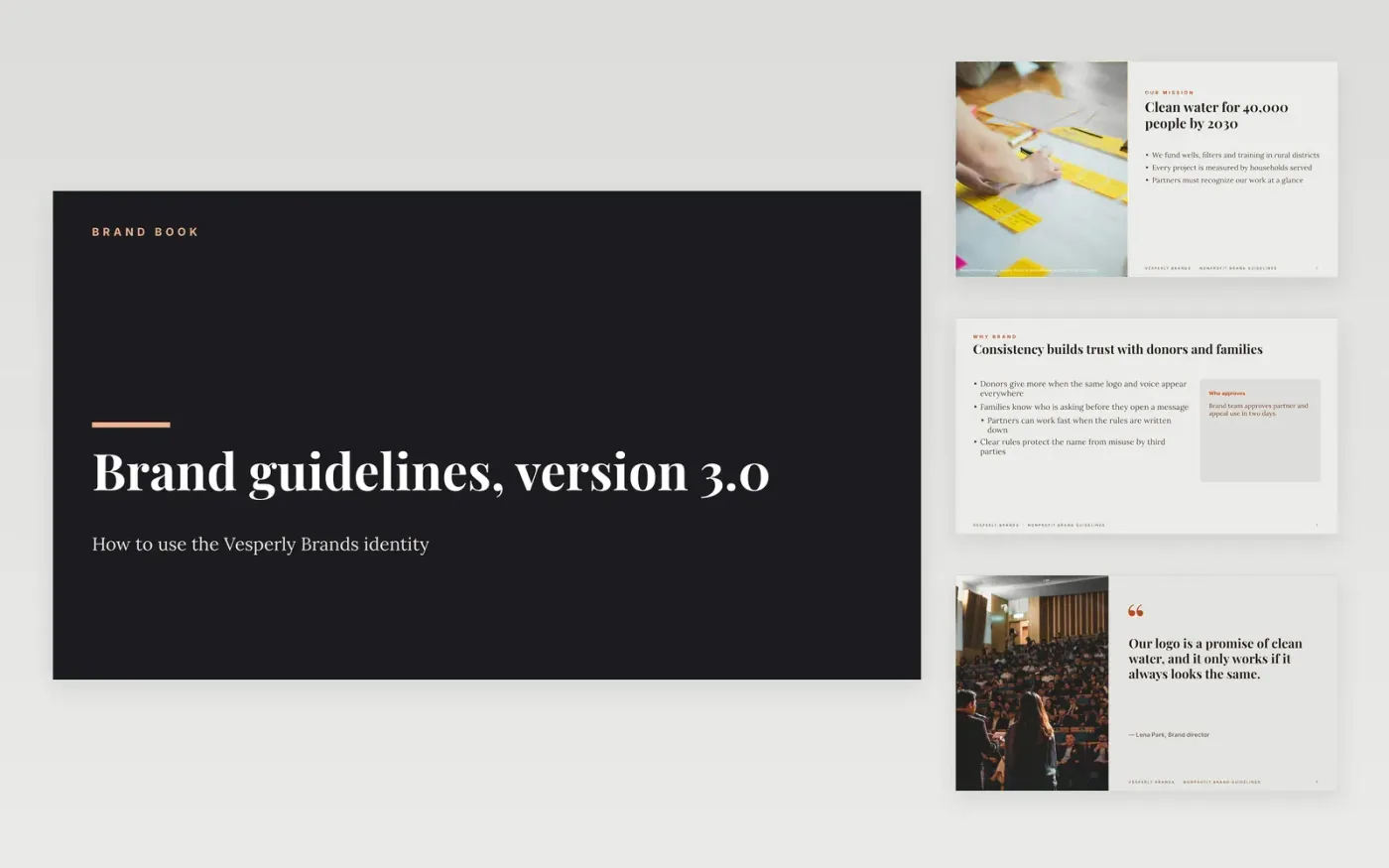
Partners, freelance designers and fundraisers need to use a charity's brand correctly without asking the brand team for every decision. This brand book template sets the rules in order: mission, logo, partner use, color values, photo consent and voice, then a guide and contacts. Each slide pairs a rule with the reason it exists, so people follow it because they understand it, not because they fear the policy.
The sample describes Vesperly Brands, a fictional nonprofit, with example color values, partner permissions and consent rules, so you can see how a finished brand book reads. Replace the logo files, the HEX, RGB and CMYK values and the three voice traits with your own, and delete any rule you do not enforce. Add your approval contact and turnaround time before you share the deck.
Click Make a copy in Google Slides, then confirm on the Google page. The copy is saved to your own Google Drive.
Drop in your logo files and update the clear-space and minimum-size rules to match your artwork.
Replace the sample colors with your own HEX, RGB and CMYK values, and check contrast for text.
Add the approvals email and turnaround time, then check every partner rule with your brand team.
Delete the guide slide, then share the deck with partners or present it from Google Slides.
No. Vesperly Brands, its staff, the fundraising figures, the logo rules and the color values are fictional sample data. Replace them with your organization's own brand assets before you publish.
Partners usually need only the logo, color and partner use pages. Share the full book with designers and staff, and send partners a shorter pack with the rules that apply to their sites.
Get written consent from every person shown, record it against the image, and keep it on file. Images without consent are not used, even if they are free to download or easy to find.
Slides + PowerPoint11 slides
Free
Slides + PowerPoint11 slides
Free
Slides + PowerPoint12 slides
Free
Docs + Word7 pages
Free
Docs + Word7 pages
Free










