
Market Research Presentation
Slides + PowerPoint18 slides
Free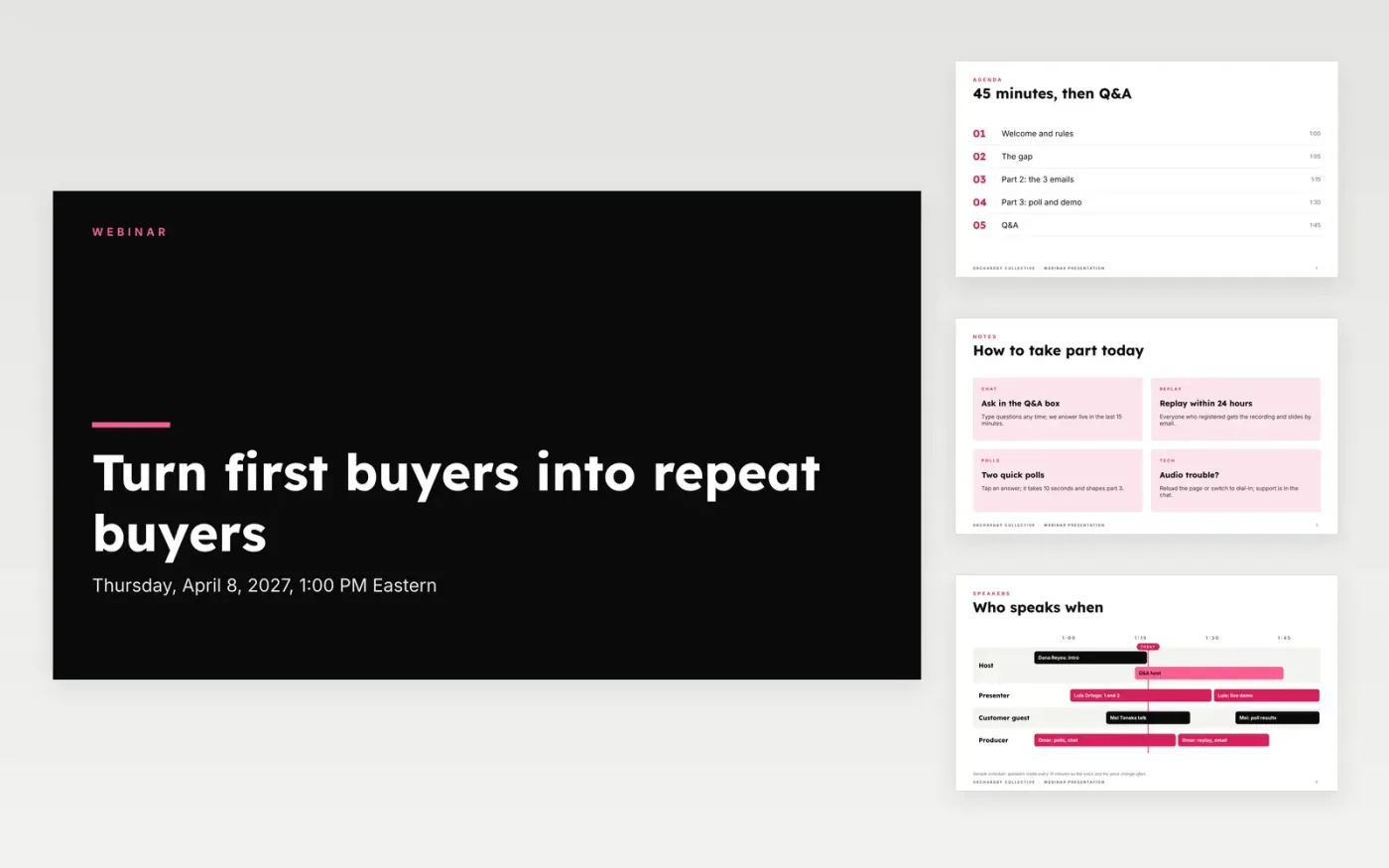
Webinars lose people when the first ten minutes are a product pitch, the slides are walls of text and there is no poll to bring attention back. This deck gives you housekeeping, an agenda, a speaker rotation, three content ideas, a live poll with a chart, a Q&A slide and a closing offer with dated steps.
The sample is an Orchardby Collective session on turning first-time buyers into repeat buyers, with a 45-minute run of show, a poll where 44% send just one email after a first order, and four likely questions. Replace the title, date, speakers, takeaways, poll and offer with your own, then delete the guide slide.
Click Make a copy in Google Slides, then confirm on the Google page. The copy is saved to your own Google Drive.
Replace the title, date and speaker names with your session and presenters, and set the agenda times.
Rewrite the three content sections as takeaways the attendee will remember, and write two poll questions that help you segment the audience.
Choose one offer for the closing steps, remove alternatives and set your invite and reminder dates.
Delete the Make it yours slide, then present the deck or share the replay.
The sample uses 45 minutes of content and 15 minutes of Q&A. Each part changes speaker or format every 15 minutes to keep attention.
No. Orchardby Collective, the speakers, the poll results and every figure are fictional and exist only to show how the deck reads.
Put it after the first main idea, around minute 25, so attention does not drop. Use the results to choose the example you show in part 3.
Slides + PowerPoint18 slides
Free
Docs + Word12 pages
Free
Docs + Word6 pages
Free
Slides + PowerPoint12 slides
Free
Slides + PowerPoint10 slides
Free









