
Panel Discussion Slides
Slides + PowerPoint12 slides
Free3 templates
Slides + PowerPoint12 slides
Free
Slides + PowerPoint10 slides
Free
Slides + PowerPoint11 slides
Free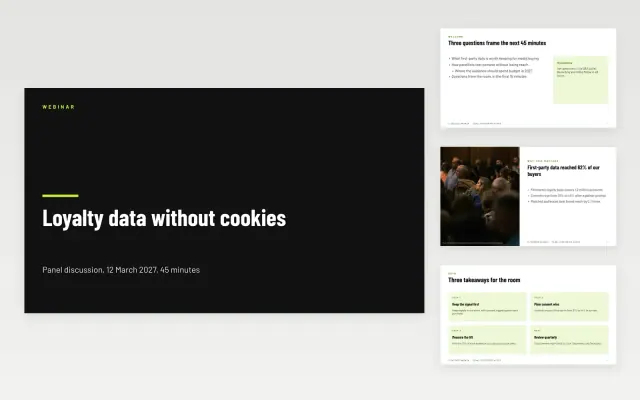 Panel Discussion Slides | 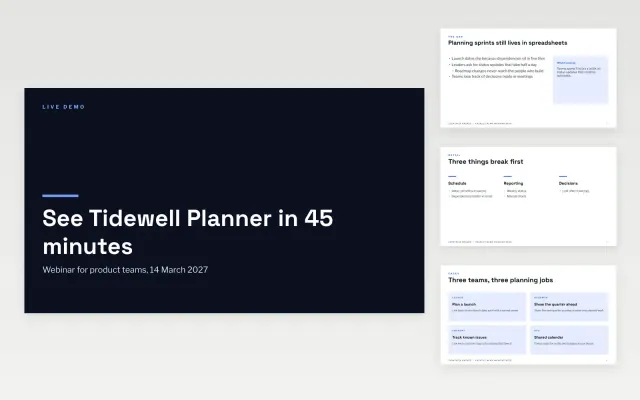 Product Demo Webinar Deck | 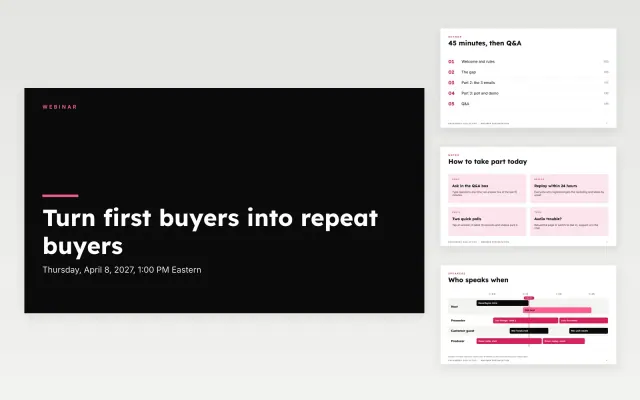 Webinar Presentation | |
|---|---|---|---|
| Format | Presentation | Presentation | Presentation |
| Works in | Google Slides and PowerPoint | Google Slides and PowerPoint | Google Slides and PowerPoint |
| Length | 12 slides | 10 slides | 11 slides |
| Style | Bold | Modern | Bold |
A webinar deck supports a live online session and keeps attendees following along through to the next step.
Cover a clear promise, the speakers, an agenda, the main teaching points, audience questions, and a call to action.
Change the slide often and ask a question early, since online audiences drift quickly.
Compare Panel Discussion Slides, Product Demo Webinar Deck, and Webinar Presentation, all 10 to 12 pages long, then pick the closest match and replace the sample text with your own.
A webinar deck supports a live online session and keeps attendees following along through to the next step.
Include a clear promise, the speakers, an agenda, the main teaching points, audience questions, and a call to action. Change the slide often and ask a question early, since online audiences drift quickly.
Start with Panel Discussion Slides: Keeps a panel on time with speaker cards, question themes and a Q&A plan that moderators can run from one deck. If that is not the right fit, compare it with Product Demo Webinar Deck.
The templates here are 10 to 12 pages long. Cut any section you do not need; each template explains what its sections are for.
Yes. These webinar deck templates work in Google Slides and Microsoft PowerPoint. All 3 templates are free, with no account or email needed.