
Webinar Presentation
Slides + PowerPoint11 slides
Free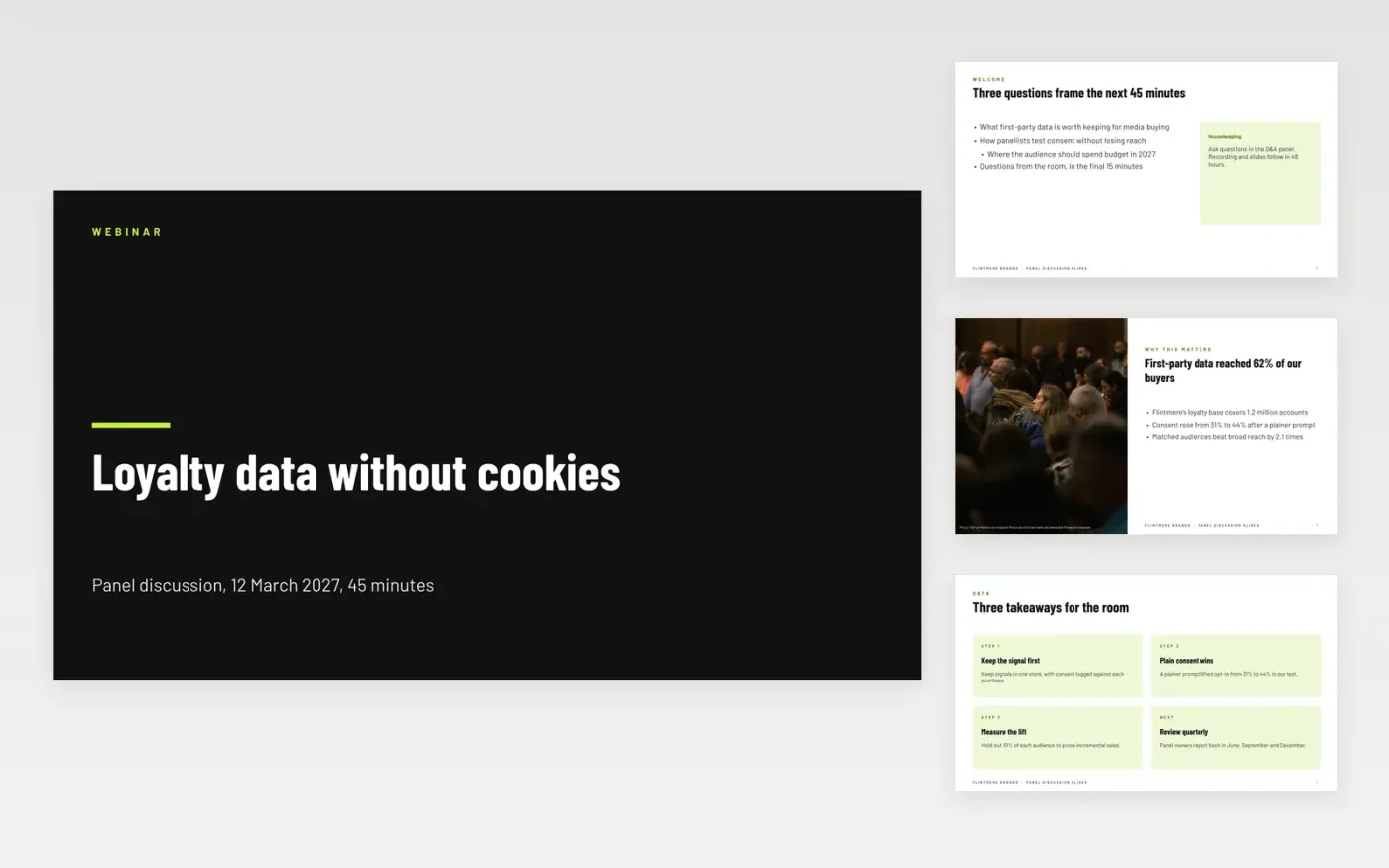
Panels often lose the room in the first ten minutes, or run out of time before the audience gets to ask anything. This twelve-slide Google Slides deck gives moderators a fixed order: a welcome with housekeeping, the panellists with a timed table, four question themes on a two-by-two matrix, a Q&A slide with prompts and a close with contacts. Each slide carries one idea, so the moderator can keep the pace without reading from the screen.
The sample is a fictional Flintmere Brands panel on loyalty data without cookies, held on 12 March 2027, with 30 minutes of talk and 15 minutes of questions. It shows the talk times, the four themes and the Q&A prompts in finished form. Replace the title, speaker cards and themes with your own panel, then rewrite each question so that it has an answer the room can act on.
Click Make a copy in Google Slides, then confirm on the Google page. The copy is saved to your own Google Drive.
Replace the title, date and speaker cards with your session and panellists.
Rewrite the three content slides as takeaways the room will remember.
Write the poll questions and the Q&A prompts for your own audience.
Delete the guide slide, then share the deck or present it from Google Slides.
Yes. The timings assume a 45-minute slot, so the same structure works in a room. Cut the welcome bullets to one line, and run the poll as a show of hands if the room has no screens.
No. Flintmere Brands, the six panellists, their roles and every figure in the deck are fictional sample data. Replace them before you use the template, and check each figure against your own sources.
The sample sets aside 15 minutes, which suits a 45-minute session with 30 minutes of talk. If the talks run long, the moderator can shorten the Q&A to 10 minutes without changing the slides.
Slides + PowerPoint11 slides
Free
Docs + Word6 pages
Free
Google Sheets
Free








