
Annual Report
Docs + Word6 pages
FeaturedFree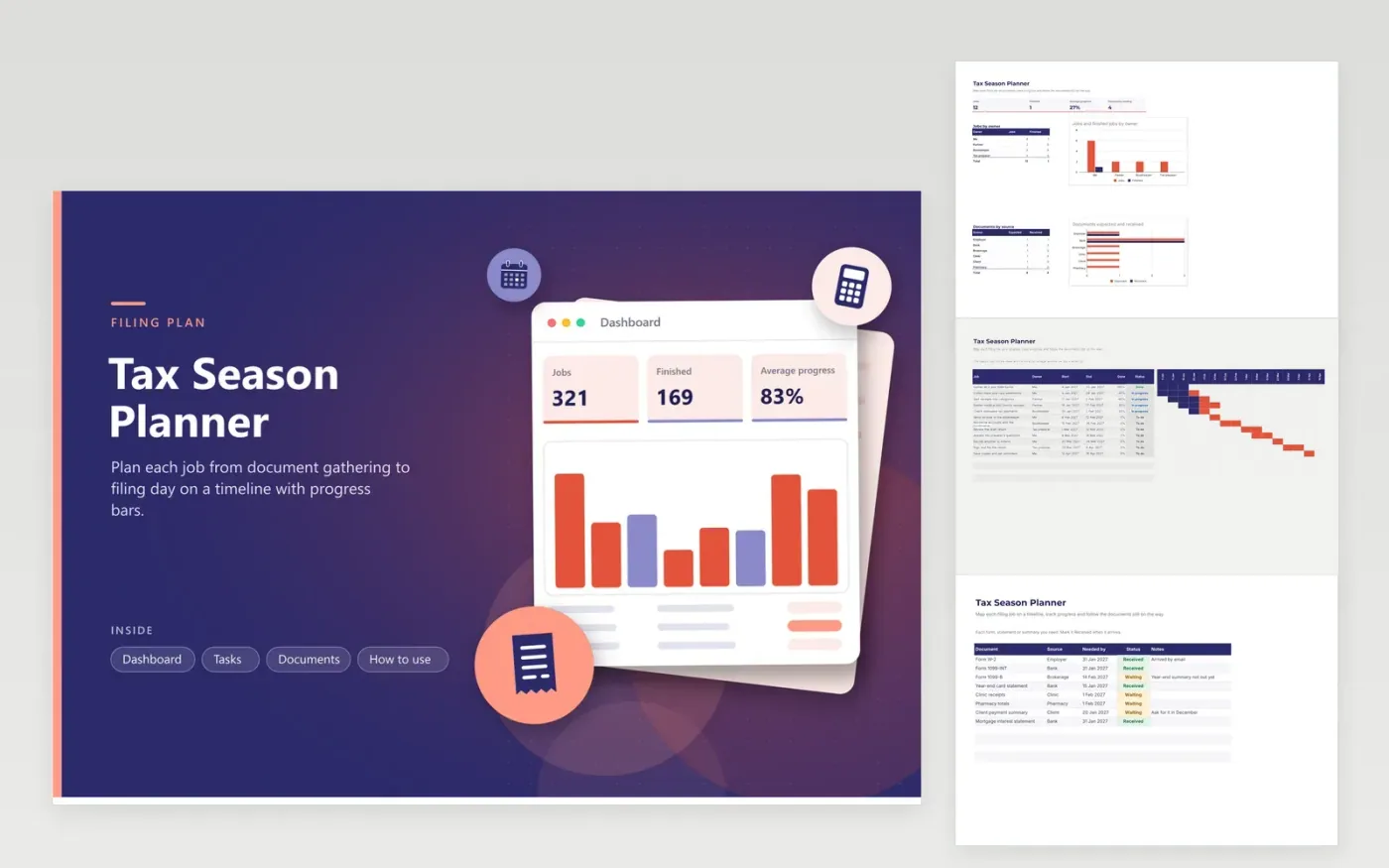
This planner is for individuals and small business owners who gather records, work with a bookkeeper or preparer and file a return each spring. The Tasks tab is a timeline of twelve jobs from January to April, each with an owner, start and end dates, a Done percentage and a status. The Documents tab lists forms and statements by source, and the Dashboard shows job counts, average progress and the documents still waiting.
Adjust the dates to fit your real deadlines and the people who help you, then update the Done column each week. Work down the Tasks tab from January, and insert a row for any form you expect that is not listed yet. The dates are a plan rather than a rule, so confirm the deadlines that apply to you with the IRS.
Click Make a copy in Google Sheets, then confirm on the Google page. The copy is saved to your own Google Drive.
Start on the Tasks tab: replace the sample rows with your own.
Keep the formula columns as they are; they fill in as you type.
Read the How to use tab for tips. For Excel, download the .xlsx file instead.
The answer varies with your circumstances and that year's rules, so this planner does not set one. Check the current IRS guidance or the notices you received, then type the date into the last job.
Change the Done percentage and status as each job moves on. The progress bars and the average figure on the Dashboard refresh by themselves, so you can spot what is behind without reading every row.
Yes. Save a copy, move the dates forward a year and set every Done value back to zero. Keep the documents list too, since the same sources usually send the same forms.
Docs + Word6 pages
FeaturedFree
Excel
FeaturedFree
Sheets + Excel9 tabs
Free
Sheets + Excel5 tabs
Free
Sheets + Excel5 tabs
Free
Sheets + Excel4 tabs
Free
Sheets + Excel4 tabs
Free
Sheets + Excel5 tabs
Free
Sheets + Excel6 tabs
Free
Sheets + Excel6 tabs
Free
Sheets + Excel4 tabs
Free
Sheets + Excel4 tabs
Free








