
Annual Report
Docs + Word6 pages
FeaturedFree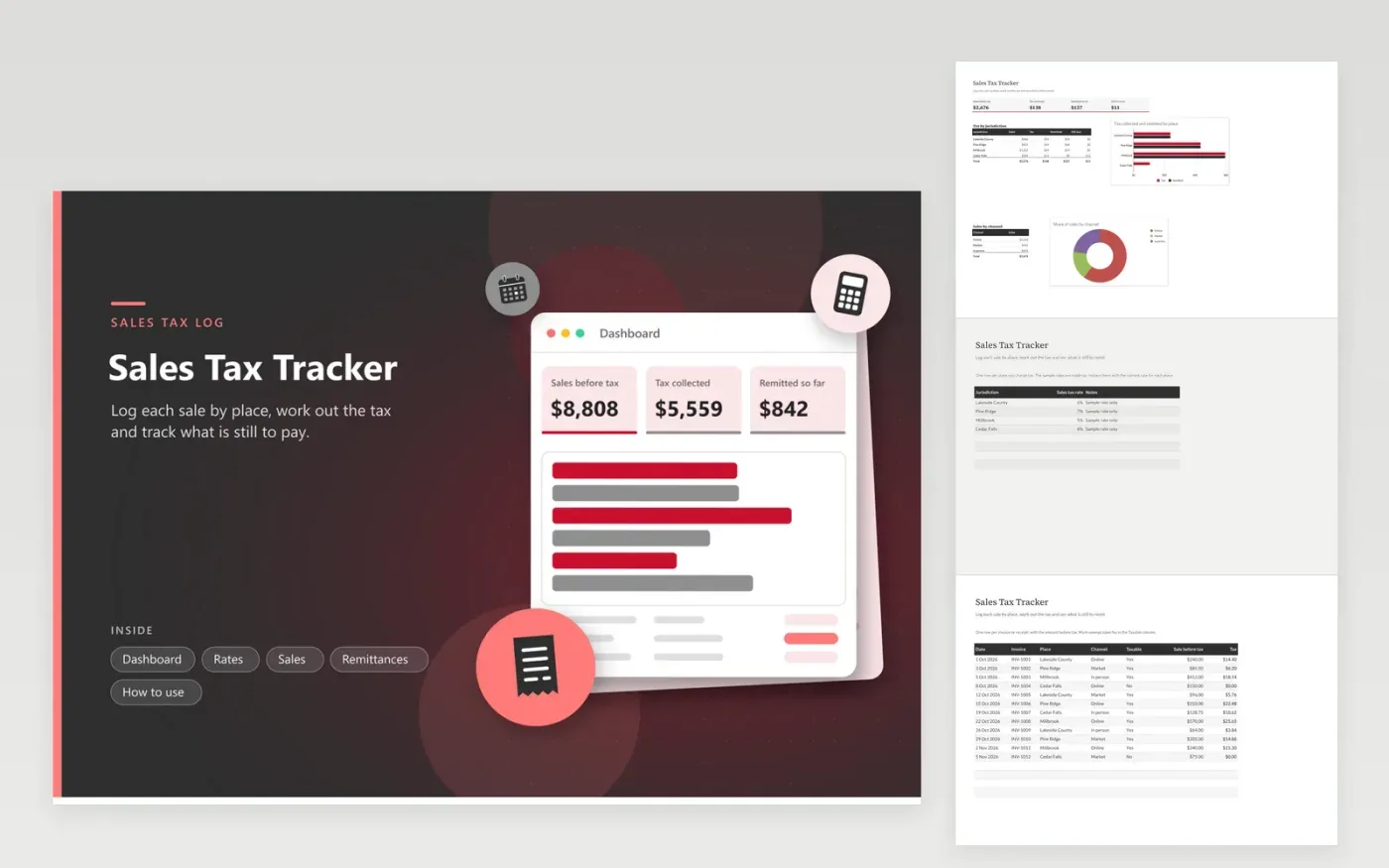
This tracker suits small sellers who charge sales tax in more than one place, from online shops to market stalls and in-person sales. The Rates tab holds the rate for each jurisdiction, the Sales tab works out the tax on each sale and marks exempt sales as No, and the Remittances tab records each payment. The Dashboard totals sales, tax collected and the amount still to remit, with charts of tax by place and sales by channel.
Update the Rates tab before you begin, using the rate for each place and filing period, since the sample rates here are invented. Log sales as they happen, and check the Dashboard total against your sales system before each filing. Keep the confirmation number on every remittance row so each payment is easy to trace.
Click Make a copy in Google Sheets, then confirm on the Google page. The copy is saved to your own Google Drive.
Start on the Rates tab: replace the sample rows with your own.
Keep the formula columns as they are; they fill in as you type.
Read the How to use tab for tips. For Excel, download the .xlsx file instead.
It multiplies the sale amount by the rate for that place, found on the Rates tab. If the Taxable column says No, the tax is zero. Change a rate there and every sale in that place updates to match.
Ask the tax office for each place where you sell, and look again each period, because rates can change. The rates in this file are invented for practice and must be replaced before you rely on any figure.
Add one row for each place and split the sale amount between them, so each part uses its own rate. Give both rows one invoice number, which makes them simple to pair up afterward.
Docs + Word6 pages
FeaturedFree
Excel
FeaturedFree
Sheets + Excel9 tabs
Free
Sheets + Excel5 tabs
Free
Sheets + Excel5 tabs
Free
Sheets + Excel4 tabs
Free
Sheets + Excel4 tabs
Free
Sheets + Excel5 tabs
Free
Sheets + Excel6 tabs
Free
Sheets + Excel4 tabs
Free
Sheets + Excel4 tabs
Free
Sheets + Excel5 tabs
Free








