
Access Card Request Letter
Docs + Word2 pages
Free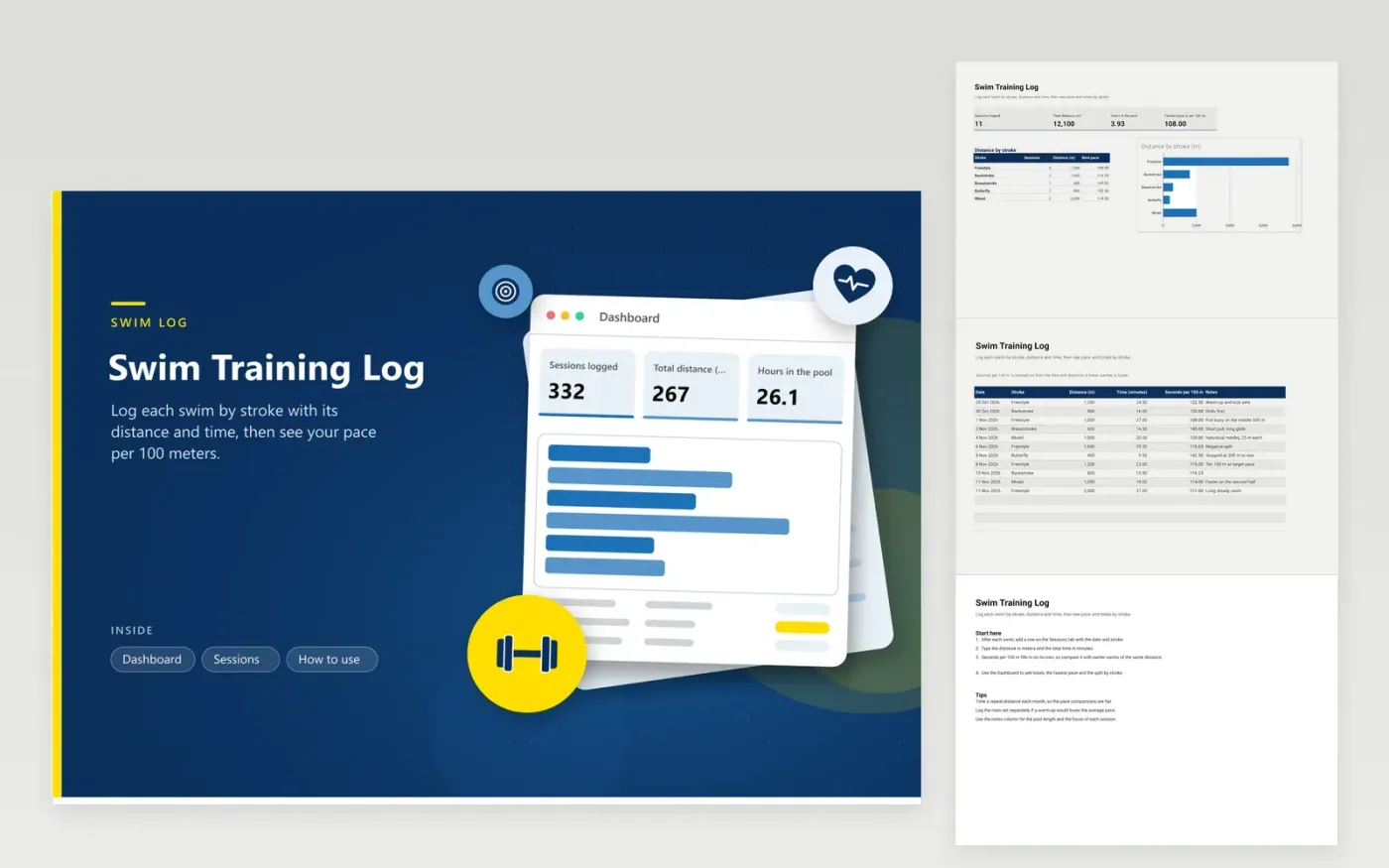
This log suits swimmers who train in a pool and want to track distance and speed by stroke. The Sessions tab records each swim as a line, with the date, stroke (freestyle, backstroke, breaststroke, butterfly or mixed), distance in meters, time in minutes, seconds per 100 meters and notes. The Dashboard sums your distance and time in the water, finds your fastest pace, and charts distance and best pace for each stroke.
Time a repeat distance every month, so seconds per 100 meters stay fair to compare across months. Enter the total time for the swim itself, not the rest between sets. Mixed sessions go under mixed. A warm-up lowers the average, so log the main set on its own row if you want a clean pace figure. Use the notes column for the pool length and the focus of each session.
Click Make a copy in Google Sheets, then confirm on the Google page. The copy is saved to your own Google Drive.
Start on the Sessions tab: replace the sample rows with your own.
Keep the formula columns as they are; they fill in as you type.
Read the How to use tab for tips. For Excel, download the .xlsx file instead.
It is the time it takes to swim 100 meters at your average pace in that session. A figure of 120 means two minutes per 100 meters, and lower numbers are faster. Formulas derive it from the time and distance you enter, so only those two values need typing.
Yes, if you want the weekly total to match the time you spent in the pool. For pace, log the main set separately, since easy warm-up lengths pull the average down. Add a note such as 'with warm-up', so you know what each figure includes.
Enter the distance in yards and change the distance header to show yards, and the pace becomes seconds per 100 yards. Stick to one unit throughout the log, or the Dashboard sums will not add up.
More Google Sheets templatesMore business operations templates
Docs + Word2 pages
Free
Docs + Word2 pages
Free
Docs + Word2 pages
Free
Sheets + Excel4 tabs
Free
Sheets + Excel4 tabs
Free
Sheets + Excel4 tabs
Free
Sheets + Excel4 tabs
Free
Sheets + Excel4 tabs
Free
Sheets + Excel4 tabs
Free
Sheets + Excel5 tabs
Free
Sheets + Excel5 tabs
Free
Sheets + Excel5 tabs
Free
Sheets + Excel4 tabs
Free
Sheets + Excel5 tabs
Free
Sheets + Excel4 tabs
Free










