
Access Card Request Letter
Docs + Word2 pages
Free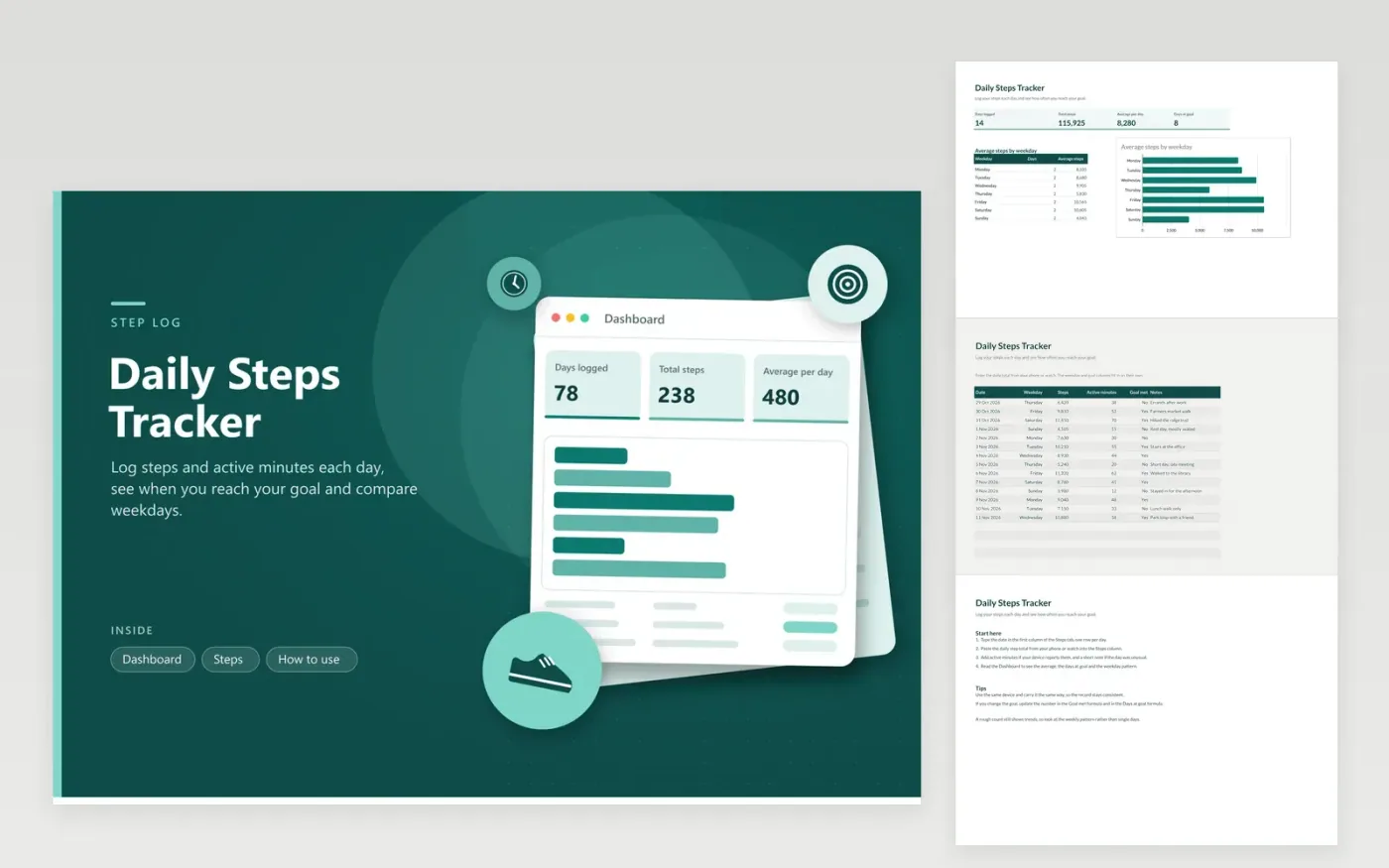
This sheet suits people who want a daily record of steps from a phone or watch. The Steps tab logs one day per line: the date, the weekday (worked out from the date), steps, active minutes, a Goal met column that reads Yes at 8,000 steps or more, and free text notes. The Dashboard totals steps, shows the average per day and the number of days at goal, and charts the average steps for each weekday.
Copy the daily total from your phone or watch app into the Steps column, since device totals are steadier than a count from memory. Keep the 8,000 goal unless your doctor suggests another figure. If you change it, update the number in the Goal met formula and in the Days at goal formula, or the counts will not agree. Use the weekday chart to see whether workdays or days off are the quiet ones.
Click Make a copy in Google Sheets, then confirm on the Google page. The copy is saved to your own Google Drive.
Start on the Steps tab: replace the sample rows with your own.
Keep the formula columns as they are; they fill in as you type.
Read the How to use tab for tips. For Excel, download the .xlsx file instead.
Copy the daily total from your phone's health app or your watch, then paste it into the Steps column on the matching date. Type the date first. The weekday and goal columns fill in on their own once the steps are entered.
Counts vary by device, and a phone in a pocket can miss some steps, such as pushing a stroller. Use the same device and carry it the same way to keep the record consistent. A rough count is still useful for spotting trends.
The 8,000 goal here is a sample. Research on daily steps finds benefits at many different levels, so choose a number that suits your life and health. With a health problem, ask your doctor which activity level is right for you.
More Google Sheets templatesMore business operations templates
Docs + Word2 pages
Free
Docs + Word2 pages
Free
Docs + Word2 pages
Free
Sheets + Excel4 tabs
Free
Sheets + Excel4 tabs
Free
Sheets + Excel4 tabs
Free
Sheets + Excel4 tabs
Free
Sheets + Excel4 tabs
Free
Sheets + Excel5 tabs
Free
Sheets + Excel5 tabs
Free
Sheets + Excel5 tabs
Free
Sheets + Excel4 tabs
Free
Sheets + Excel5 tabs
Free
Sheets + Excel4 tabs
Free
Sheets + Excel4 tabs
Free










