
Access Card Request Letter
Docs + Word2 pages
Free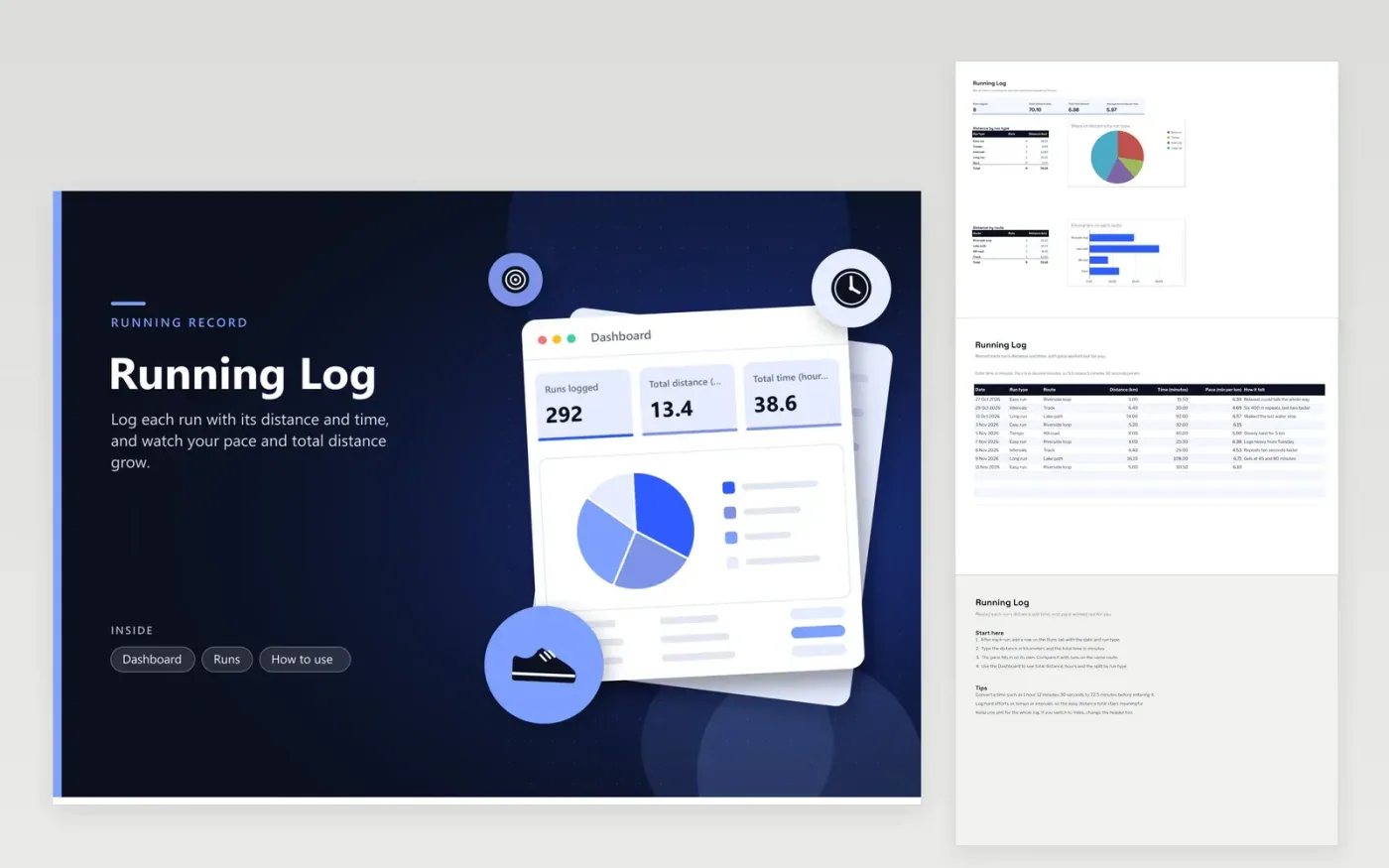
This log suits runners who want a simple record of every run. The Runs tab has one row per session, with its date, run type (easy, tempo, intervals, long run or race), route, distance in kilometers, time in minutes and pace. Pace is worked out from the time and distance. The Dashboard totals distance and hours, shows average pace, and charts distance by run type and by route.
Enter time in minutes rather than hours and minutes, so the pace formula works. A pace of 5.5 means 5 minutes 30 seconds per kilometer. Label each run honestly: a hard effort belongs under tempo or intervals, which keeps the easy distance total meaningful. Add a note on how each run felt, since those notes explain a pace that slows over several weeks.
Click Make a copy in Google Sheets, then confirm on the Google page. The copy is saved to your own Google Drive.
Start on the Runs tab: replace the sample rows with your own.
Keep the formula columns as they are; they fill in as you type.
Read the How to use tab for tips. For Excel, download the .xlsx file instead.
Multiply the hours by 60, then add the minutes and the seconds divided by 60. For example, 1 hour 12 minutes 30 seconds is 72.5 minutes. Most watch and app exports show a time you can convert this way in seconds.
Spreadsheets handle decimals more easily than minutes and seconds. A pace of 6.25 means 6 minutes 15 seconds per kilometer, because 0.25 of a minute is 15 seconds. Compare runs using the same figure.
Yes. Enter miles in the distance column and rename the header to match, and the pace becomes minutes per mile. Keep one unit for the whole log, so the totals on the Dashboard add up correctly.
More Google Sheets templatesMore business operations templates
Docs + Word2 pages
Free
Docs + Word2 pages
Free
Docs + Word2 pages
Free
Sheets + Excel4 tabs
Free
Sheets + Excel4 tabs
Free
Sheets + Excel4 tabs
Free
Sheets + Excel4 tabs
Free
Sheets + Excel4 tabs
Free
Sheets + Excel4 tabs
Free
Sheets + Excel5 tabs
Free
Sheets + Excel5 tabs
Free
Sheets + Excel5 tabs
Free
Sheets + Excel5 tabs
Free
Sheets + Excel4 tabs
Free
Sheets + Excel4 tabs
Free










